The top Figma to Frontend tools in 2026 are Locofy, Anima, Builder.io, Figma Dev Mode, and Framer. Each one turns a Figma design into working code, but they differ in how clean, scalable, and production-ready that code actually is.
What Figma to Frontend Really Means for Your Business
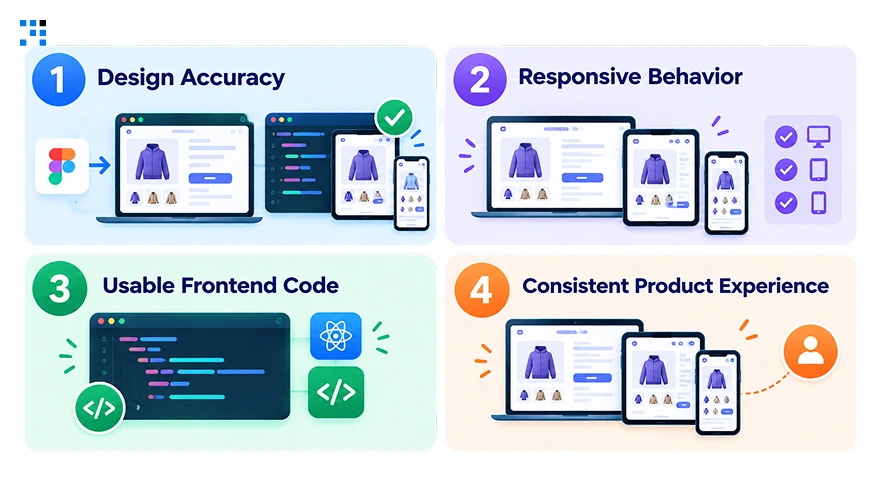
1. Design Accuracy
The frontend should carry over the spacing, typography, colors, components,
and visual hierarchy defined in Figma.
Small differences can change how a page feels,
especially across important product screens and conversion-focused pages.
2. Responsive Behavior
A Figma file represents specific layouts,
but a real frontend must respond to different screen sizes.
Good Figma to frontend workflows account for
responsive behavior rather than simply reproducing one fixed desktop layout.
3. Usable Frontend Code
Generated code still needs to fit the application’s architecture.
Components, styling, assets, routing, and interactions should work
with the existing frontend rather than becoming isolated code
that developers later have to rebuild.
4. Consistent Product Experience
Design consistency matters across every screen.
Reusable components and shared design rules help prevent buttons, forms, navigation,
and other interface elements from slowly drifting away from the original product design.
For businesses figuring out their broader tech stack alongside frontend decisions,
it’s worth exploring Top Figma alternatives as part of the same conversation.
What to Look For in a Figma to Frontend Tool
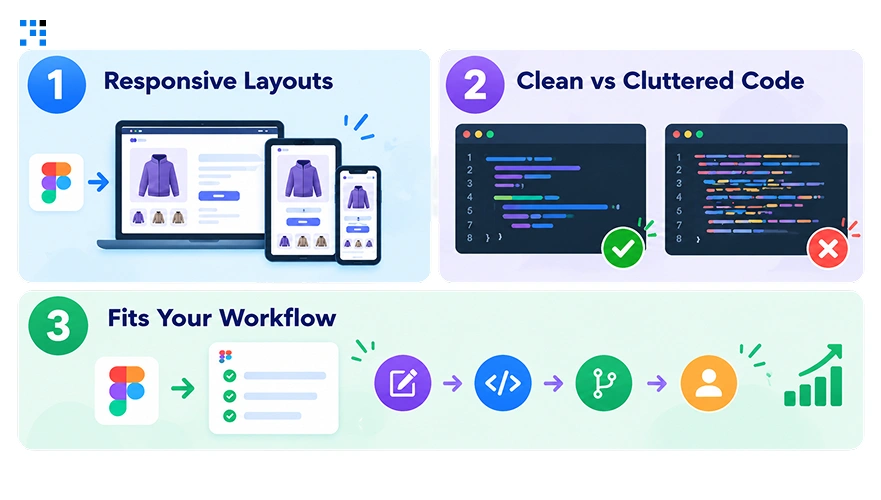
1. Responsive Layouts
Not every Figma to Frontend tool preserves responsive design well.
Broken layouts frustrate users on mobile devices immediately.
It directly affects conversion and retention rates.
A design that looks great on desktop can fail on phones.
Testing across devices before launch protects real revenue.
2. Clean vs Cluttered Code
Some tools generate messy, bloated code behind the scenes.
Resulting in your site’s performance slowing down noticeably over time.
Clean output keeps pages fast and search-friendly for users.
Cluttered code also makes future updates slower and more expensive.
3. Fits Your Workflow
The best Figma to Frontend tools connect with your existing systems smoothly.
This includes design libraries and development pipelines already in use.
Good integration protects long-term maintainability as your team grows.
A tool that fights your existing workflow creates friction daily.
Choosing for fit, not just features, pays off later.
Top 5 Figma to Frontend Tools in 2026
1. Locofy
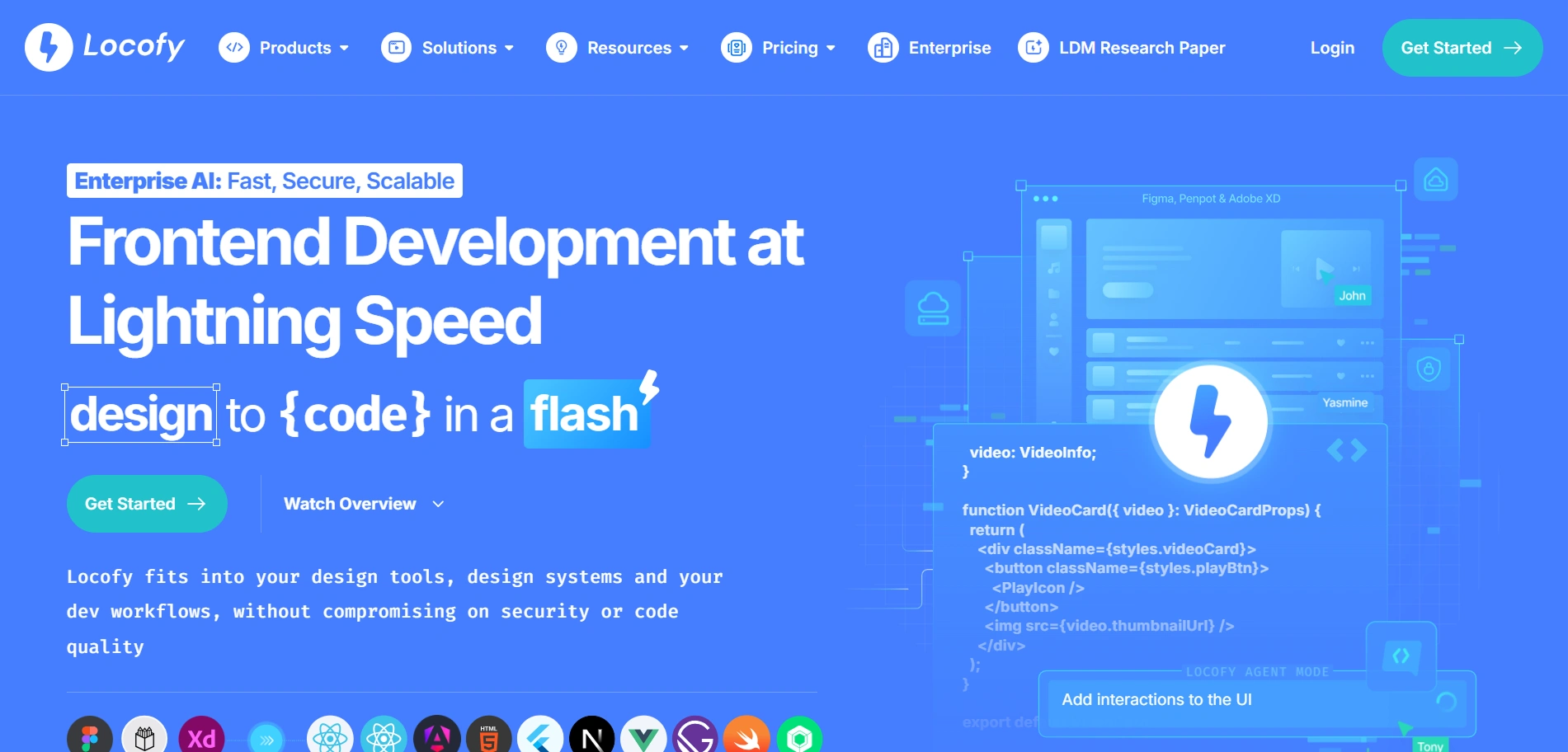
Locofy converts Figma designs into React and Tailwind code automatically.
It reads your design structure and builds reusable components without manual coding.
SaaS founders use this to launch product interfaces in days, not weeks.
If your team already builds in React, this cuts development time dramatically.
It’s the strongest choice when speed and code quality both matter equally.
2. Anima
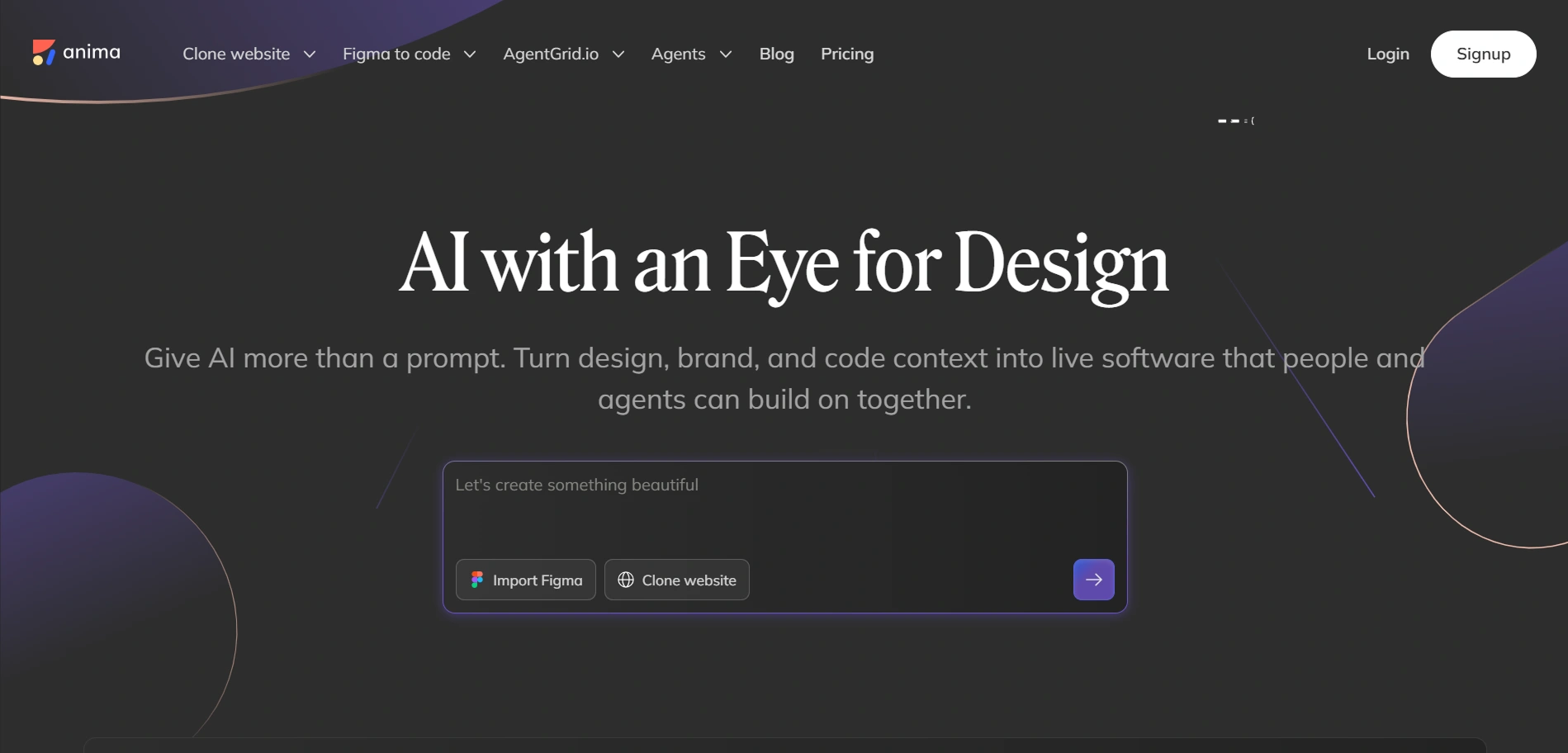
Anima focuses on matching your design exactly, down to animations and micro-interactions.
This matters most for consumer apps where first impressions drive downloads.
Businesses in fashion, wellness, or lifestyle products often choose Anima for this reason.
It keeps the polish designers worked hard on fully intact.
When your product’s look is a competitive advantage, this protects that investment.
3. Builder.io
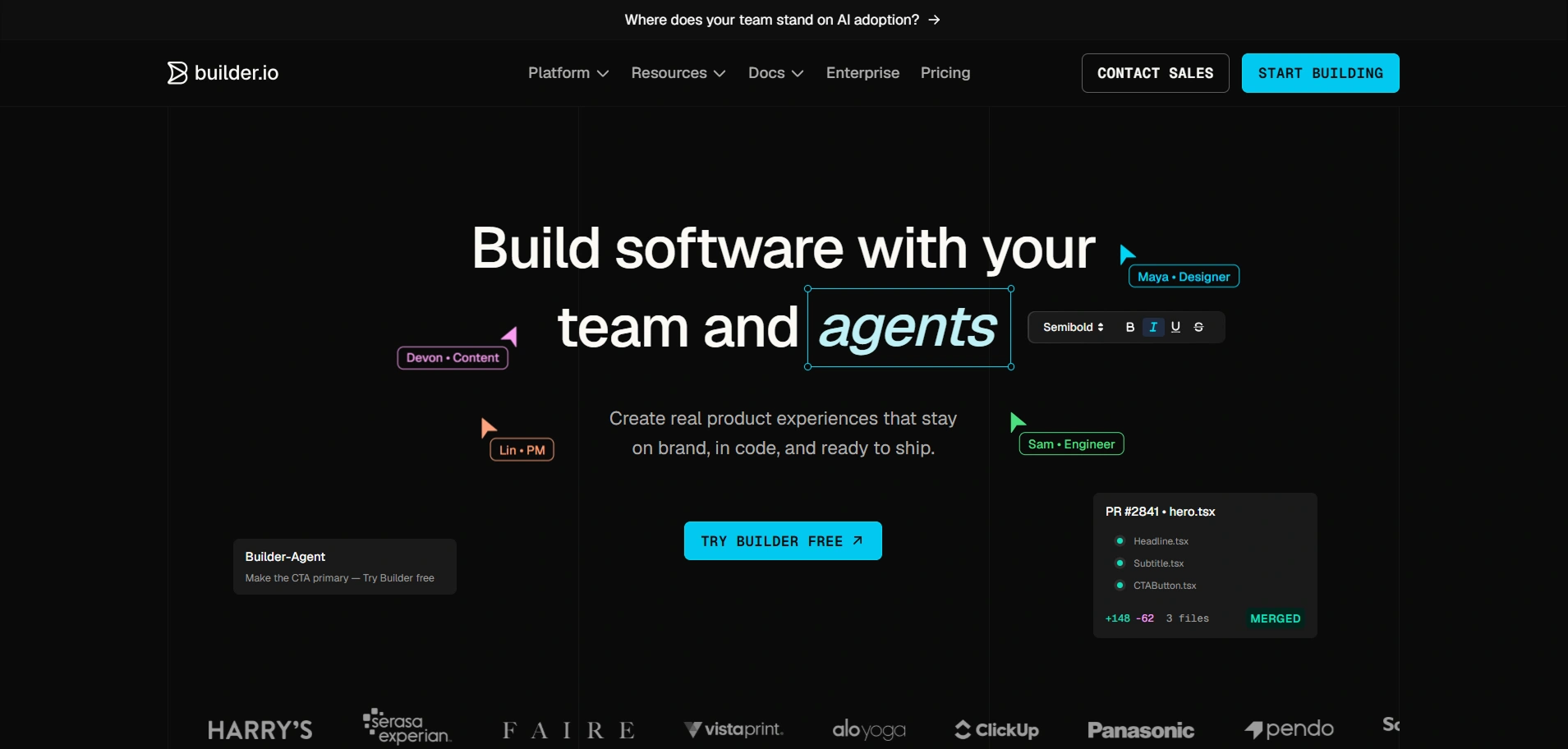
Builder.io uses AI to map new designs onto your existing components and systems.
This means large teams don’t rebuild from scratch every single time.
Enterprises with established design systems save significant engineering hours this way.
It’s particularly useful when multiple teams are shipping features in parallel.
Businesses managing complex products at scale benefit most from this approach.
4. Figma Dev Mode
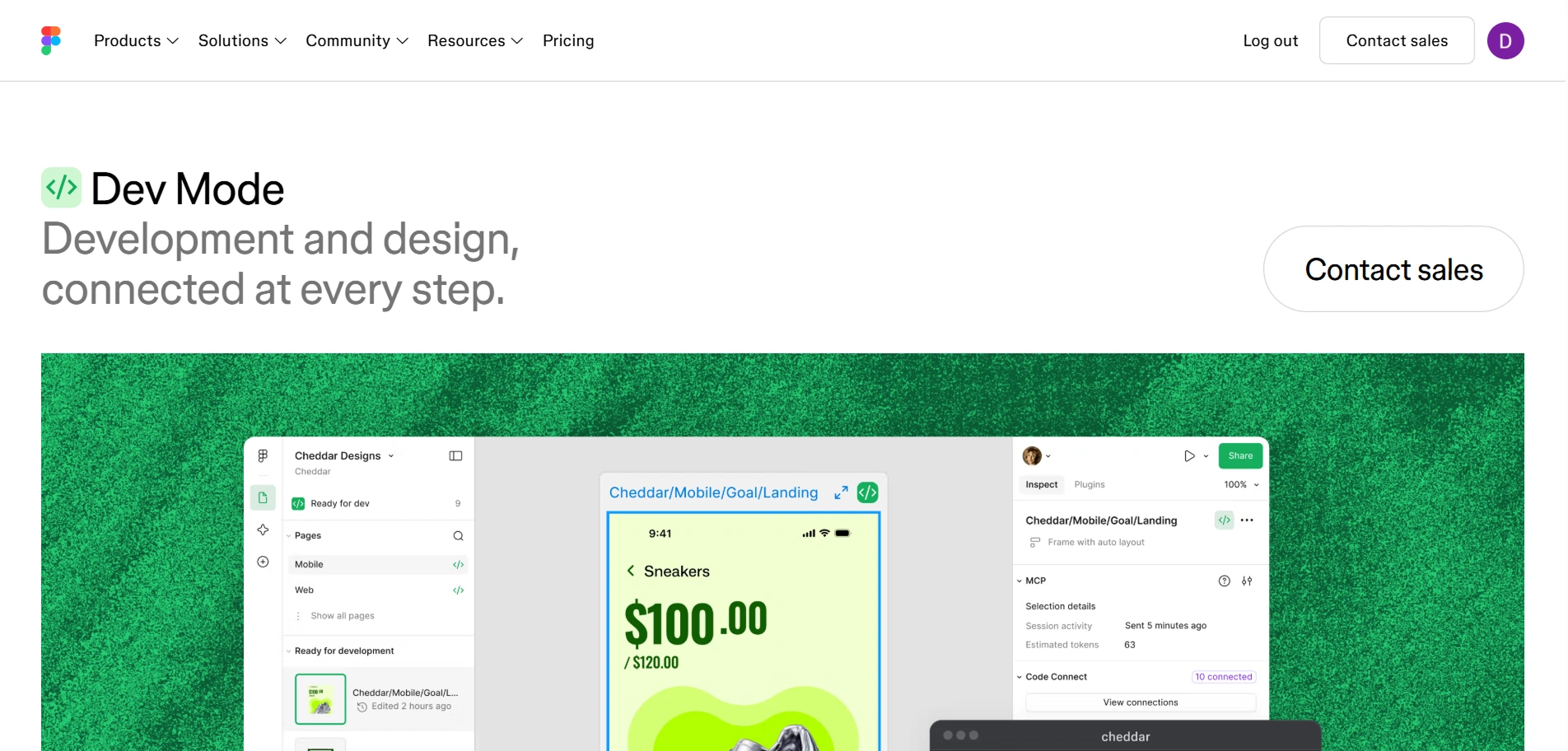
Figma’s built-in Dev Mode gives instant code snippets without leaving the design file.
This works well for early-stage startups without a large dedicated dev team yet.
It’s not fully production-ready, but it removes early friction and guesswork.
Small teams use this to move fast during the MVP stage.
As the product matures, teams typically layer in more refinement later.
5. Framer
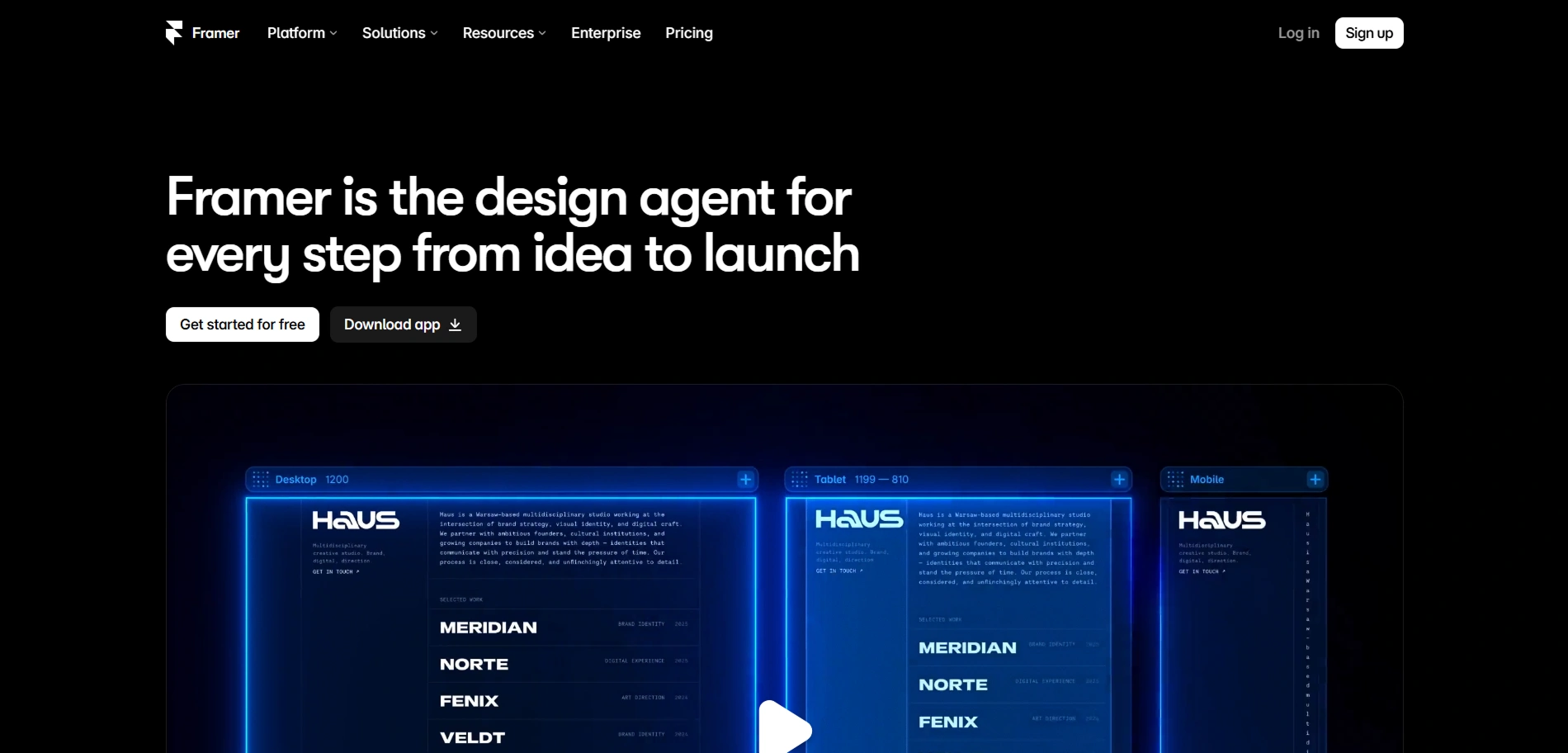
Framer turns a Figma design into a live, hosted website almost instantly.
This suits businesses launching marketing sites, campaigns, or product landing pages.
Speed matters more here than deep custom functionality.
Founders testing a new offer or running a time-sensitive launch benefit most.
It removes the wait between finishing a design and having something live.
Businesses weighing frontend frameworks alongside design tools may also
find it useful to compare SwiftUI vs UIKit if mobile is part of the roadmap.
Figma to Frontend Tools Comparison for Decision-Makers
| Tool | Best For | Design Accuracy | Launch Speed | Long-Term Fit |
|---|---|---|---|---|
| Locofy | SaaS products, web apps | Excellent | Fast | Strong for scaling teams |
| Anima | Visual-heavy products | Excellent | Moderate | Good for polished launches |
| Builder.io | Enterprise, large teams | Good | Moderate | Best for existing systems |
| Figma Dev Mode | Small teams, MVPs | Good | Fast | Needs developer refinement |
| Framer | Marketing sites | Very good | Very fast | Best for quick campaigns |
How We Help You Move From Figma to Frontend
1. Right Tool Fit
We evaluate your product type before recommending any tool.
A SaaS dashboard and a marketing site need completely different approaches.
Getting this wrong early leads to expensive rework later.
We make this call based on your actual goals, not trends.
This single decision often determines your entire project’s timeline and cost.
2. Clean Code Always
Generated code rarely ships as-is without review.
We go through it line by line before launch.
This step removes clutter that slows down performance later.
Skipping this stage is where many businesses get burned.
Clean code here means fewer bugs and lower maintenance costs down the road.
3. Speed Without Shortcuts
Launch deadlines are real, but so is long-term reliability.
Rushed launches often create problems that resurface months later.
Our process protects both your timeline and your product’s stability.
Founders get speed without inheriting a fragile foundation underneath.
4. Built for Growth
Your first version won’t be your last version.
We build frontends that support new features without a full rebuild.
This protects your original investment as the product evolves.
Businesses that skip this step often pay for it during their next update.
Planning ahead here saves real money later.
5. One Team
Design and development often break down between separate teams and handoffs.
This avoids the miscommunication that causes costly delays.
Founders get one point of accountability instead of managing two vendors.
The result is a smoother process from first sketch to final launch.
FAQs
It depends on what you’re building, a SaaS app, a marketing site, or an enterprise tool all have different needs. We assess your product goals first, then match the right tool instead of forcing one option.
Not always straight out of the box. Most tools get you 80 to 90 percent there, but refinement is usually needed for production quality. We handle that final cleanup so nothing ships half-finished.
For serious products, yes, since free tiers often limit exports or code quality. We help clients weigh this cost against the time saved on manual fixes.
Some can, but it depends on how the initial code is structured. We build with scalability in mind so your frontend doesn’t need a rebuild every few months.
In most cases, yes, especially for anything beyond a simple landing page. We act as that developer layer, so the tool’s output becomes something you can confidently launch.
