What if you could skip Canva templates entirely?
That is exactly what Gamma promises, so we put both tools side by side on speed, ease of use and automation to find out which one saves you more time.
Before tools like Gamma, creating visuals was still time-consuming, even with Canva.
You pick a template, then keep changing fonts, colors, and layouts again and again. It takes time. Most AI image generation tools also feel confusing for daily use.
Businesses needed faster, smarter AI design tools for business, which is why many started looking for better Canva alternatives like Gamma.
Why Creating Simple Designs Still Feels Complicated?
We work with businesses every day, and one thing is clear: Even in 2026, creating “simple” designs is not as easy as it sounds.
Tools like Canva have definitely made graphic design more accessible. But let’s be honest, it’s still not effortless. Most teams still:
- Spend hours adjusting templates.
- Struggle with layout, colors, and spacing.
- Depend on trial-and-error to get the right look.
Even with modern AI tools for graphic design, the experience is often fragmented. You might use one tool for images, another for text, and another for layouts.
This creates confusion, especially for teams looking for no design skill AI tools.
From a business perspective, this is a real problem. Companies today don’t want to “design.” They want:
- Fast content creation.
- Automated workflows.
- Scalable visual production.
This is why the demand for AI image generation tools and AI design tools for business is growing rapidly & why people are actively searching for Canva competitors.
So the real question is: Can a tool like Gamma finally remove the need to design at all?
What Is Gamma AI?
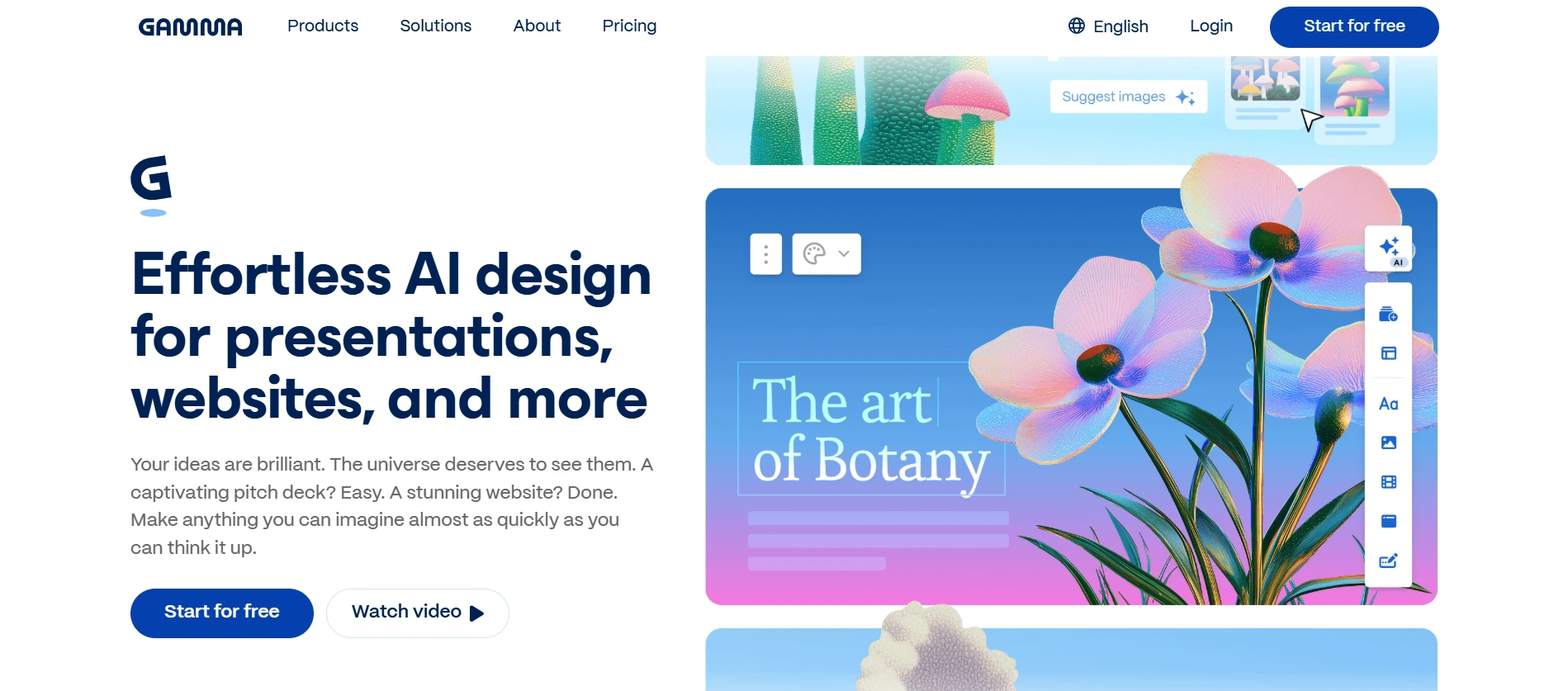
We closely track emerging AI content creation tools, and Gamma is one of the most exciting platforms right now.
The Gamma AI image generator is not just another design tool; it’s a completely different approach. Instead of:
- Dragging elements.
- Editing templates.
- Manually adjusting designs.
Gamma works on a simple idea:
Prompt → Full Design
You just describe what you want, and the tool generates:
- Images.
- Presentations.
- Marketing visuals.
- Social media creatives.
This makes it one of the most powerful AI tools for marketing visuals available today.
Fast-growing teams also need better communication, explore top Slack competitors for faster team collaboration.
Why is everyone calling Gamma AI a Canva Alternative?
Businesses are already using Gamma for:
- Social media posts.
- Pitch decks and presentations.
- Marketing banners and ads.
- Content for websites and blogs.
Gamma focuses on speed and automation, which is why it’s gaining attention as a strong Canva alternative.
Why Gamma Is Trending?
From our experience working with startups and enterprises, the reason is simple:
- It reduces design time drastically.
- It removes the need for design skills.
- It acts as an all-in-one AI design platform.
That’s why more businesses are exploring Gamma as one of the top AI design tools for business.
How Do We Help You to Scale with AI Designs?
- We help businesses automate design workflow using AI, reducing dependency on manual design and improving productivity.
- Our team builds customized systems using AI image generation tools for marketing teams to scale content creation quickly.
- We focus on implementing no design skill AI tools so non-designers can create professional visuals easily.
- Our designers use AI design tools for businesses that align with your goals, industry, and marketing strategy.
- We ensure you use the best scalable design tools to grow your brand without slowing down content production.
Want to Build AI Design Automation Tools for Your Business?
Gamma vs Canva: Which Tool Actually Saves You Time?
We often help clients choose the right tools. So let’s compare Gamma vs Canva in a practical way.
1. Ease of Use
- Gamma: Fully prompt-based. You just describe what you want, & it generates designs automatically. Perfect for those looking for no design skill AI tools.
- Canva: Drag-and-drop interface. Easy to start, but still requires manual effort.
🏆 Winner: Gamma (for simplicity)
2. Speed of Creation
- Gamma: Generates complete visuals instantly. Ideal for businesses needing fast output.
- Canva: Requires manual adjustments, which takes time.
🏆 Winner: Gamma (for speed)
3. Customization & Control
- Canva: Offers detailed editing, branding tools, and flexibility.
- Gamma: Limited customization but improving quickly.
🏆 Winner: Canva (for control)
4. AI Capabilities
- Gamma: Built as an AI-first platform. Everything revolves around automation.
- Canva: AI is an add-on, not the core experience.
🏆 Winner: Gamma (AI-first approach)
Then, Gamma is emerging as one of the best Canva alternatives for AI image generation and even among AI tools better than Canva for certain use cases.
How Gamma Simplifies AI Image Creation for Businesses?
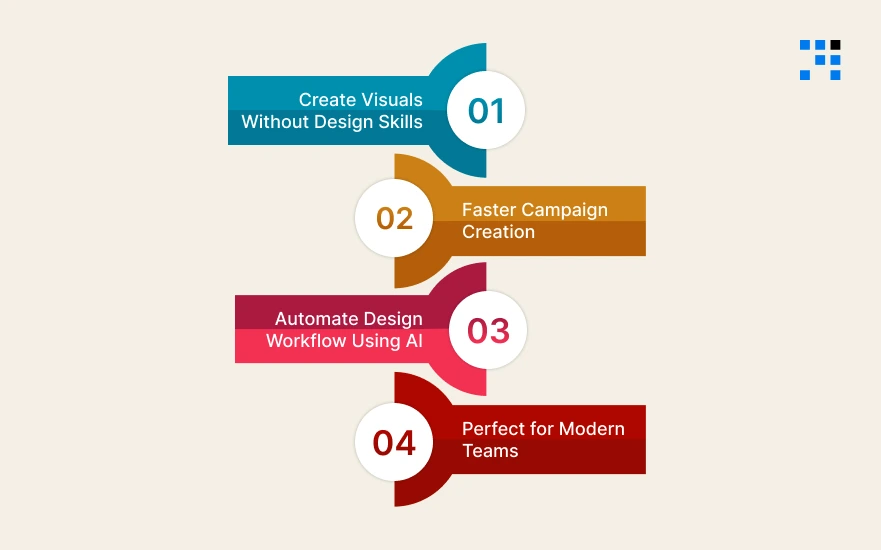
From our experience, Gamma is a productivity booster.
1. Create Visuals Without Design Skills
Gamma allows anyone to generate:
- Graphics.
- Presentations.
- Marketing content.
This makes it one of the most powerful AI design tools for startups and small teams.
2. Faster Campaign Creation
With Gamma, businesses can:
- Launch campaigns quickly.
- Create multiple visuals in minutes.
- Reduce dependency on designers.
This is why it’s becoming popular among AI image generation tools for marketing teams.
3. Automate Design Workflow Using AI
One of the biggest advantages is automation. Instead of:
- Designing manually.
- Editing repeatedly.
You can automate design workflow using AI and focus on strategy instead.
4. Perfect for Modern Teams
Gamma works best for:
- Startups need fast content.
- Marketing teams scaling campaigns.
- Agencies managing multiple clients.
These teams are actively adopting AI design tools for business to stay competitive.
eCommerce brands can combine AI design tools with Shopify Theme Customization to improve their visual identity.
Gamma or Canva: Which One Should You Choose for Your Business?
Are you wondering, “Which tool should I use: Gamma or Canva?”
The answer depends on your business needs, team skills, and how fast you want to create content.
Choose Gamma if:
- You Want Fast, Automated Design: Gamma is built for speed. It’s one of the best AI design tools for business to generate visuals quickly.
- You Don’t Have Design Skills: If your team is not experienced in design, Gamma works as a perfect no design skill AI tool. You just give prompts.
- You Need AI-Powered Content Generation: Gamma fits perfectly into modern workflows using AI-powered visual content tools.
- You Want Scalable Content Creation: For startups and growing companies, Gamma acts as one of the most effective scalable design tools for marketing teams.
Choose Canva if:
- You Need Precise Design Control: Canva gives you full flexibility to adjust & it’s still one of the strongest AI tools for graphic design when control matters.
- You Work on Branding-Heavy Projects: If your business depends on brand consistency & detailed visual identity, then Canva is a better fit among AI design tools for business.
Use Gamma for speed, automation, and scaling content. Use Canva for detailed design and branding.
The smartest businesses today are combining both as part of their AI design tools for business strategy.
Choosing the right tool is always strategic, just like choosing between Angular vs React for your business needs.
How to Use AI Design Tools to Scale Content Creation Faster?
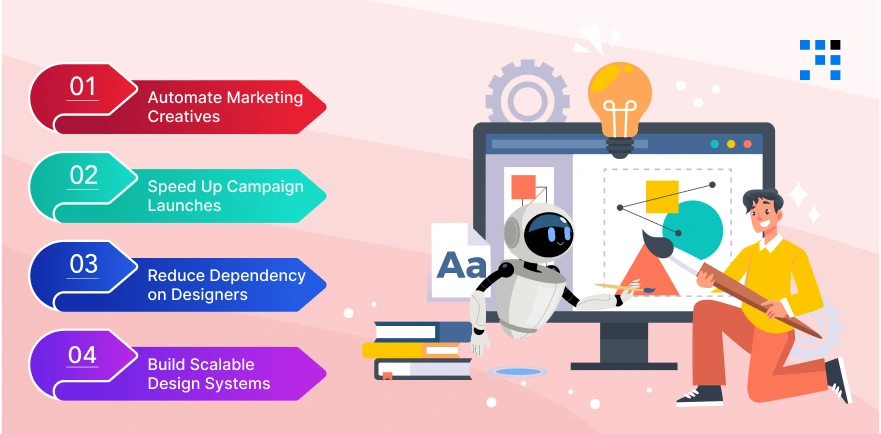
We help businesses choose tools & use them effectively. Here’s how you can use AI design tools for business to grow faster.
1. Automate Marketing Creatives
Instead of manually designing every post, use:
- AI image generation tools for marketing teams.
- Automated visual creation platforms.
This helps you:
- Create content daily.
- Maintain consistency.
- Save time.
2. Speed Up Campaign Launches
With tools like Gamma, you can:
- Generate campaign visuals instantly.
- Test multiple creatives quickly.
- Launch faster than competitors.
This is where AI design automation tools for businesses create a real advantage.
3. Reduce Dependency on Designers
Hiring and managing design teams can slow things down. With AI tools for client content creation, you can:
- Help marketing teams.
- Reduce back-and-forth.
- Improve productivity.
4. Build Scalable Design Systems
The real power comes when you combine tools into workflows. We recommend businesses adopt:
- Scalable design tools.
- Integrated AI systems.
- Automated pipelines.
If you want to implement AI design workflows the right way, we can help you:
- Choose the right AI design tools for business.
- Build automated content systems.
- Create scalable design workflows according to your needs.
Want to Create Designs Using AI?
Can Gamma Really Simplify AI Image Creation Better Than Canva?
Gamma: Speed + Simplicity
- Best for automation.
- Ideal for non-designers.
- Perfect for fast content creation.
Canva: Control + Flexibility
- Best for detailed design.
- Strong for branding.
- Great for creative professionals.
Gamma is emerging as one of the best Canva alternatives for AI image generation, especially for businesses that want speed and automation.
But Canva still holds strong when it comes to creative control.
FAQs
- Gamma AI is an advanced AI image generation tool that creates visuals, presentations, and marketing content from simple text prompts.
- It follows a “prompt-to-design” approach, making it one of the easiest AI content creation tools for businesses.
- Gamma is emerging as a strong Canva alternative, especially for businesses that want fast and automated content creation.
- While Canva offers more control, Gamma focuses on speed and simplicity, making it ideal for non-designers.
- Some of the best AI image generation tools for marketing teams include Gamma, Canva AI features, & other AI-powered visual content tools.
- Gamma stands out for automation, while Canva is better for detailed customization.
- Yes, Gamma is one of the top no design skill AI tools.
- You simply describe what you need, and it generates complete visuals, making it perfect for beginners and business teams.