Grocery delivery app development means building an app that lets customers order groceries online while the store manages stock, picking, payments, and delivery. It starts by choosing your business model, then building features around how your store fills orders.
Are your customers waiting for your store to go online,
or ordering from stores that already have an app?
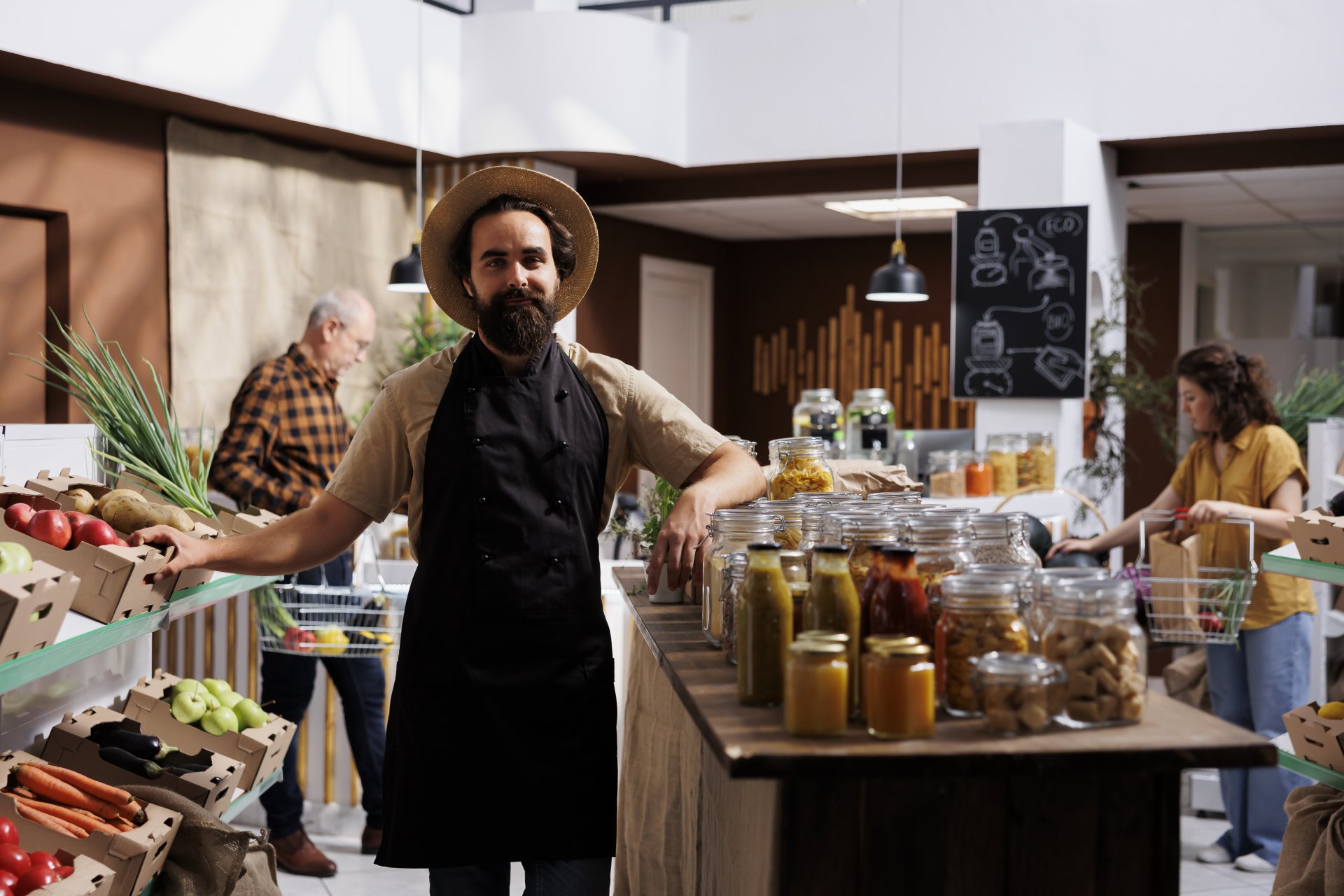
It’s 7 PM on a Tuesday.
The owner stands at his billing counter.
The store feels quieter than last month.
He blames the weather.
Across town, a regular customer runs out of milk and eggs.
Walking to the store feels like too much tonight.
Her thumb opens a delivery app instead.
Two minutes to fill the basket.
Twenty-five minutes to reach her door.
It came from a store half his size.
Back at the counter, he checks the day’s sales.
Down again.
He never sees the order he lost.
He just wonders where his customers went.
Why Grocery Delivery App Development Matters in 2026
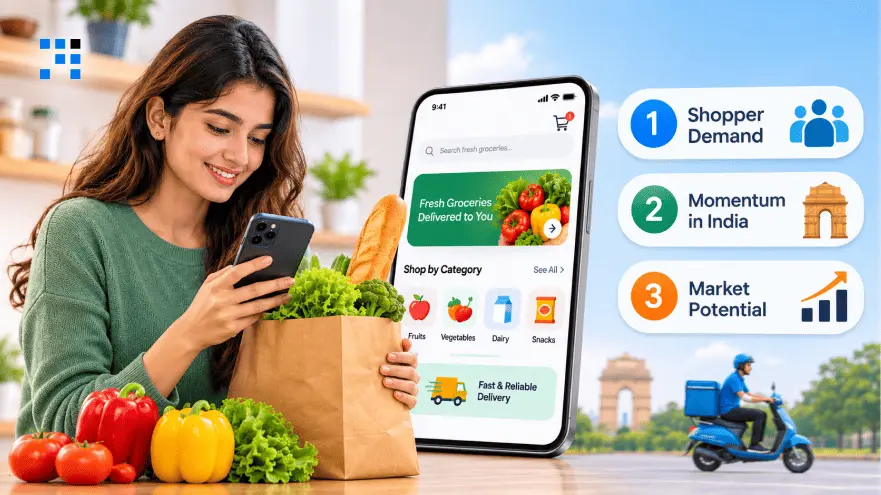
1. Shopper Demand
US online grocery sales grew 20.7 percent in Q3 2026.
That is a record 20.9 percent of all grocery spending.
Nearly 64 percent of American households ordered groceries online in September.
Shoppers who cannot order from you will order from someone else.
2. Momentum in India
India’s online retail will cross $90 billion in 2026.
Grocery now takes about 19 percent of it and passes mobiles.
Quick commerce doubled again to roughly $9 billion in the first half.
Your customers now expect that speed from local stores too.
3. Market Potential
Online grocery is still only about 2 percent of India’s total grocery retail.
Quick commerce serves around 70 percent of those online orders.
Almost all grocery spending still happens in physical stores.
Chains that launch now can own that shift early.
Which Business Model Suits Your Grocery Delivery App
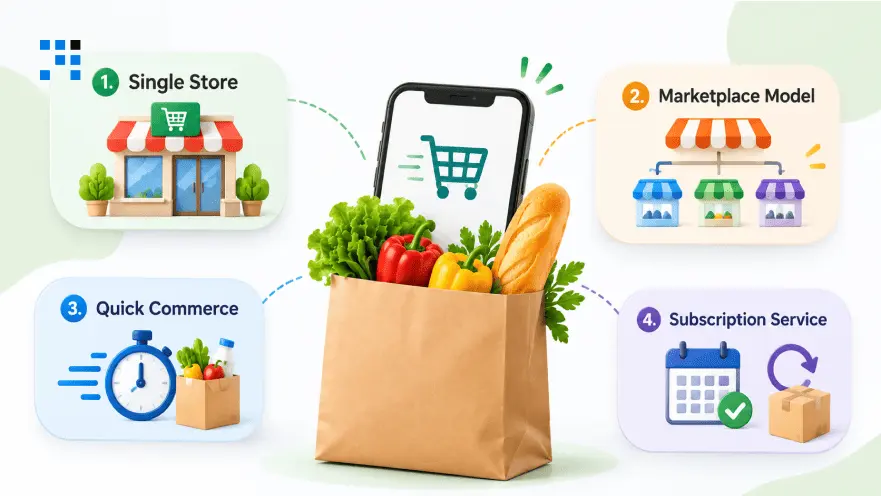
1. Single Store
The business runs the catalog and prices from its own store.
This suits supermarkets and local chains that want to start small.
Every order stays with the retailer instead of a big platform.
Shoppers learn the store’s brand name and not somebody else’s.
2. Marketplace Model
Multiple retailers sell through one shared app owned by the business.
Each seller needs onboarding and their own catalog.
The platform also sets the commission and handles payouts.
Pick this only when the goal is to host other sellers.
3. Quick Commerce
Orders are packed from small stores close to customers.
Delivery windows are tiny, so every minute counts.
Stock placement and picking speed decide whether the business wins.
Weak planning shows up fast as late and warm orders.
4. Subscription Service
Customers schedule weekly baskets of milk and rice.
You plan stock and routes with far less guesswork.
Missing items still need a clear replacement process.
Pick this if your shoppers buy the same staples every week.
What Features Does Grocery App Development Need
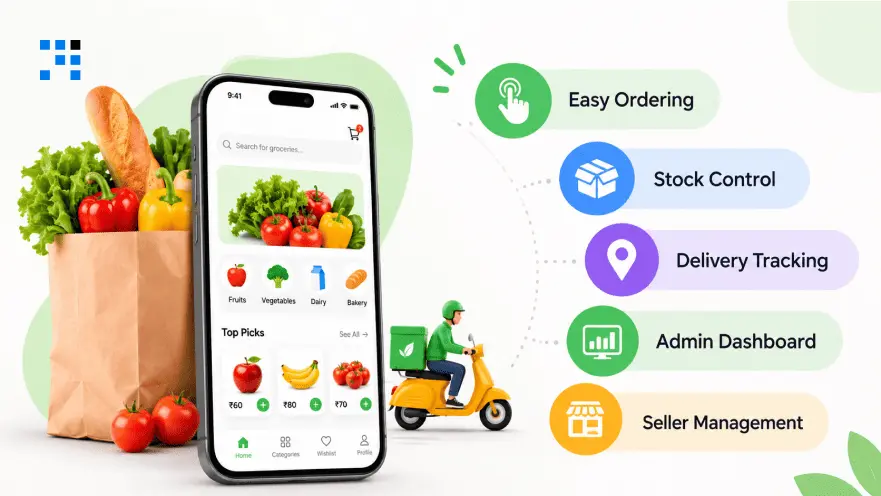
1. Easy Ordering
Shoppers search products and browse categories in a few taps.
They pick a delivery slot and pay in one flow.
Live tracking tells them when the order will arrive.
Order history lets them reorder the usual basket quickly.
2. Stock Control
Your staff updates catalog and stock from one screen.
Pickers get a list and mark what they find.
They can suggest a replacement when a shelf runs empty.
Refunds and status changes happen in the same place.
3. Delivery Tracking
Riders see their orders and the best route.
They update status at every step so customers stay informed.
A photo or signature ends doorstep arguments.
Failed deliveries get logged with a clear reason.
4. Admin Dashboard
Owners manage users, stores, delivery zones, and daily orders here.
Promotions and refunds sit right next to access controls.
Reports show what sells and what runs late.
Those numbers tell you where money is leaking.
5. Seller Management
Add these only if you plan to host other sellers.
Sellers need their own dashboards and stock views.
You will also need commission settings and payout reports.
Dispute handling should be ready before the first seller joins.
Technology Stack for Grocery Delivery App Development
| Technology Layer | Options | Purpose |
|---|---|---|
| Customer and rider apps | Flutter or React Native | Ordering and delivery |
| Admin and store panel | React, Next.js, Angular | Catalog and orders |
| Backend | Node.js, NestJS, Java, .NET | Business logic and APIs |
| Database | PostgreSQL, MySQL, Redis | Orders and live stock |
| Payments | Stripe or Razorpay | Payments and refunds |
| Maps | Google Maps Platform | Routes and tracking |
| Notifications | Firebase Cloud Messaging | Order alerts |
Pick tools that match how your orders flow.
Your database matters most because stock changes every second.
Planning for peak hours avoids crashes on busy Sundays.
How Much Does It Cost to Build a Grocery Delivery App
Store count, stock management, and delivery needs affect the cost.
Timelines depend on setup, testing, and required features.
| Project Scope | What Is Included | Cost Range | Timeline |
|---|---|---|---|
| MVP | Customer ordering, product catalog, basic inventory, checkout, order management, essential payment and store integrations |
15,000–30,000 | 3–4 months |
| Multi-Store | Multiple store panels, seller management, live order tracking, commissions, and payment settlements | 30,000–70,000 | 4–6 months |
| Advanced | Multi-location inventory synchronization, smarter dispatch, recurring orders, and complex integrations | 70,000–150,000+ | 6–9+ months |
What Are the Common Mistakes in Grocery App Development
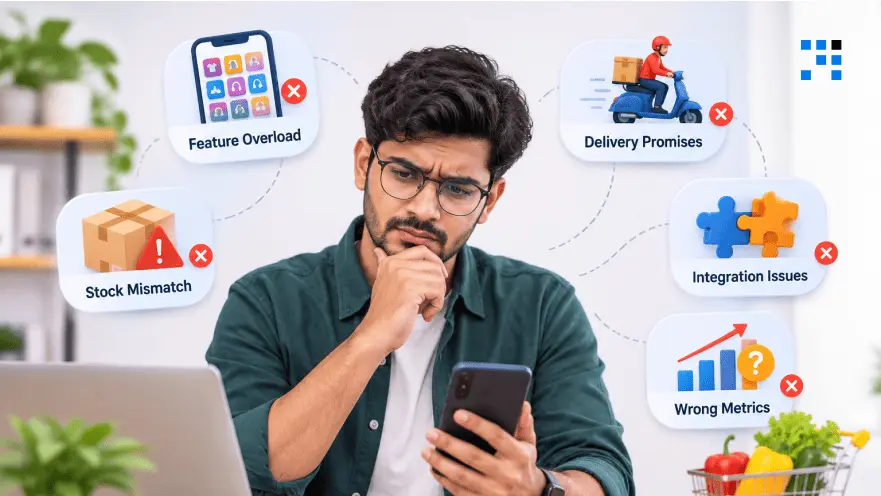
1. Feature Overload
Extras eat your MVP budget before you prove demand.
Build what completes an order and learn from real shoppers.
Early users forgive missing extras but never missing groceries.
2. Stock Mismatch
Slick screens cannot cover for items that never arrive.
Wrong stock counts bring refunds and complaints quickly.
Treat inventory accuracy as part of the product itself.
3. Delivery Promises
Promise only the speed your pickers can actually deliver.
Rider availability and distance matter as much as packing time.
An honest longer window beats a broken short one.
4. Integration Issues
Old point of sale data is usually messier than you expect.
Cleaning and linking it takes longer than most owners plan for.
Ask for POS access and sample data on day one.
5. Wrong Metrics
Downloads look nice, but they do not pay delivery bills.
Track fulfilled orders and repeat buyers before anything else.
Complaints tell you more than app store charts do.
How We Build a Grocery Delivery App for Your Store
1. Store Walkthrough
Our team begins by walking through your store with you.
Seeing shelves, counters, and packing areas shows how orders move.
Everything we learn gets written down and approved by you.
Coding starts only after that agreement is signed off.
2. Scope Sign-Off
Priorities get ranked against the problems your store faces daily.
First releases cover ordering, stock, payments, and delivery only.
You get a written feature list and budget before work begins.
Anything extra waits until real customers actually ask for it.
3. Sprint Demos
A working build reaches your phone every week.
Your staff and riders try it and tell us what feels wrong.
Awkward screens get fixed early while changes are still cheap.
Launch surprises become rare when feedback arrives weekly.
4. Real Testing
We test with your real products, prices, and past orders.
Out-of-stock items and late riders get tried on purpose.
A busy Sunday rush is simulated before launch.
Your staff and riders get trained before the first order.
5. Pilot Launch
We launch in one store or zone before expanding further.
Issues found in week one get fixed within days.
Backups, security checks, and update plans are agreed upon before launch.
After that, growth plans come from real order data.
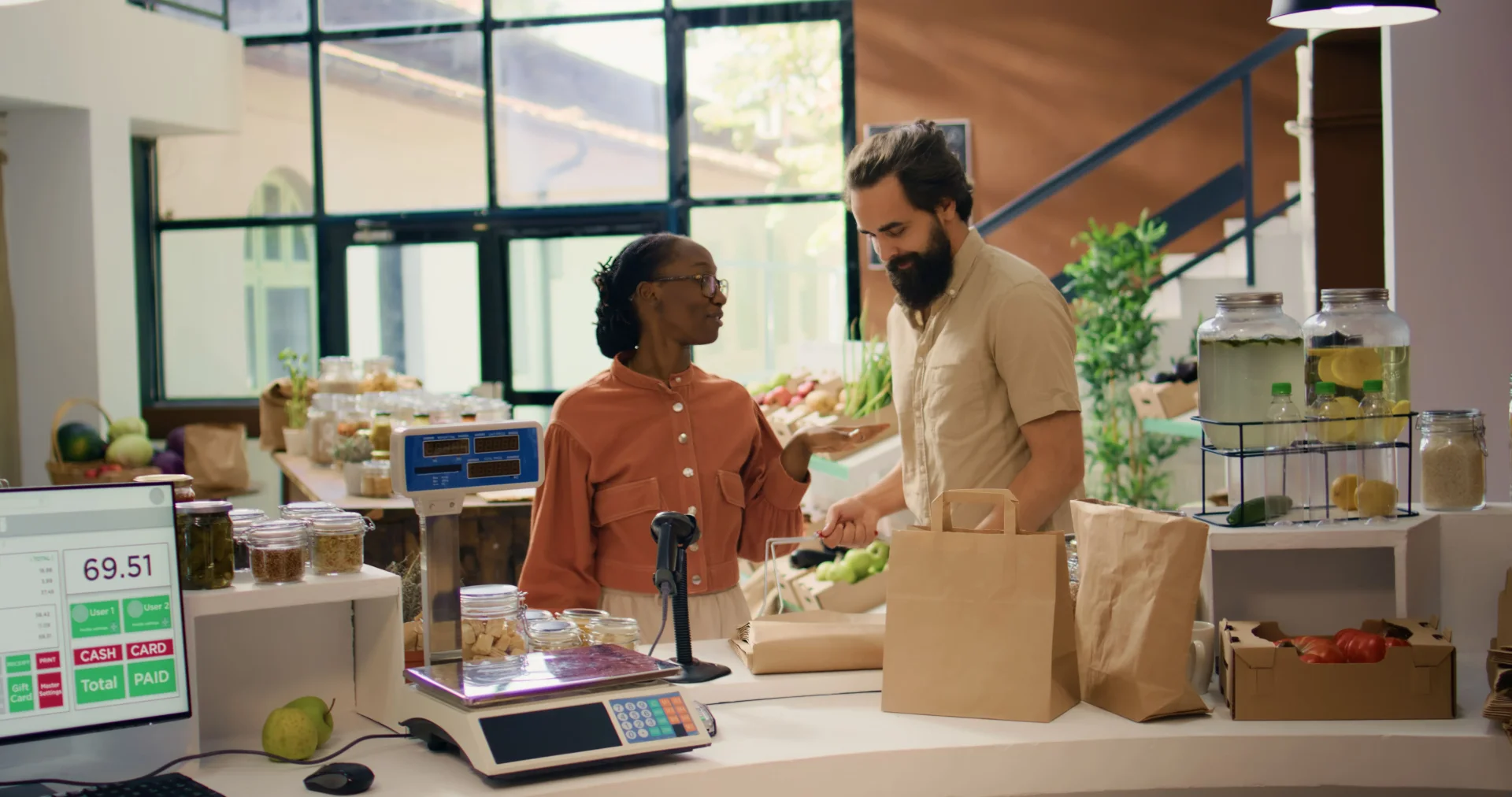
Every week without an app sends your customers elsewhere.
Start with one store, then grow from real orders.
FAQs
Focused grocery app development usually takes three to five months. Multi-store platforms often need five to eight months of work. Heavy integrations or many locations can stretch that further. We keep the first release tight so you reach real orders sooner.
Ordering, inventory, payments, picking, and delivery coordination come first. Admin tools let your team manage everything from one place. Personalization and loyalty can wait until real orders prove demand. We help you rank features so only what completes an order makes version one.
Platforms, team skills, and integrations shape grocery app development choices. Flutter or React Native often suits customer and rider apps. Backend and database choices matter more for stock accuracy. We recommend the stack only after studying your team and your POS.
Usually yes, depending on the access your POS vendor allows. APIs and data formats decide how smooth the connection gets. Request your vendor’s API access early to avoid delays. We check that access first, before we plan the build.
Ready-made tools launch faster and cost less at the start. Custom builds win when you need special workflows or ownership. Long-term operating needs usually make the decision clearer over time. We will tell you honestly if a ready-made tool fits your store better.
