Today the ride-hailing industry is booming more than ever.
Apps like Uber and Rapido have become a daily need for millions of users.
That’s why it is the perfect time to enter the market with your own ride-hailing app built in React Native.
Whether you’re a developer looking to sharpen your skills or a startup planning to launch the next big thing in mobility, building a real-time Uber-style app with maps, live booking, and driver-rider interaction is both a valuable learning experience and a high-potential business move.
In this blog, you’ll learn how to build a Rapido-style app like InDriver using React Native, one of the most powerful frameworks for creating cross-platform mobile apps.
By the end, you’ll have a map-integrated, real-time ride-booking app InDriver, complete with working code and a free GitHub repo to explore.
What Are the Features You’ll Build in This InDriver App Like Uber/Rapido?
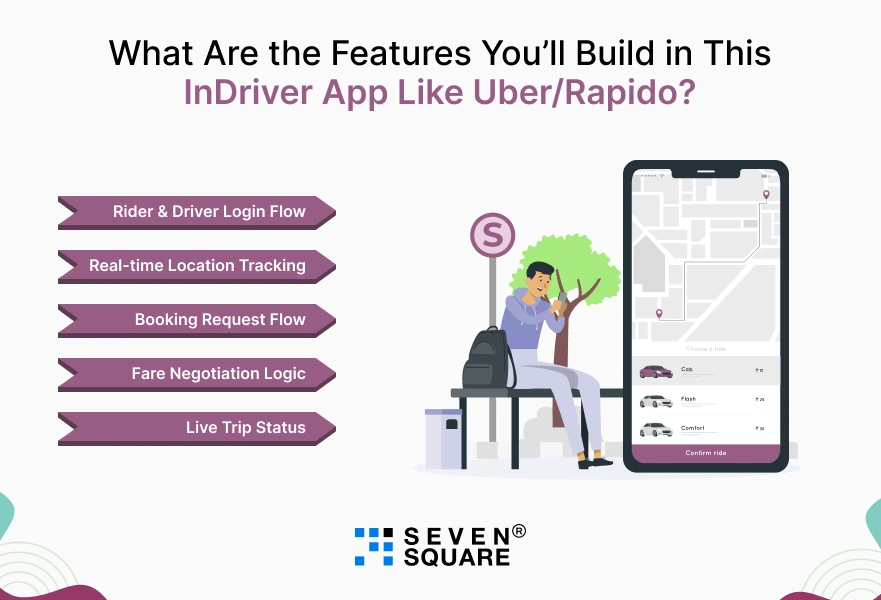
This isn’t just a UI demo.
You’ll be building a real, functioning ride-booking InDriver app with core features inspired by Uber, and Rapido.
Here’s what’s included:
- Rider & Driver Login Flow using Firebase Auth.
- Real-time Location Tracking with Google Maps integration
- Booking Request Flow: Rider selects source & destination, driver accepts/rejects,
- Fare Negotiation Logic is InDriver’s unique pricing approach.
- Live Trip Status with ongoing updates and optional chat between driver & rider.
By the end of this blog, you’ll have your own Rapido clone in React Native, powered by scalable tech and production-level code.
Which Technologies We’ll Use to Build the App?
To keep the project lightweight, fast, and scalable, we’ll use proven technologies that power real-world apps.
Here’s what the stack looks like:
- React Native (Expo CLI): To build one app for both iOS &
- Firebase or Supabase: For authentication and real-time database support.
- Google Maps SDK: For showing locations, route drawing, and pin dropping.
- Socket.IO or Firebase Real-time Database: To handle real-time ride requests and updates.
See how we used Socket.IO to build a Chat App.
This stack ensures you’re building a high-performance React Native ride app that’s suitable for production or MVP launch.
Why React Native is Perfect for Taxi Booking Apps?
When it comes to building ride-hailing apps, React Native is one of the best choices. Here’s why:
- Cross-platform support: Build once and deploy to both Android and iOS.
- Faster development: Perfect for startups and MVPs with tight deadlines.
- Easy integration: Works well with APIs like Google Maps, Socket.IO, and Firebase.
- Used by giants: Even global apps like Uber Lite, Lyft, and Bolt have adopted React Native for performance and speed.
We also integrated Razorpay in NodeJs app that you might want to add to your taxi booking app.
If you’re planning to build a React Native taxi booking app, this stack and approach will help you save time, reduce cost, and reach users faster.
Step-by-Step Guide to Build Your Uber/Rapido-Style App Like InDriver in React Native
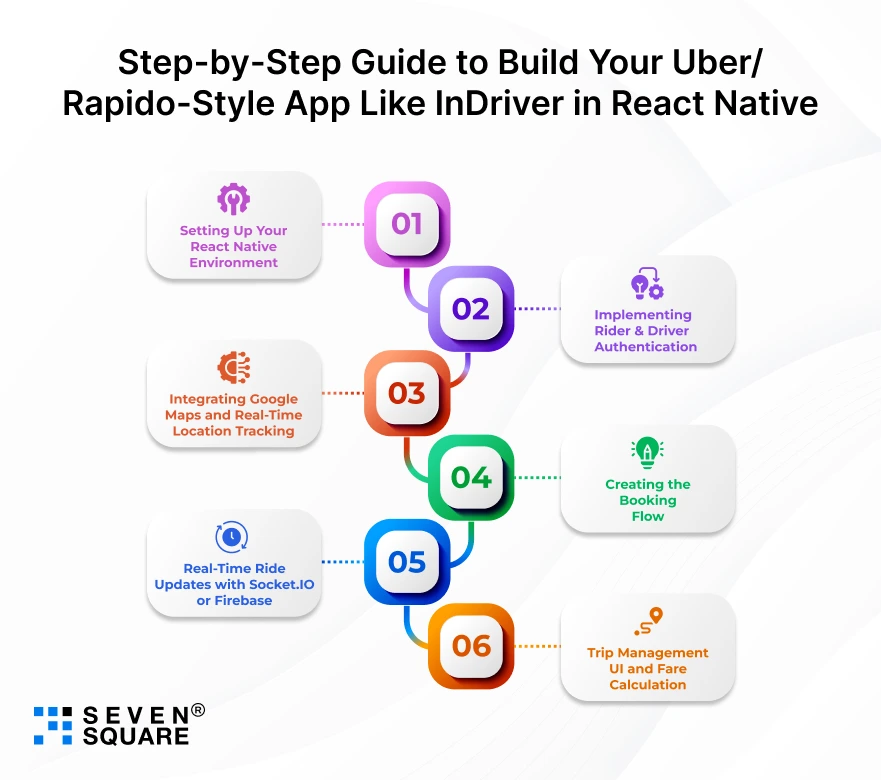
Here you can see how to build a ride-hailing app InDriver in React Native, similar to Uber, & Rapido.
We’ll cover everything from setting up the environment to implementing real-time booking features.
This is a complete React Native Uber clone tutorial, ideal for developers and startups looking for a fast-track launch.
Step 1: Setting Up Your React Native Environment
Make sure you have Node.js, Expo CLI, and Git installed. Then run:
           npx create-expo-app indriver-clone-app
           cd indriver-clone-app
           npm install firebase react-native-maps socket.io-client
Copied!
Folder structure:
indriver-clone-app/
├── src/
│ ├── screens/
│ ├── components/
│ ├── services/
│ └── utils/
└── App.js
Step 2: Implementing Rider & Driver Authentication (Firebase)
We’ll use Firebase Authentication for email/OTP login.
           // firebaseConfig.js
            import { initializeApp } from 'firebase/app';
            import { getAuth } from 'firebase/auth';

            const firebaseConfig = {
              apiKey: 'YOUR_API_KEY',
              authDomain: 'YOUR_AUTH_DOMAIN',
              projectId: 'YOUR_PROJECT_ID',
              storageBucket: 'YOUR_BUCKET',
              messagingSenderId: 'YOUR_SENDER_ID',
              appId: 'YOUR_APP_ID',
            };

            const app = initializeApp(firebaseConfig);
            export const auth = getAuth(app);
Copied!
Use Firebase Auth methods for login/register screens.
Step 3: Integrating Google Maps and Real-Time Location Tracking
To add Google Maps integration in React Native, install:
npx expo install react-native-maps
Copied!
Add this in your screen:
           <MapView
              style={{ flex: 1 }}
              showsUserLocation
              region={{
              latitude: 37.78825,
              longitude: -122.4324,
              latitudeDelta: 0.0922,
              longitudeDelta: 0.0421,
              }}
            />
Copied!
Use Expo Location API to fetch the user’s coordinates.
Step 4: Creating the Booking Flow
Let the rider input pickup/drop location and suggest a fare:
           // BookingInput.js
            <TextInput placeholder="Pickup Location" />
            <TextInput placeholder="Drop Location" />
            <TextInput placeholder="Suggested Fare (₹)" keyboardType="numeric" />
            <Button title="Request Ride" onPress={handleBooking} />
Copied!
Save the ride data to Firebase.
Step 5: Real-Time Ride Updates with Socket.IO or Firebase
Install Socket.IO:
npm install socket.io-client
Copied!
Emit booking requests and receive updates in real time:
           import { io } from 'socket.io-client';
           const socket = io('http://your-server-ip:3000');

           socket.emit('rideRequest', rideData);
           socket.on('rideAccepted', (driverData) => setDriver(driverData));
Copied!
Firebase alternative: Use Real-time Database listeners.
Step 6: Trip Management UI and Fare Calculation
Display current trip status, end ride button, and fare:
            <View>
              <Text>Driver: {driver.name}</Text>
              <Text>Status: {tripStatus}</Text>
              <Button title="End Ride" onPress={endTrip} />
            </View >
Copied!
Calculate fare based on distance or use rider’s suggested fare.
Here you can see the Complete Code of Taxi Booking App InDriver.
What Are the Add-Ons You Can Build in Ride-Sharing App? (Optional Features)
You can take your InDriver clone to the next level by adding:
- Payment Gateway Integration (Razorpay, Stripe, UPI)
- Push Notifications (for ride status updates)
- Rating & Feedback System (driver/rider reviews)
- Referral & Promo Code Logic (user growth hacks)
These features can improve user experience and help your app compete with full-featured taxi booking apps built in React Native like Uber or Rapido.
How Seven Square Can Help You Build Ride-Sharing Apps That Scale?
At Seven Square, we specialize in building powerful, scalable, and user-friendly ride-booking apps for startups and enterprises alike.
Whether you’re building an MVP or scaling a live product, here’s how we can help:
- Custom InDriver-style App Development: Custom ride-hailing solutions built from scratch.
- Expertise in React Native & Real-Time App Development: From map integrations to Socket.IO.
- Full Support, Optimization & Code Audit: We offer end-to-end services from development to maintenance.
>Want to Create a Ride-Sharing App? Contact Us Now!
FAQs
- Yes, React Native makes it easier to build cross-platform apps.
- This blog provides a step-by-step tutorial with code to help you build your own Uber-style ride booking app, even if you’re just starting out.
- This blog shows how to implement Google Maps integration in React Native using the react-native-maps library to track user and driver locations in real time.
- Yes. With further customizations, this app can serve as a base for commercial ride-hailing apps.
- Businesses can scale this React Native InDriver clone for real-world deployment.
- You can run the project using Expo CLI. Just clone the GitHub repo, install dependencies, and run npx expo start to test your React Native ride app on both platforms