The top ERP systems for WooCommerce in 2026 are Odoo, Microsoft Dynamics 365 Business Central, Oracle NetSuite, Acumatica, and SAP Business One. Each solves a different problem, from simple inventory sync to full enterprise financial management, depending on your store’s size and complexity.
Why WooCommerce Stores Struggle Without ERP Integration
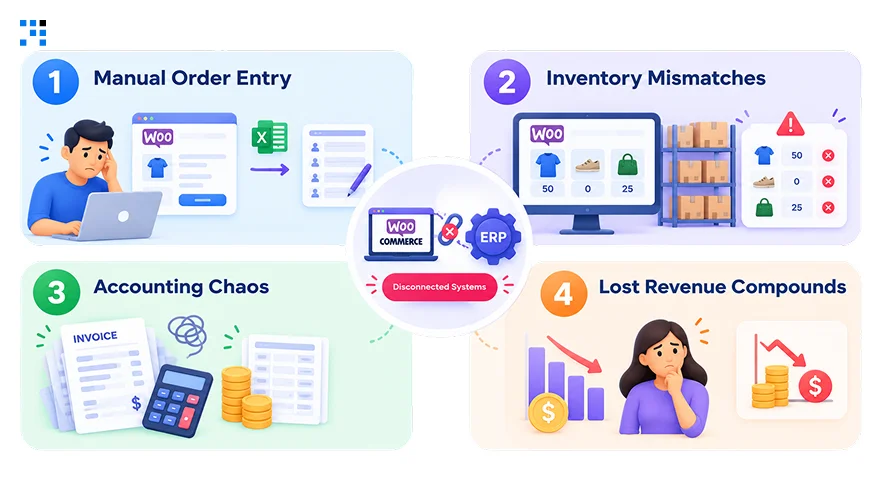
1. Manual Order Entry
Copy-pasting customer data between WooCommerce and accounting tools wastes hours every week.
It also increases the risk of duplicate entries, missed orders, and incorrect customer details.
Every mistake here means a support ticket or a refund.
Automating this single step often pays for itself quickly.
2. Inventory Mismatches
A product sells online while your actual stock reads zero elsewhere.
This frustrates customers and directly costs you completed sales.
Ecommerce businesses lose up to 20% of potential revenue this way.
Real-time sync closes this gap almost entirely.
3. Accounting Chaos
Tracking invoices, refunds, and taxes across separate tools becomes unmanageable as you scale.
Errors here don’t just cost time, they risk compliance issues too.
Store owners often discover this problem only after it’s expensive.
A proper ERP catches these details automatically.
4. Lost Revenue Compounds
These issues rarely stay small, they scale alongside your order volume.
What starts as a minor annoyance becomes a real drag on margins.
Businesses without an ERP in place see this number climb even higher.
Fixing it early protects both revenue and reputation.
You can also learn about Best Practices for WooCommerce Product Page Design.
What Makes the Best WooCommerce ERP Integration
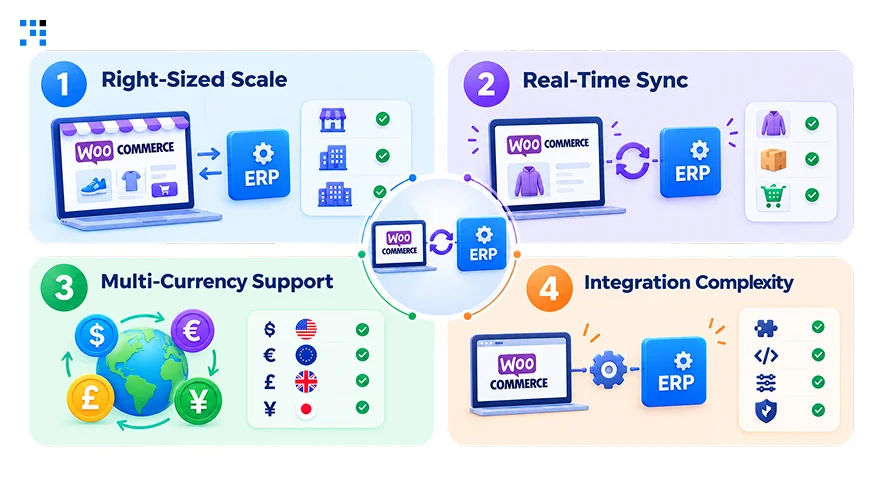
1. Right-Sized Scale
A small store might only need a basic plugin-level connector.
A fast-growing brand often needs a full-fledged system with deeper features.
Matching complexity to your actual size avoids overpaying or outgrowing your setup too soon.
2. Real-Time Sync
Stock levels need to update instantly across every sales channel you use.
Delayed sync directly causes overselling and frustrated customer complaints.
Fast inventory updates keep your storefront aligned with actual stock levels.
3. Multi-Currency Support
Stores selling internationally need to handle multiple currencies and tax rules smoothly.
The right ERP syncs data across multiple storefronts without extra manual work.
This matters more as your WooCommerce business enters new markets and currencies.
4. Integration Complexity
Some ERPs offer plug-and-play connectors, while others require custom development work.
Balancing upfront cost against long-term scalability shapes which option actually fits.
Your integration approach can also affect implementation time, maintenance, and ongoing costs.
Top 5 WooCommerce ERP Integration Solutions in 2026
1. Odoo: Modular ERP for Small Businesses
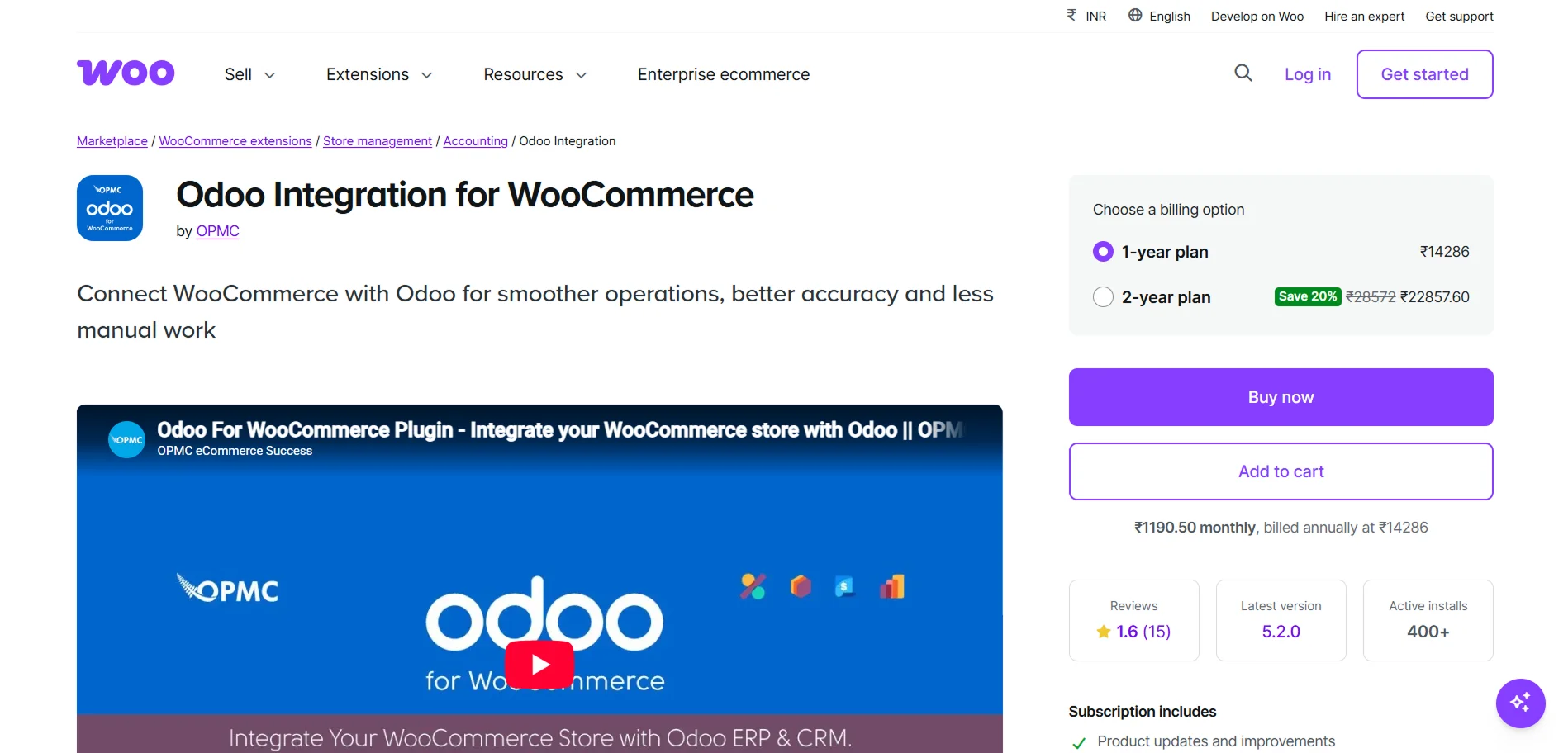
Odoo provides a complete suite of applications that integrate smoothly with WooCommerce, making it ideal for small businesses scaling efficiently.
WooCommerce now offers an official Odoo integration supporting Odoo versions 13 through 19, covering products, inventory, pricing, customers, orders, invoices, and refunds in one connected flow
Best For: SMEs and growing ecommerce businesses looking for an affordable, scalable ERP that integrates smoothly with WooCommerce.
2. Microsoft Dynamics 365: Advanced ERP with CRM Edge
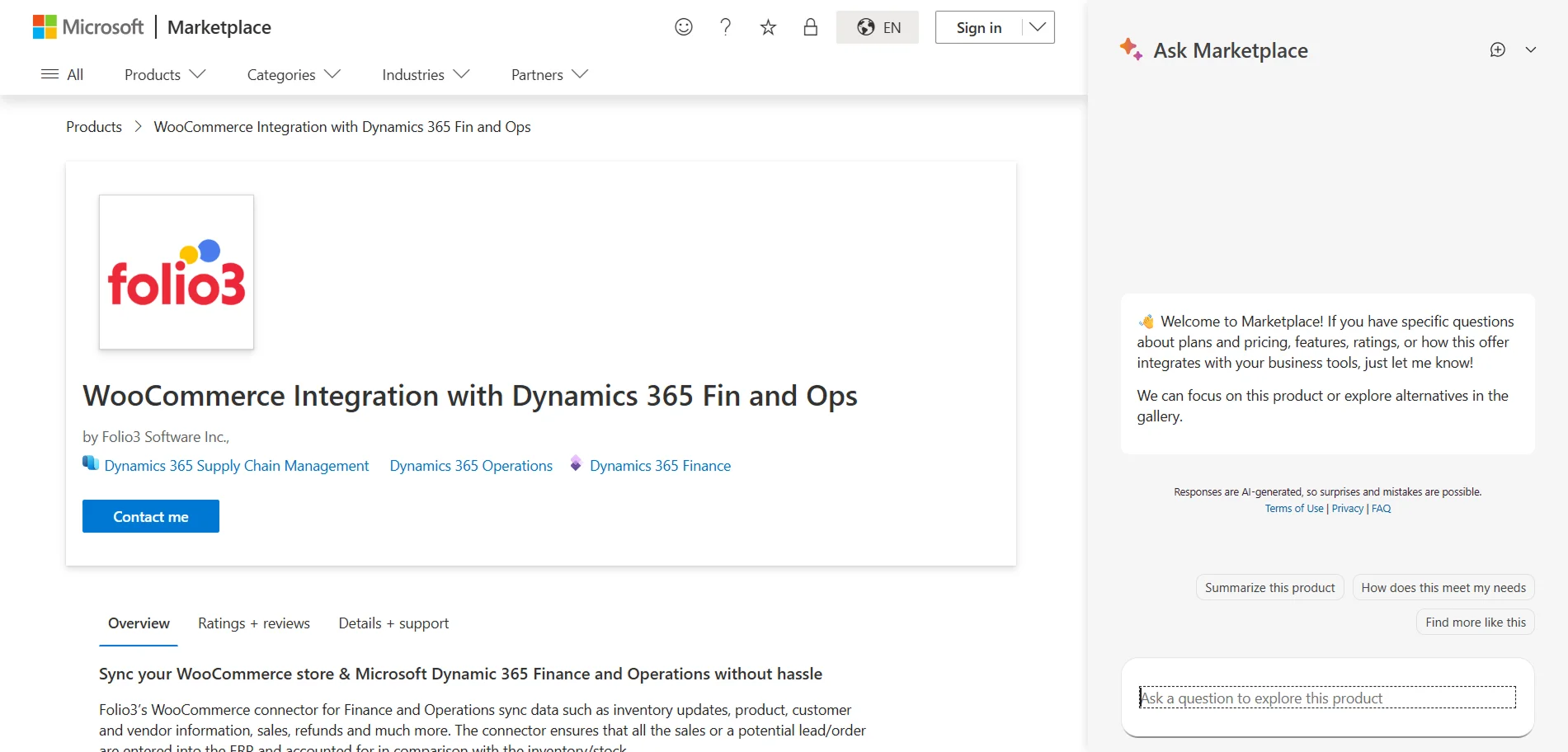
Dynamics 365 Business Central brings strong finance, inventory, supply chain, and purchasing capabilities to mid-sized businesses ready to scale.
Its WooCommerce integration syncs products, pricing, inventory, customers, orders, and fulfillment, keeping operations and storefront data aligned.
Best For: Mid-sized and growing businesses needing tighter control over finance and supply chain alongside WooCommerce.
3. Oracle NetSuite: Enterprise ERP for Multi-Entity Operations
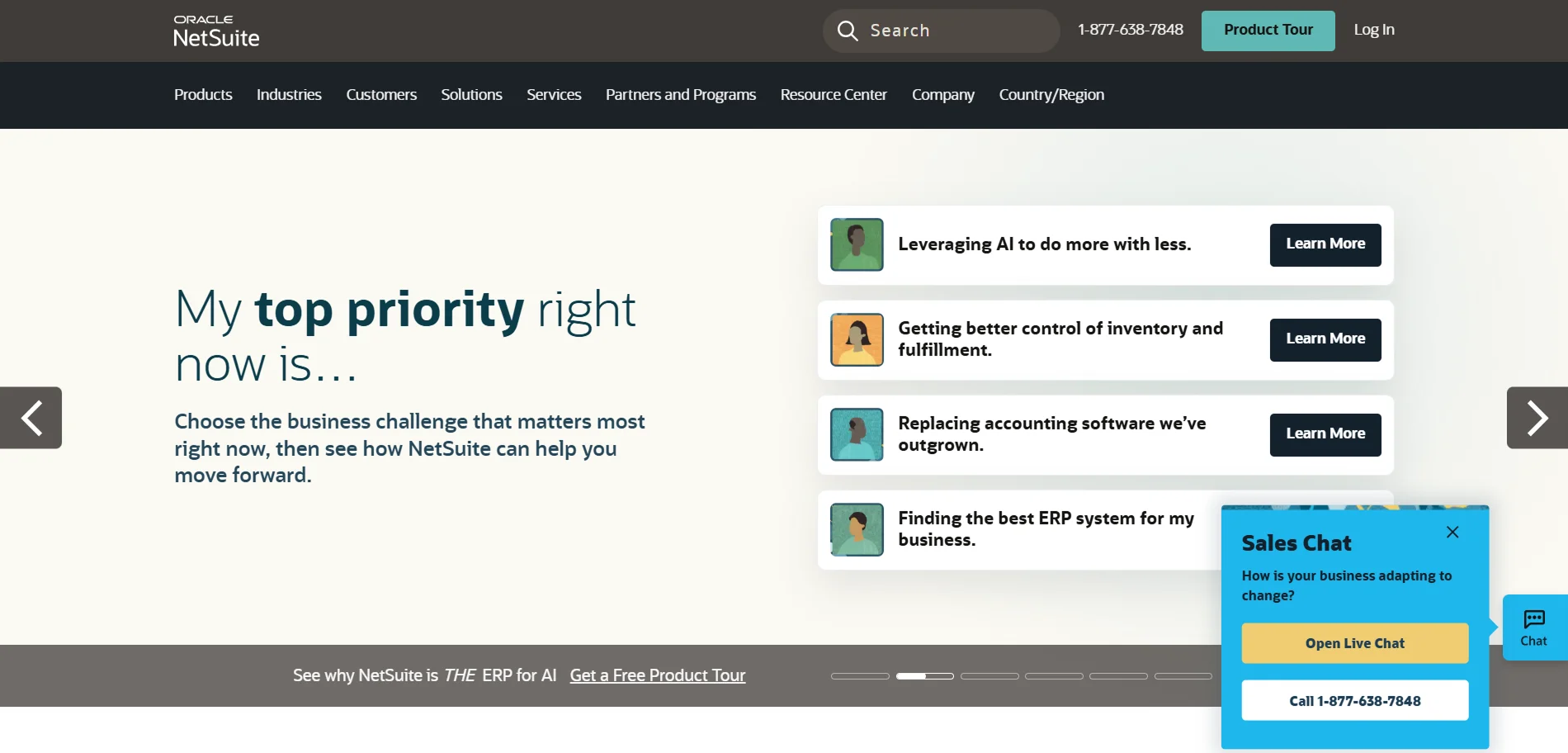
NetSuite remains one of the most widely adopted cloud ERPs for scaling ecommerce companies and multi-entity operations in 2026.
WooCommerce itself lists NetSuite among its common enterprise integrations, with strength in financial management, inventory, order management, and reporting.
Best For: Scaling ecommerce companies managing multiple entities or complex financial reporting needs.
4. Acumatica: Inventory-Driven ERP for Distributors
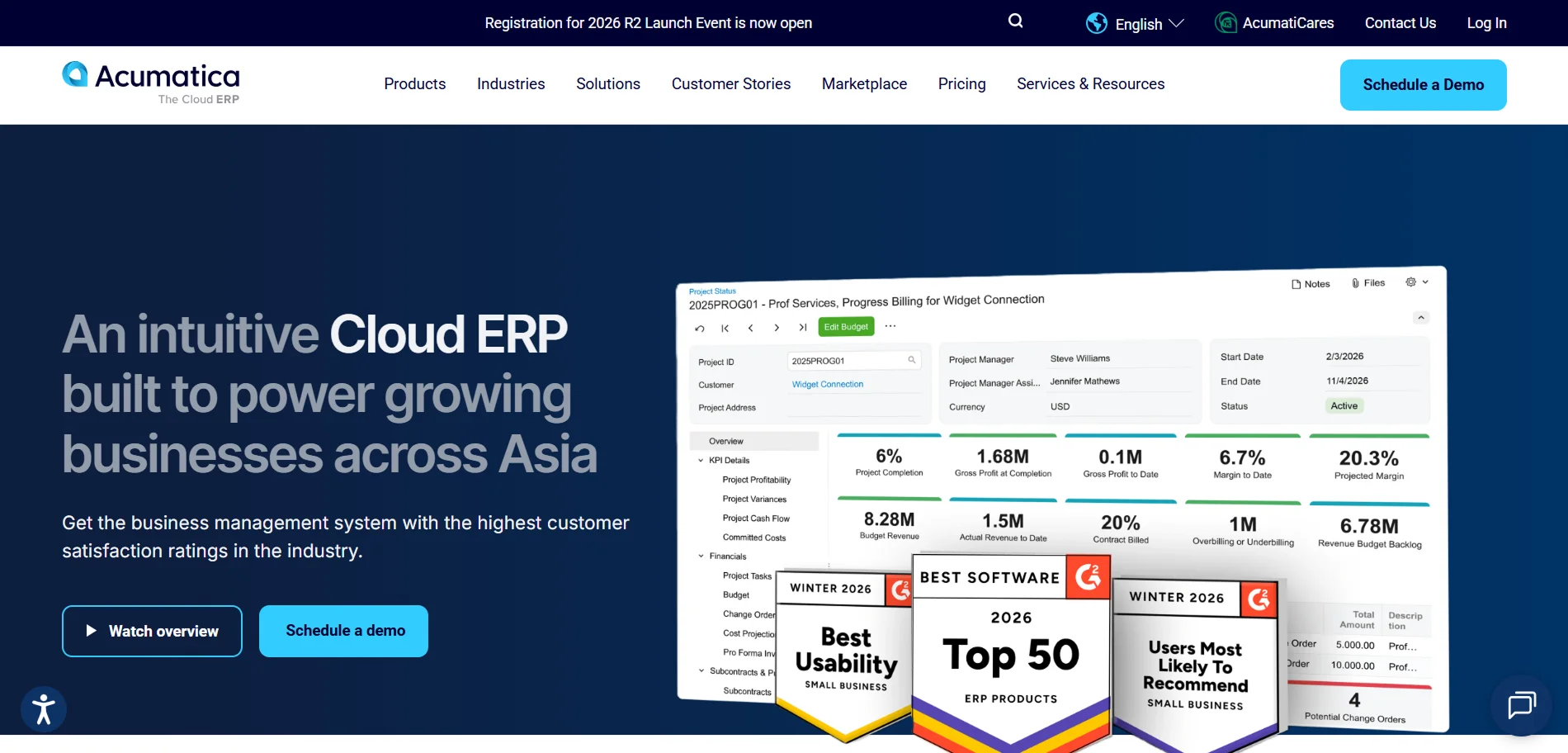
Acumatica offers documented WooCommerce integration through AcuWoo, supporting two-way product and inventory sync along with importing WooCommerce orders directly into Acumatica.
Its core strengths lie in inventory, order management, financials, and distribution workflows.
Best For: Growing retailers, distributors, and product-based businesses with layered inventory or fulfillment needs.
5. SAP Business One: Mature ERP for Established Operations
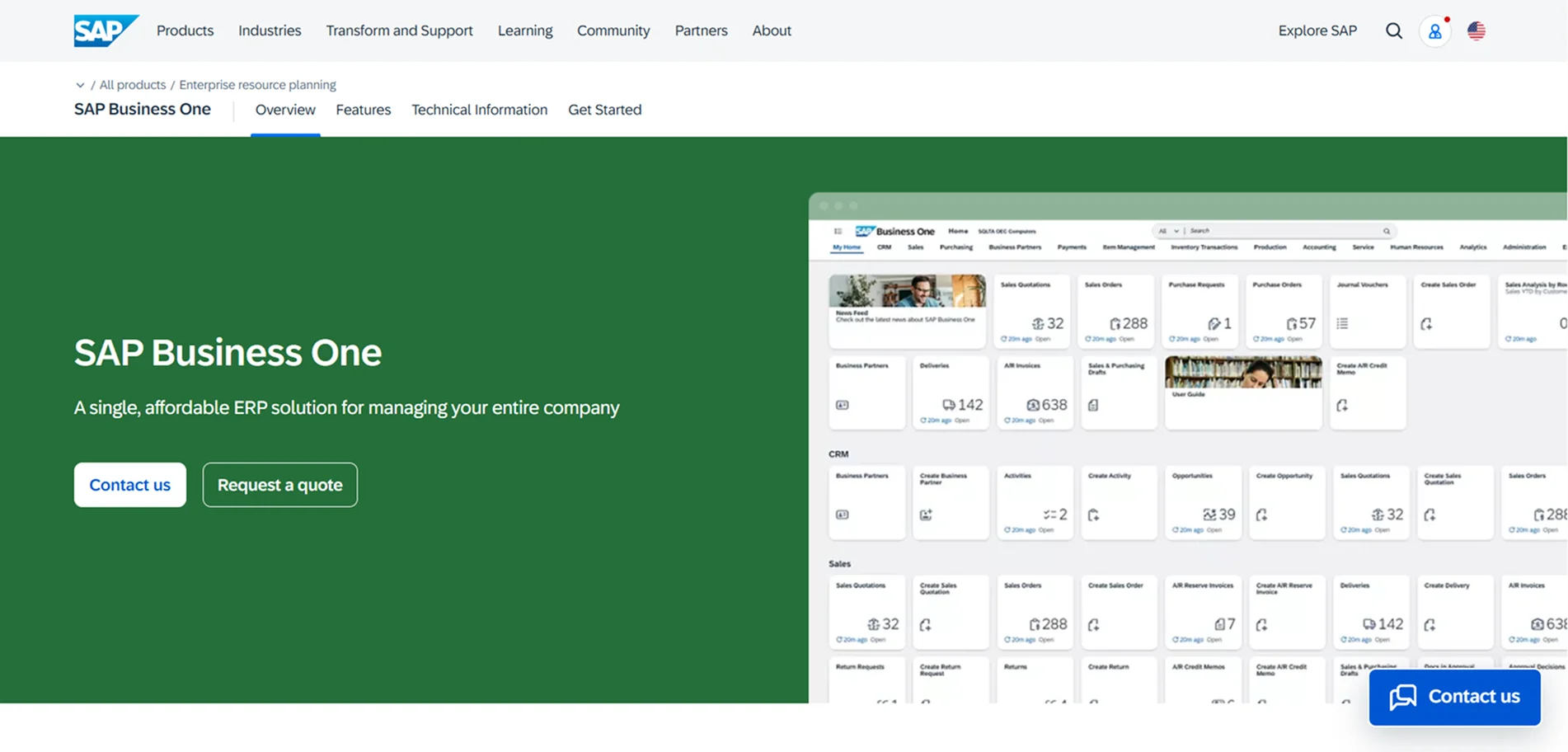
SAP Business One fits established small and mid-sized businesses where WooCommerce is one piece of a broader, ERP-led operation.
It covers finance, purchasing, inventory, sales, and business reporting with the depth larger operations require.
Best For: Established SMBs where WooCommerce needs to plug into a more mature, ERP-centered business structure.
You can also explore how WooCommerce inventory management supports efficient store growth.
Which WooCommerce ERP Integration Should You Choose in 2026
| ERP System | Cost | Ideal Business Fit | Key Features |
|---|---|---|---|
| Odoo | Low–Medium | SMEs and growing ecommerce businesses | Official WooCommerce integration, products, orders, invoices, refunds |
| Microsoft Dynamics 365 | Medium–High | Mid-sized and growing businesses | Finance, inventory, supply chain, purchasing sync |
| Oracle NetSuite | High | Scaling companies, multi-entity operations | Financial management, inventory, order management, reporting |
| Acumatica | Medium–High | Growing retailers and distributors | Two-way inventory sync via AcuWoo, order import |
| SAP Business One | High | Established SMBs with ERP-led operations | Finance, purchasing, inventory, sales reporting |
WooCommerce ERP Integration Cost in 2026
| Integration Type | Typical Cost | Ongoing Cost | Best For |
|---|---|---|---|
| Ready-to-use connector | $300–$3,000/year | $500–$3,000/year | Small to mid-sized stores |
| Basic custom integration | $5,000–$15,000 | 5–20% of build cost/year | Stores with custom workflows |
| Advanced custom integration | $15,000–$30,000+ | 5–20% of build cost/year | Complex operations |
| Enterprise integration | $20,000–$50,000+ | Varies by ERP and scope | Large or multi-channel businesses |
How We Deliver WooCommerce ERP Integration
1. Accurate System Fit
Every business gets matched to an ERP based on actual size and complexity.
Overpaying for unnecessary enterprise features early on is a common, avoidable mistake.
We look at order volume, team size, and growth plans before recommending anything specific.
2. Custom Setup
Whether it’s Odoo, Dynamics 365, or NetSuite the setup gets tailored to your specific workflows.
The system ends up fitting how your business actually operates, not a generic template.
Configuration decisions get made around your existing processes, not the other way around.
3. Real-Time Sync
Inventory sync between WooCommerce and your ERP happens in real time, every time.
Stockouts and overselling that damage customer trust get prevented directly this way.
Every sync gets tested thoroughly before your store goes live with the new integration.
4. Automated Order Accuracy
Order management through your ERP gets automated so nothing slips through manually.
Records stay accurate and easy to track as your order volume grows.
Refunds, invoices, and fulfillment status all stay synced without manual double-entry.
5. Ongoing Support
Integration work doesn’t stop the moment your ERP connection goes live.
We monitor sync performance closely during the first few weeks to catch any edge cases early.
Your operations stay protected as real order volume starts flowing through the system.
FAQs
If you’re manually copying order data, dealing with stock mismatches, or spending hours reconciling accounts each week, it’s time. We usually assess your current order volume and pain points before recommending a specific system.
Not if it’s done in phases rather than all at once. We roll out integrations gradually to avoid downtime that could affect live sales during peak periods.
It depends on how unique your workflows are, most standard stores do fine with existing connectors. We help evaluate this trade-off honestly before recommending custom development.
Yes, systems like NetSuite and Odoo are built to manage multi-store and multi-currency operations. We configure this from the start if international expansion is already on your roadmap.
Most integrations take 2 to 4 weeks depending on the ERP and your store’s complexity. We prioritize accurate sync testing before going live to avoid costly post-launch fixes.