Modernizing an outdated WordPress website means fixing slow load times, broken mobile layouts, and confusing navigation that push visitors away. A better user experience comes from updated themes, faster page speed, and clear paths to contact you. Done right, this directly turns more visitors into actual business inquiries.
How many clients have already left before your website even finished loading?
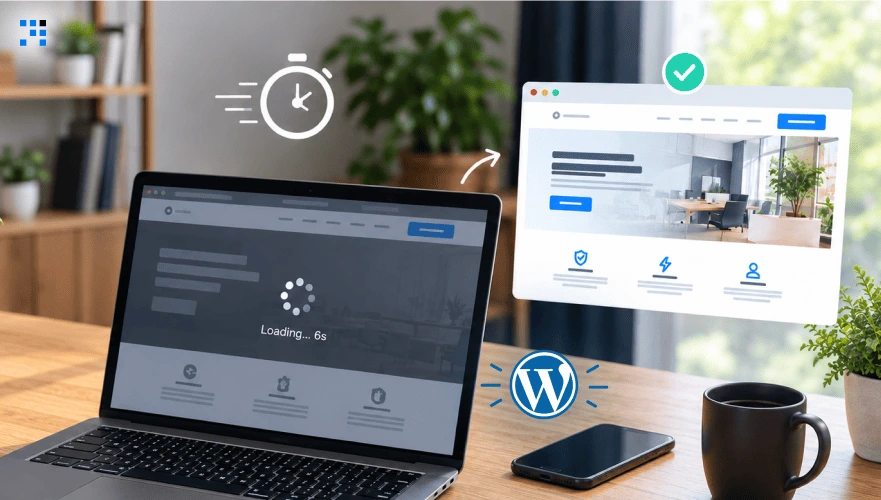
It’s Tuesday afternoon.
A potential client finds your business through a Google search.
They click your website link.
The page takes six seconds to load.
Text overlaps the header.
The contact button sits somewhere below three scrolls of nothing.
They don’t wait.
They don’t refresh and try again either.
They close the tab and click the competitor’s website instead,
the one that loaded instantly.
Your business didn’t lose that lead to a better competitor.
It lost them to a website nobody got around to fixing.
How an Outdated WordPress Website Affects User Experience
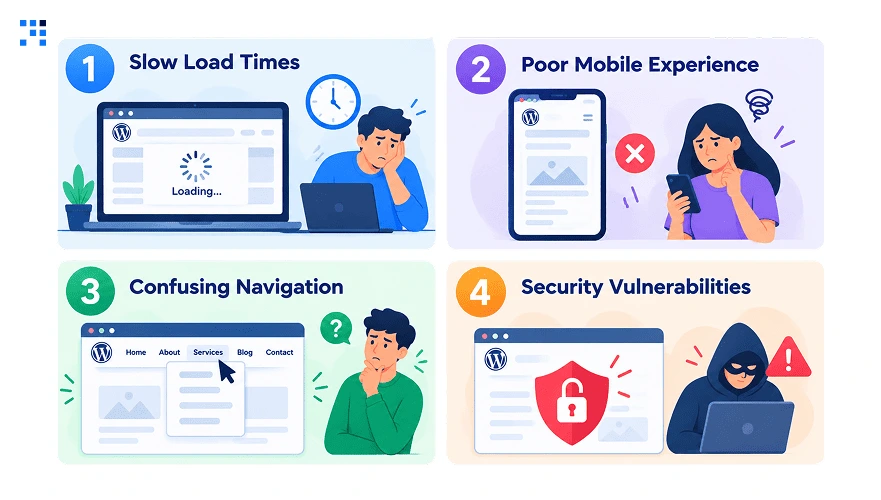
1. Slow Load Times
Long load times give visitors a reason to leave before they see your content.
Heavy images, bloated plugins, and poorly optimized code can all slow down WordPress pages.
The result is less time spent on your site and fewer chances to generate an inquiry.
Speed should be one of the first things you check during a website upgrade.
2. Poor Mobile Experience
Most visitors today browse websites entirely on their phones, not desktops.
A clunky, unresponsive mobile layout loses that visitor almost immediately.
Pinch-to-zoom navigation feels outdated and frustrates users within seconds.
This single issue quietly costs more leads than most businesses assume.
3. Confusing Navigation
Your visitors should not have to dig through multiple pages to find a service or contact option.
Too many menu items, unclear labels, and buried pages make the journey harder than it needs to be.
Important information should be easy to reach from the main navigation and relevant page sections.
A simpler structure helps visitors move from learning about your business to taking action.
4. Security Vulnerabilities
Old WordPress versions, themes, and plugins can leave known security issues unresolved.
These outdated components can also become incompatible with newer WordPress releases and other tools.
Regular updates, supported plugins, backups, and proper security practices help keep the website reliable.
Modernization should address the technical foundation, not just what visitors see.
What Happens When You Don’t Modernize Your WordPress Website
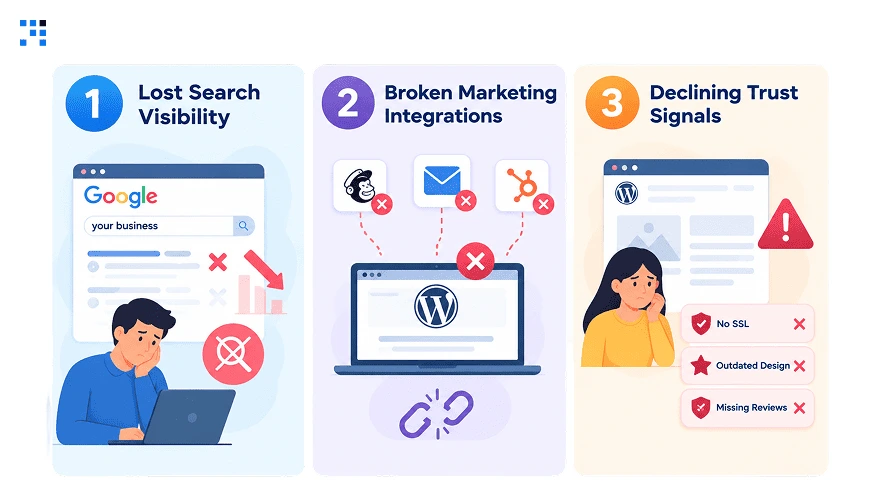
1. Lost Search Visibility
Search engines increasingly penalize slow, outdated websites in their rankings.
Which means fewer potential customers ever discover the business organically.
Rankings don’t crash overnight, they slip gradually and unnoticed.
By the time it’s obvious, competitors have already captured that traffic.
2. Broken Marketing Integrations
Older WordPress websites often clash with modern marketing and analytics tools.
Platforms like HubSpot or GA4 may stop tracking data accurately.
This creates blind spots in understanding where leads actually come from.
Decisions get made on incomplete or outright broken data.
3. Declining Trust Signals
Visitors form an opinion about credibility within the first few seconds.
An outdated design quietly signals an outdated, less reliable business.
Visitors can form that impression before they even explore the rest of your website.
First impressions online carry more weight than most businesses realize.
What a Modernized WordPress Website Fixes for User Experience
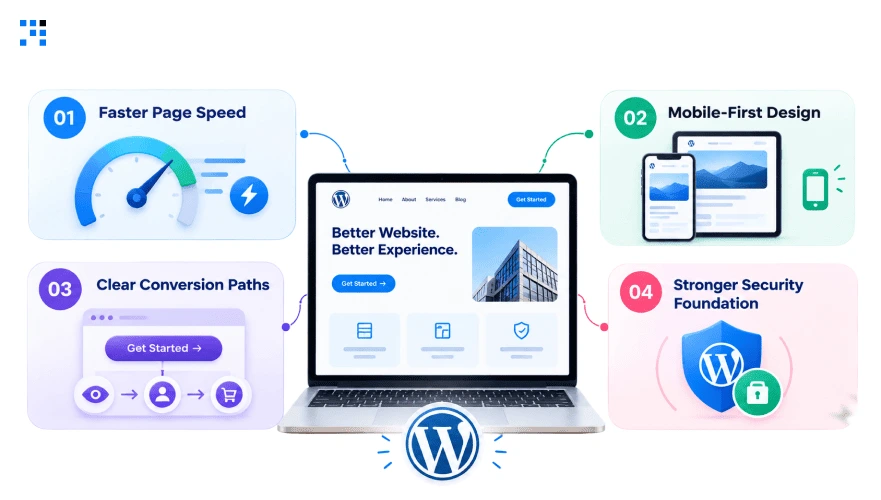
1. Faster Page Speed
Modern, well-coded themes load significantly faster than older alternatives.
Speed directly influences both search rankings and visitor conversion rates.
A faster WordPress website keeps visitors engaged instead of impatiently waiting.
This improvement alone often shows measurable results within weeks.
2. Mobile-First Design
A properly responsive WordPress website adapts smoothly across every screen size.
This means phones, tablets, and desktops all deliver the same smooth experience.
Visitors no longer need to fight the layout to find information.
Mobile-first design isn’t a bonus anymore, it’s the baseline expectation.
3. Clear Conversion Paths
Every page on a modern WordPress website should guide visitors toward one clear action.
Vague navigation and buried contact forms quietly waste valuable traffic.
Clear calls-to-action turn passive browsing into actual business inquiries.
This structural change often has the fastest visible impact.
4. Stronger Security Foundation
Updated core files and actively maintained plugins close known security gaps.
This protects both sensitive customer data and the business’s public reputation.
A secure WordPress website also tends to perform better in search rankings.
Security and performance improve together, not separately.
Also explore the top 10 WordPress plugins that you can’t miss.
How a WordPress Website Increased Architecture Firm Inquiries by 25%
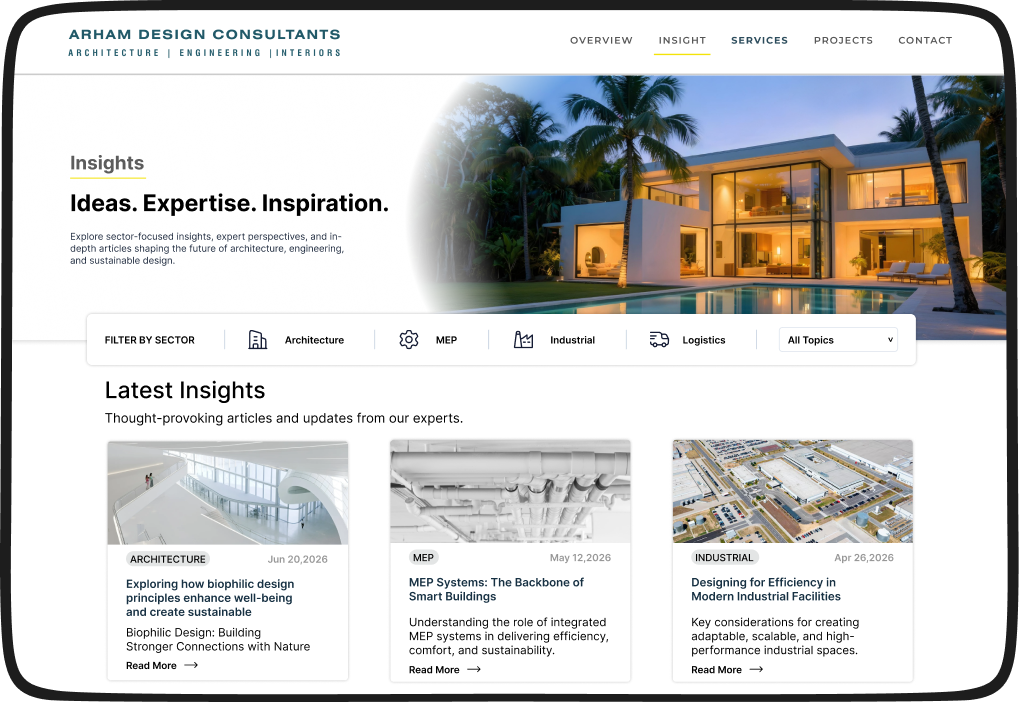
Arham Design Consultants had 20+ years of multidisciplinary expertise.
None of it had a digital platform to support it.
In a firm where MEP and interior design work existed.
But service positioning across disciplines stayed underrepresented online.
Leads had no digital channel to reach ADC at all.
How We Turned Projects Into Proof
We structured the portfolio around industry sector, not a project feed.
Every project page carried a direct inquiry flow, and no page ended as a dead-end gallery.
What The Website Delivered
| Area | Business Impact |
|---|---|
| SEO-ready portfolio | 25% more inquiries |
| Industry-based project pages | 24% faster qualification |
| Mobile-first website | 40% higher engagement |
| Expertise-led content | 1.5x stronger visibility |
This isn’t just about a prettier portfolio website.
These numbers came from organizing 20+ years of expertise
How We Modernize WordPress Websites for Real Business Results
1. Fix What Matters
Modernization starts with identifying what is actually holding the website back.
Common issues include bloated themes, unnecessary plugins, weak navigation, and buried conversion points.
The goal is to fix what affects performance and usability without changing things simply for the sake of change.
2. Prioritize Speed
Speed needs to be considered throughout the development process, not checked at the end.
Image optimization, lightweight code, efficient plugins, caching, and proper hosting all contribute to faster pages.
Performance testing before launch helps catch issues before they affect real visitors.
3. Plan for Maintenance
A website can launch in good shape and still become outdated without regular maintenance.
WordPress core updates, plugin compatibility, security checks, backups, and performance monitoring help prevent that decline.
Keeping the technical foundation current also reduces the need for major fixes later.
FAQs
If your bounce rate is high, your contact form rarely gets filled, or your site loads slowly on mobile, these are strong signs. We usually run a quick audit to show exactly where visitors are dropping off before recommending anything.
Most WordPress websites can be modernized in focused phases, starting with theme, speed, and navigation. We rarely recommend a full rebuild unless the underlying foundation itself is severely outdated or broken.
Not if it’s done correctly. We migrate content carefully during upgrades, and rankings often improve afterward since speed and mobile experience are direct ranking factors search engines consider.
It depends on the site’s size and how outdated the foundation is, but many focused upgrades complete within a few weeks. We prioritize the fixes that impact user experience and lead generation fastest first.
Yes, when the fixes target real friction points like speed, mobile design, and clear inquiry paths. Our work with Arham Design Consultants is a direct example of this, with a 25% increase in inquiries after modernization.