Ever lost track of stock because your system couldn’t handle batch tracking or barcode scanning?
That’s one of the most common problems businesses face when managing inventory.
Whether you’re running a small retail shop or a large warehouse, mistakes in stock tracking can lead to lost sales, wasted resources, and unhappy customers.
This is where Laravel + inventory management system with barcode & batches comes into play.
Laravel provides a powerful framework to build scalable, secure, and customizable solutions.
By integrating barcode scanning and batch tracking, you can simplify operations, reduce human errors, and always stay in control of your stock.
Are you looking to build an Inventory Management System in Laravel?
This blog will show you exactly how to create a Laravel inventory system with barcode and batch management with real code.
What Makes an Effective Inventory Management System?
An effective inventory management system does more than just list products. It solves real business challenges, such as:
- Stock mismatch: When manual records don’t match real inventory.
- Manual errors: Human mistakes during stock entry, sales, or purchase.
- Lack of real-time tracking: Delays in updates cause overstocking or stockouts.
This is where modern features like barcode scanning and batch tracking in Laravel become handy:
- Barcode scanning makes stock entry, search, and checkout fast and accurate.
- Batch tracking helps you manage product lots, expiry dates, and recalls with precision.
- Together, they provide Laravel real-time inventory tracking to ensure you always know what’s in stock and where it’s located.
These features can change inventory into a data-driven, error-free system that supports growth.
Why Choose Laravel for Building an Inventory Management System?
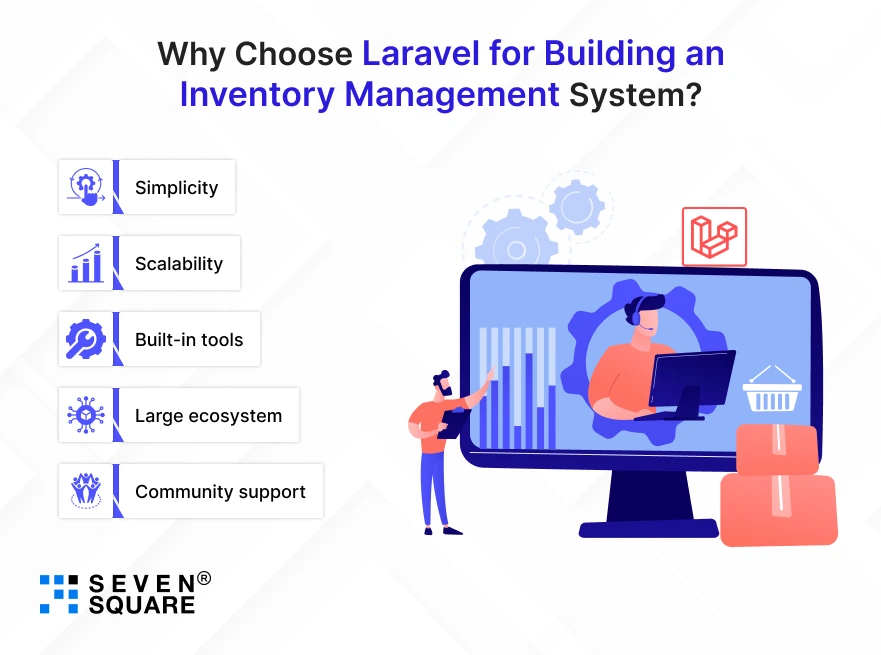
So why Laravel? Because building from scratch is hard, Laravel makes it simple, scalable, and future-ready. Here’s why:
- Simplicity: Laravel’s clean syntax makes development faster and easier.
- Scalability: Handle small shops or enterprise warehouses with the same codebase.
- Built-in tools: Authentication, database migrations, and REST APIs are ready to use.
- Large ecosystem: Plenty of open-source packages for barcodes, QR codes, and POS integration.
- Community support: Thousands of Laravel developers contribute tutorials, code, and packages daily.
With these strengths, Laravel becomes the perfect choice for building an Inventory System Laravel Code project, or a reliable Laravel POS system with barcode support.
What Features We’ll Build in This Laravel Inventory System?
Here’s what you’ll be able to create:
- Batch Tracking (expiry, lot numbers): Manage perishable products, medicine, or any stock that requires expiry tracking.
- Barcode Generation & Scanning: Generate unique barcodes for every batch and scan them to update stock instantly.
- Stock In/Out Management: Log purchases, sales, and transfers with automatic stock updates.
- Real-Time Updates: No more delays; your stock reflects changes immediately.
- Search by Barcode or Batch: Quickly find products using barcode input or batch number.
By the end of this blog, you’ll have a fully working Laravel barcode inventory system that supports inventory with batches and gives you enterprise-level control.
Learn more to Implement Warehouse Automation Solutions.
How to Set Up Laravel for Inventory Management?
Before we start coding, let’s set up the environment.
If you’re wondering “How to build inventory system with barcode in Laravel step by step”, here’s the roadmap:
Step 1: Create New Laravel Project
           composer create-project laravel/laravel inventory-system
           cd inventory-system
           php artisan serve
Step 2: Database Configuration (MySQL/Postgres)
Edit your .env file:
            DB_CONNECTION=mysql
            DB_HOST=127.0.0.1
            DB_PORT=3306
            DB_DATABASE=inventory_db
            DB_USERNAME=root
            DB_PASSWORD=
Step 3: Install Dependencies (Barcode + Scanner)
We’ll use milon/barcode for barcode generation.
composer require milon/barcode
For barcode scanning via UI, we can use a JavaScript-based QR/Barcode scanner (like instascan or html5-qrcode).
How to Design a Database for Batch & Barcode Inventory?
Our inventory system needs to track products, batches, and stock movement. Let’s create the following tables:
- Products: Stores product details.
- Batches: Stores batch number, expiry date, and barcode.
- inventory_logs: Records stock in/out movements.
- Users: Authentication & roles.
Migration Example
Run:
          php artisan make:migration create_products_table
          php artisan make:migration create_batches_table
          php artisan make:migration create_inventory_logs_table
Then edit migrations:
products table
          Schema::create('products', function (Blueprint $table) {
            $table->id();
            $table->string('name');
            $table->string('sku')->unique();
            $table->timestamps();
          });
batches table
          Schema::create('batches', function (Blueprint $table) {
            $table->id();
              $table->unsignedBigInteger('product_id');
              $table->string('batch_number')->unique();
            $table->date('expiry_date')->nullable();
            $table->string('barcode')->unique();
              $table->integer('quantity')->default(0);
            $table->timestamps();

              $table->foreign('product_id')->references('id')->on('products')->onDelete('cascade');
          });
inventory_logs table
          Schema::create('inventory_logs', function (Blueprint $table) {
            $table->id();
            $table->unsignedBigInteger('batch_id');
            $table->enum('type', ['in', 'out']);
            $table->integer('quantity');
            $table->timestamps();

              $table->foreign('batch_id')->references('id')->on('batches')->onDelete('cascade');
          });
This sets the foundation for our Laravel batch-wise inventory management tutorial with code.
How to Implement Batch Tracking in Laravel? (With Code)
Now let’s add logic to manage product batches.
Batch Model
          class Batch extends Model {
              protected $fillable = ['product_id', 'batch_number', 'expiry_date', 'barcode', 'quantity'];

              public function product() {
                  return $this->belongsTo(Product::class);
              }

              public function logs() {
                  return $this->hasMany(InventoryLog::class);
              }
            }
Creating a Batch (Controller)
          public function store(Request $request) {
            $batch = Batch::create([
                'product_id' => $request->product_id,
                'batch_number' => strtoupper(uniqid('BATCH-')),
                'expiry_date' => $request->expiry_date,
                'barcode' => uniqid('BAR-'),
                'quantity' => $request->quantity,
            ]);

            return response()->json($batch);
          }
This gives you batch tracking in Laravel with expiry, quantity, and stock movements.
Adding Barcode Generation & Scanning in Laravel (With Code)
Now let’s integrate barcode generation and scanning.
Generating Barcodes
Install milon/barcode (already done). Then in your Blade file:
          <h3>Product Barcode</h3>
            {!! DNS1D::getBarcodeHTML($batch->barcode, 'C128') !!}
          <p>{{ $batch->barcode }}</p>
This creates a barcode image for each batch.
Barcode Scanning (Frontend Example)
Using html5-qrcode:
          <div id="reader" style="width:300px"></div>
            <script src="https://unpkg.com/html5-qrcode"></script>
            <script>
              function onScanSuccess(decodedText) {
                alert("Scanned: " + decodedText);
              }
              const html5QrCode = new Html5Qrcode("reader");
              html5QrCode.start({ facingMode: "environment" }, { fps: 10, qrbox: 250 }, onScanSuccess);
            </script>
Now, when a barcode is scanned, it fetches product/batch details.
This makes it a Laravel inventory management system with barcode scanning and a proper Laravel barcode inventory solution.
Building Stock In & Out with Barcode Search
To handle stock movement, let’s add a Stock Controller.
Stock In/Out Example
          public function updateStock(Request $request) {
              $batch = Batch::where('barcode', $request->barcode)->firstOrFail();

              if ($request->type == 'in') {
                  $batch->quantity += $request->quantity;
              } else {
                  if ($batch->quantity < $request->quantity) {
                      return response()->json(['error' => 'Not enough stock'], 400);
                  }
                  $batch->quantity -= $request->quantity;
              }
              $batch->save();

              InventoryLog::create([
                  'batch_id' => $batch->id,
                  'type' => $request->type,
                  'quantity' => $request->quantity,
              ]);

              return response()->json(['message' => 'Stock updated successfully']);
            }
Explore the working GitHub Code for Laravel inventory management system with barcode scanning.
What Are the Pro Tips to Scale Your Laravel Inventory System?
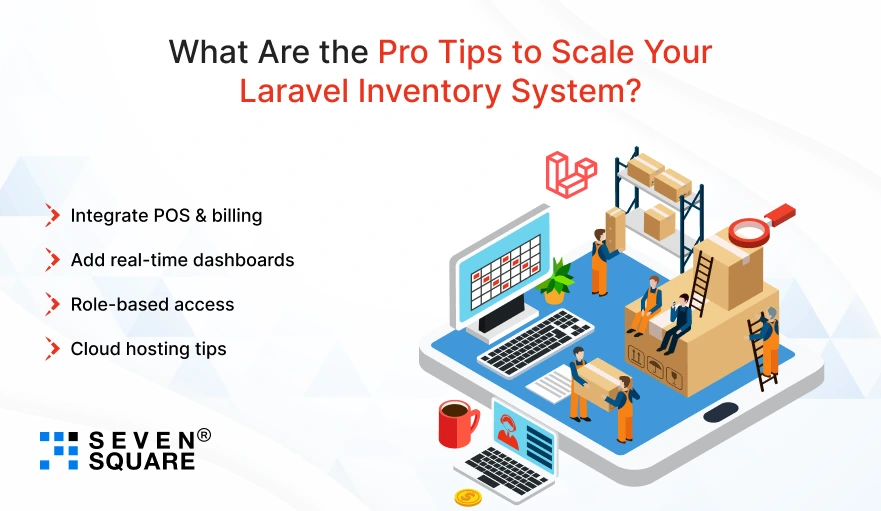
Once your basic system is live, here’s how you can take it to the next level:
- Integrate POS & billing: Turn your inventory into a fully featured sales system.
- Add real-time dashboards: Get insights on stock movement, sales trends, and alerts.
- Role-based access: Allow managers, staff, and admins to use the system securely.
- Cloud hosting tips: Deploy your Laravel system on AWS, DigitalOcean, or Laravel Forge for reliability and speed.
These upgrades can help you change your Laravel inventory system into a complete business management solution.
Want an Inventory Management System? Contact Us Now!
Your Laravel Inventory Journey Starts Here
Barcode + batch tracking = next-gen inventory system.
With Laravel, you can build a robust solution that reduces errors, saves time, and keeps your business future-ready.
This blog gives you the foundation to create your own Inventory Management System in Laravel with batch and barcode features.
FAQs
- You can build it by integrating a barcode generator/scanner package with your Laravel inventory project.
- Our blog with GitHub code will help you.
- Yes, by designing your database with batch tables, you can track expiry, lot numbers, and manage batch-wise stock in Laravel.
- Yes, Laravel is scalable, secure, and supports POS systems with barcode and billing features.
- You can use Laravel barcode packages (like milon/barcode) to generate barcodes when adding products or batches.