Here’s a harsh truth most teams realize too late: Cloud migration doesn’t automatically mean scalability.
We speak to founders, CTOs, and product teams asking the same question:
“Why is my cloud application not scaling even after moving to AWS / Azure / GCP?”
If this feels familiar, you’re not alone. Your application is already on the cloud, yet:
- Traffic spikes still crash the app.
- Auto-scaling is enabled, but performance drops under load.
- Cloud bills keep increasing, but users still complain about slowness
- Releases feel risky because the system is fragile.
This is one of the most common cloud scalability challenges teams face today.
The assumption is simple: “We moved to the cloud, so scaling should be easy now.” But in reality, that assumption is where things go wrong.
The real issue is this: Cloud hosting is not the same as scalable cloud architecture.
Most applications don’t fail to scale because of the cloud provider. They fail because the architecture was never designed to scale in the first place.
We follow the cloud architecture best practices to ensure your app has a scalable cloud architecture.
Here in this blog, we tried to explain why cloud applications don’t scale, and what actually needs to change if you want real scalability.
What Is Scalable Cloud Architecture (And Why Most Apps Don’t Have It?)
Before fixing the problem, let’s clear up a big misunderstanding. Scalable cloud architecture does not mean:
- Hosting your app on AWS, Azure, or GCP.
- Using virtual machines or containers.
- Turning on auto-scaling.
Those are just tools.
What Scalable Cloud Architecture Actually Means?
A scalable cloud architecture is an application design that can:
- Handle increasing traffic without breaking.
- Add or remove resources smoothly.
- Maintain performance under load.
- Scale without exponentially increasing costs.
The system grows without becoming slower, unstable, or expensive.
Hosting on Cloud vs Architected for Scale
| Hosting on Cloud | Architected for Scale |
|
|
This difference is why application scalability in the cloud often fails even after migration.
Explore the Cloud Migration Mistakes That Businesses Are Still Making.
What Are the Cloud Scalability Issues Shared by People Online?
One of the clearest ways to understand why cloud applications don’t scale even after migration is to hear it directly from engineers & teams struggling with these issues in real life.
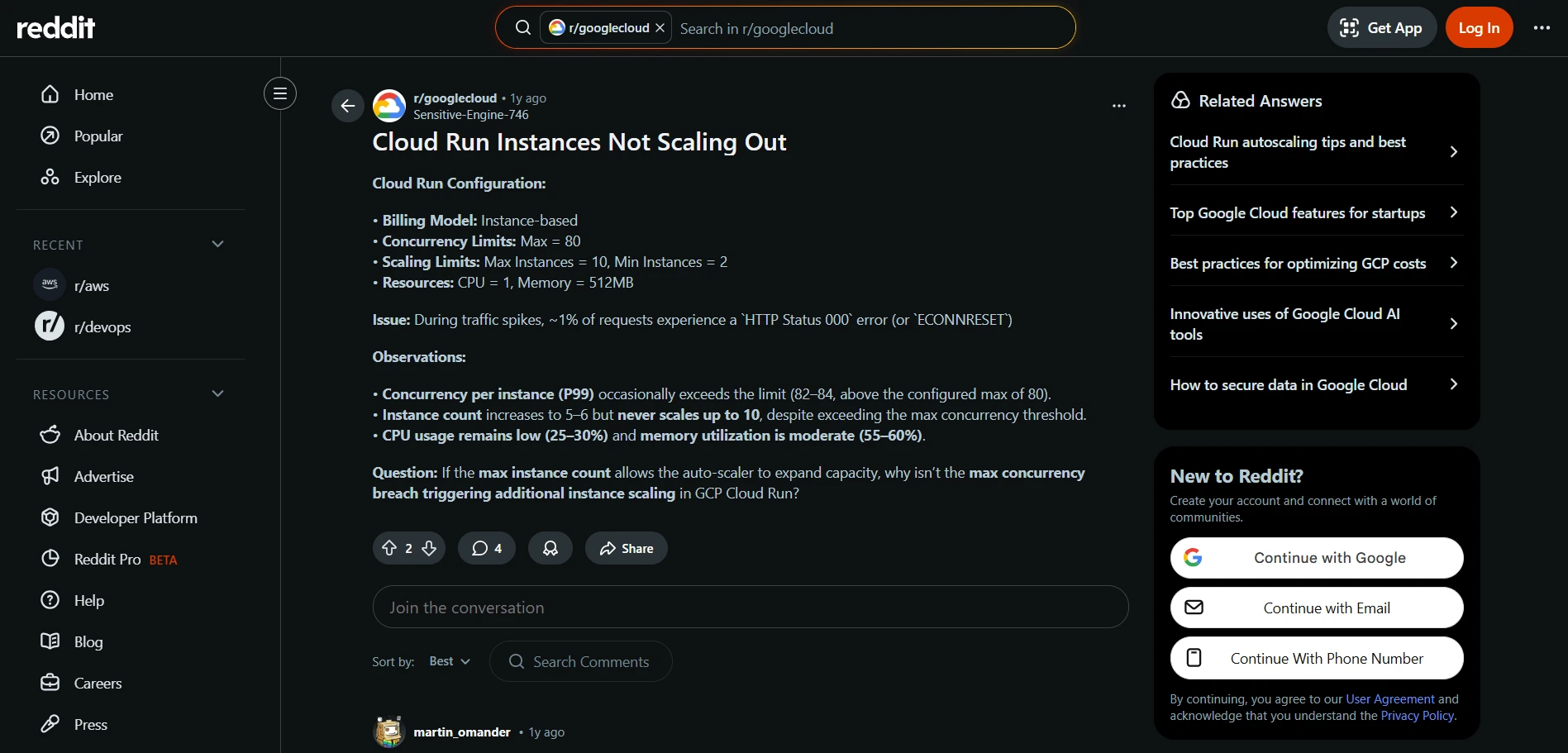
Source: Reddit
Cloud Run isn’t scaling up even under load
In this Reddit thread, a developer explains that although auto-scaling was configured, their Google Cloud Run service never scaled up past a certain number of instances, even during peak traffic.
This example shows a pattern common to cloud scalability failures:
- Auto-scaling can’t magically fix design problems.
- Misconfigured scaling policies lead to poor performance.
- Cloud migration doesn’t automatically solve architectural bottlenecks.
- Engineering teams often need deeper architecture changes.
Developer experiences are proof that just deploying on the cloud doesn’t mean your system will scale.
Why Your Application Still Can’t Scale After Cloud Migration?
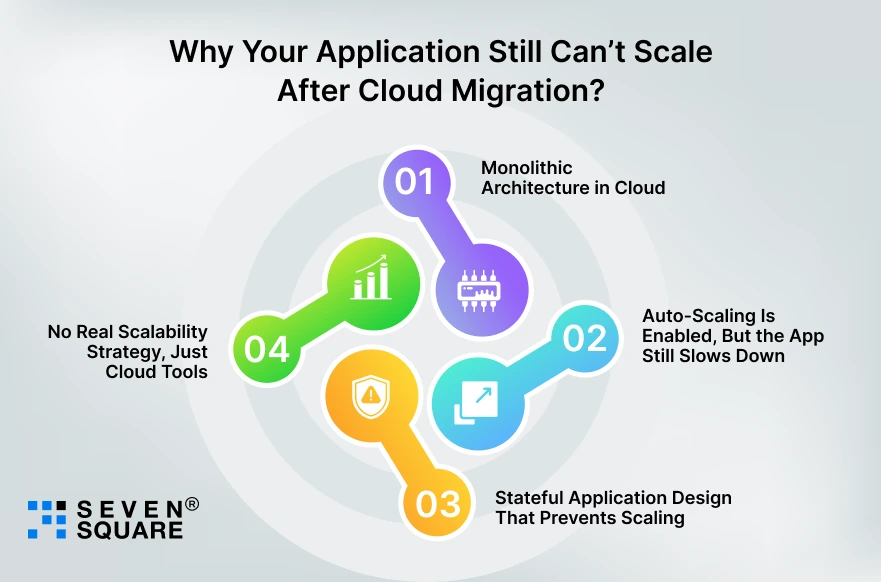
If your application is already on the cloud but still struggles under load.
You’re facing common cloud scaling issues that most teams don’t realize until users start complaining.
Here are the real reasons why cloud applications don’t scale, even after “successful” cloud migration.
1. Monolithic Architecture in Cloud
One of the biggest reasons cloud scalability fails is this: The application was moved to the cloud without changing the architecture.
This is called a lift-and-shift migration. What happens in this case?
- A large monolithic application runs on cloud servers.
- All features depend on each other.
- One small issue impacts the entire system.
Even if you add more servers, the monolith still:
- Scales slowly.
- Becomes harder to maintain.
- Crashes under uneven traffic.
This is why many teams ask: “Why is my cloud application not scaling even though we added more resources?”
Because monoliths don’t scale well in the cloud, they were never designed to.
2. Auto-Scaling Is Enabled, But the App Still Slows Down
This is one of the most confusing cloud scalability challenges. You’ve done everything “right”:
- Auto-scaling is enabled.
- New instances spin up.
- CPU and memory look fine.
Yet users still experience:
- Slow APIs.
- Timeouts.
- Failed requests during peak traffic.
Why? Because auto-scaling only adds servers, it doesn’t fix:
- Poor application design.
- Shared bottlenecks.
- Blocking operations.
This is a classic example of cloud auto-scaling problems caused by architecture.
3. Stateful Application Design That Prevents Scaling
Another hidden reason applications fail to scale in the cloud is stateful services. Stateful applications:
- Store user sessions in memory.
- Depend on a specific server.
- Break when traffic is distributed.
When auto-scaling tries to add more instances:
- Sessions get lost.
- Users are logged out.
- Requests fail unpredictably.
This makes horizontal scaling extremely difficult and is a major cause of application scalability failures in the cloud.
4. No Real Scalability Strategy, Just Cloud Tools
This is the uncomfortable truth: Many applications don’t have a scaling strategy; they just have cloud tools.
Teams assume:
- The cloud provider will handle scaling.
- Auto-scaling will solve performance issues.
- More resources will fix everything.
But without:
- Clear scalability goals.
- Proper architecture decisions.
- Continuous performance testing.
The system eventually hits a wall. That’s when teams realize: Cloud migration alone doesn’t guarantee scalability.
How Did We Solve This Exact Scaling Problem?
Recently, we helped a client move from cloud frustration to a truly scalable cloud architecture.
What the Client Was Struggling With?
The client was a fast-growing product company running their application on the cloud.
- Application crashed during traffic spikes.
- API response times crossed 4 to 6 seconds under load.
- Users experienced random timeouts.
- Cloud costs increased by 30 to 40% month over month.
- Scaling required manual intervention during peak events.
What Changed After the Fix?
- 3x increase in traffic handling capacity.
- 62% reduction in average API response time.
- Peak traffic handled with zero downtime.
- Error rates dropped by over 70%.
Once the architecture was corrected, the cloud finally did what it’s good at, scaling smoothly and efficiently.
What Happens If You Don’t Fix Scalability Now?
Many teams delay fixing scalability because:
- “It works most of the time”.
- “We’ll optimize later”.
- “The cloud should handle it”.
But cloud scaling problems never fix themselves.
Here’s What Usually Happens Instead
User Experience Gets Worse
- Slow load times.
- Random crashes.
- Failed checkouts or actions.
Users leave.
Cloud Costs Keep Increasing
Without proper architecture:
- Auto-scaling increases resources blindly.
- Performance problems remain.
- Bills grow faster than traffic.
Your Competitors Move Faster
While your team is busy handling:
- Competitors handle higher traffic smoothly.
- Launch features faster.
- Win user trust.
In today’s market, performance is a competitive advantage. If you don’t fix scalability, someone else will, and they’ll outgrow you.
How Seven Square Can Help You Scale? (Even If You’re Already on the Cloud)
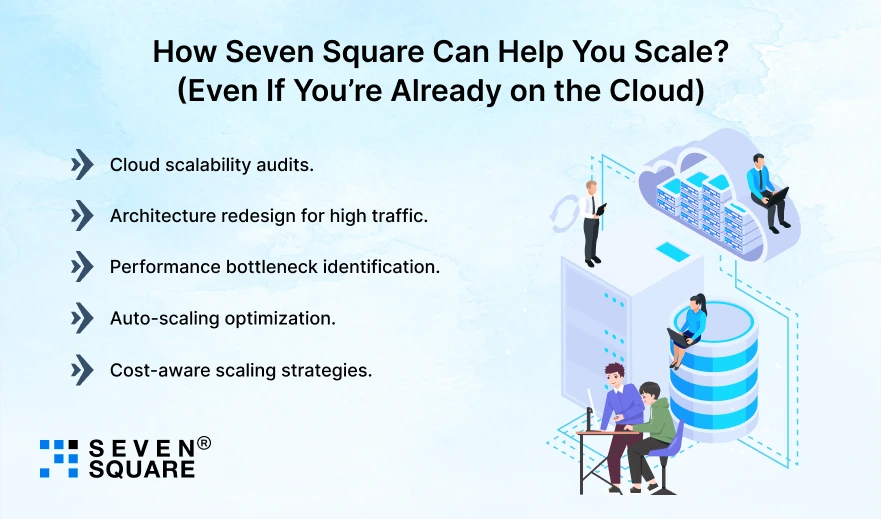
If your application can’t scale, you don’t need another migration. You need clarity, architecture, and a real scaling strategy.
How We Helped?
We work with teams at any stage: Startups, scale-ups, and enterprises.
Our services include:
- Cloud scalability audits.
- Architecture redesign for high traffic.
- Performance bottleneck identification.
- Auto-scaling optimization.
- Cost-aware scaling strategies.
We don’t just tell you what’s wrong, we fix it for you.
Want to Scale Your App After Moving to the Cloud? Contact Us Today!
Cloud Is Not the Problem, Architecture Is
Your application can’t scale because it wasn’t designed to scale, not because you chose the wrong cloud.
Scalable cloud architecture:
- Is intentional.
- It is tested under real conditions.
- Grows without breaking performance or budget.
If your app slows down, crashes, or becomes expensive as traffic grows, that’s not normal, and it’s not something you should accept.
FAQs
- Because cloud hosting alone doesn’t create scalable cloud architecture, poor design and bottlenecks still limit application scalability.
- Scalable cloud architecture is an application design that handles growing traffic without performance drops or uncontrolled cloud costs.
- Most cloud applications don’t scale due to monolithic design, database bottlenecks, and a lack of proper cloud scalability planning.
- Cloud hosting runs your app online, while scalable cloud architecture ensures it grows smoothly under increasing traffic.