A DevOps pipeline helps SaaS companies automate and control software delivery from development through production. A stable pipeline reduces release failu resimproves recovery, and gives growing businesses a more predictable way to ship product updates.
Why DevOps Pipeline Stability Starts With Business Reliability
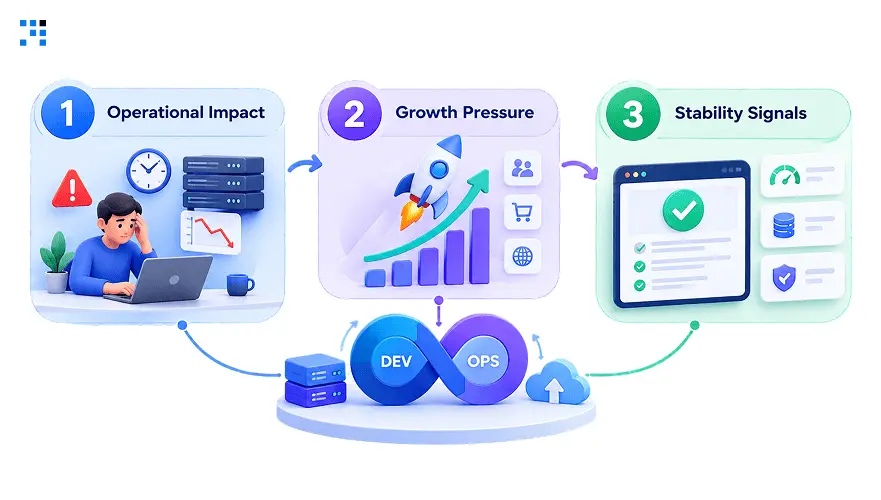
1. Operational Impact
Pipeline instability eventually becomes a business problem.
Delayed releases can affect planned launches and customer commitments.
Repeated failures also consume engineering capacity unnecessarily.
That capacity could support product improvements or customer requirements.
Customers expect promised improvements to arrive without unnecessary disruption.
Frequent deployment problems can weaken that confidence over time.
2. Growth Pressure
Early-stage systems often work with smaller teams.
They handle fewer releases, services, environments, and integrations.
Growth changes those operating conditions quickly.
More customers create greater pressure on product availability.
3. Stability Signals
Business leaders need clear signals about delivery reliability.
Useful indicators include failed releases, recovery time, and delays.
Deployment frequency can also reveal operational bottlenecks.
These signals help leadership understand technology delivery risks.
The original pipeline may still technically function.
However, functionality alone does not guarantee business stability.
DevOps Pipeline Problems That Affect SaaS Businesses
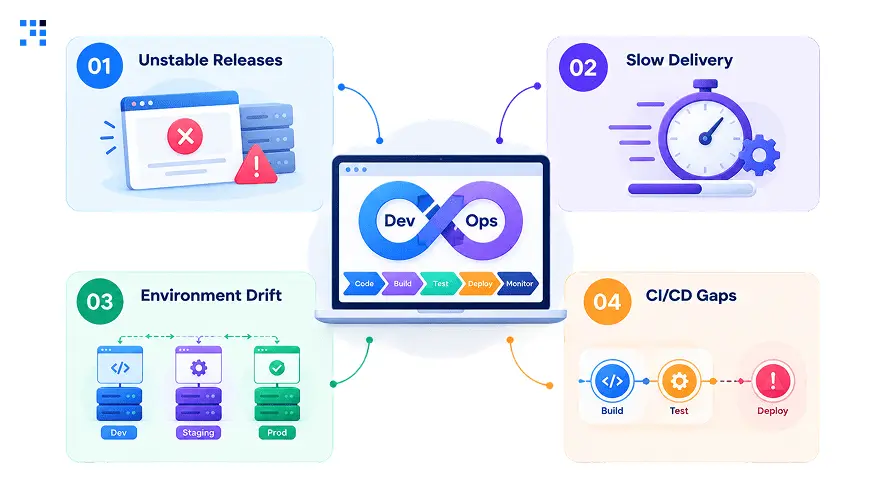
1. Unstable Releases
Repeated release failures create uncertainty around product delivery.
Teams may delay launches while investigating recurring pipeline issues.
Customers then wait longer for planned improvements.
This becomes especially costly during important product launches.
2. Slow Delivery
A slow pipeline reduces how quickly teams deliver improvements.
Long builds can create queues across multiple development teams.
Testing delays can push planned releases into later windows.
The problem grows when release schedules become more frequent.
3. Environment Drift
Different environments can produce inconsistent application behavior.
Something working during development may fail during production deployment.
These mismatches create uncertainty around release readiness.
Standardized environments reduce this operational risk significantly.
They also make deployment behavior easier to reproduce consistently.
4. CI/CD Gaps
A weak CI/CD process can make releases unpredictable.
Builds may pass inconsistently across different release cycles.
Testing gaps can allow issues into production environments.
Manual deployment steps can also create avoidable mistakes.
A stronger CI/CD process makes delivery more controlled.
Why DevOps Pipeline Design Must Evolve With SaaS Growth
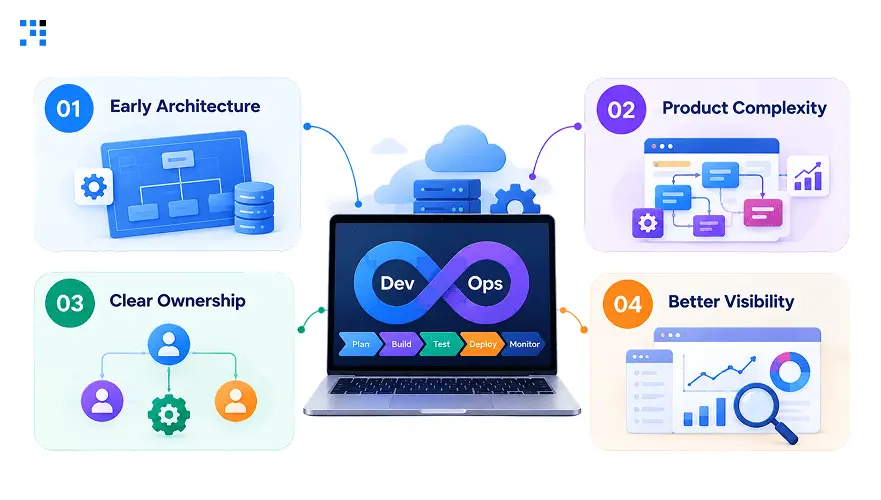
1. Early Architecture
Many companies build their initial pipeline around immediate needs.
That approach makes sense during early product development.
The same structure may struggle under greater operational demands.
Small teams often tolerate manual steps temporarily.
Growing businesses eventually need more predictable processes.
2. Product Complexity
Product growth introduces additional environments and deployment requirements.
Testing requirements also increase as products become more complex.
More integrations create additional points requiring validation.
A pipeline designed for smaller workloads can become fragile.
Redesign becomes necessary when operational complexity keeps increasing.
3. Clear Ownership
Every critical delivery system needs defined ownership.
Without ownership, recurring failures can remain unresolved for months.
Teams may continue applying temporary fixes instead.
Clear responsibility creates accountability for pipeline health.
It also establishes expectations around monitoring and maintenance.
4. Better Visibility
A pipeline should explain where failures occur.
Useful logs help teams identify problems without excessive investigation.
Monitoring can expose recurring patterns across deployment activity.
This visibility also helps leadership understand delivery risks.
Better information supports more predictable release planning.
What DevOps Pipeline Performance Reveals About Product Risk
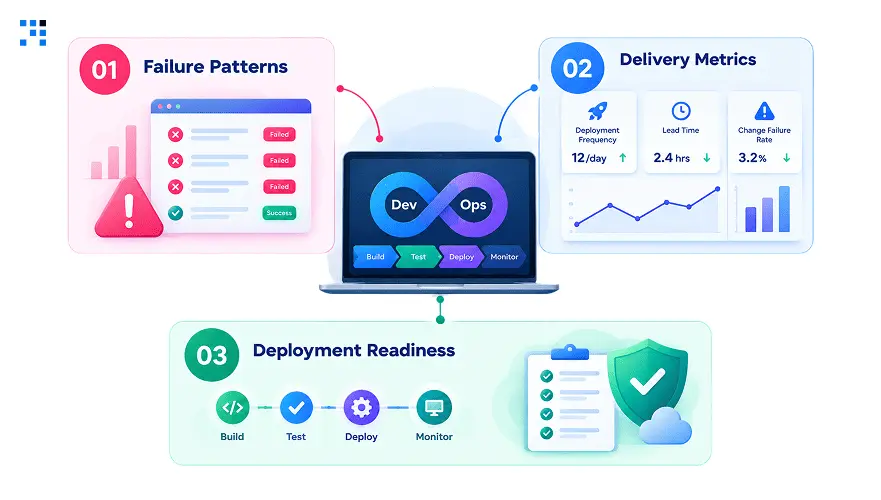
1. Failure Patterns
Repeated failures often indicate deeper process weaknesses.
One failed deployment may simply be an isolated incident.
Recurring failures deserve broader investigation.
Patterns can reveal unstable tests or configuration problems.
They can also expose infrastructure and dependency issues.
2. Delivery Metrics
Businesses should track delivery performance over time.
Useful metrics include deployment frequency and recovery duration.
Failure rates can reveal whether reliability is improving.
These measurements provide a clearer operational picture.
They also help teams prioritize infrastructure improvement effo
3. Deployment Readiness
Pipeline performance can indicate whether engineering systems can scale.
A growing product needs delivery systems matching business demands.
Otherwise, release pressure increases alongside customer growth.
This makes pipeline architecture part of SaaS scalability planning.
It should not remain an isolated engineering concern.
How We Build A Stable DevOps Pipeline
1. Business First
Every pipeline decision starts with understanding your product and growth requirements.
Priorities and release expectations shape the technical approach from day one.
The approach keeps engineering work connected with operational objectives.
2. Scalable Architecture
We design delivery architecture around your current product complexity.
The structure also considers expected growth and future services.
A scalable foundation reduces costly redesigns during later expansion stages.
3. Reliable Automation
Delivery architecture gets designed around your current product complexity.
The structure also accounts for expected growth and future services.
This reduces costly redesigns during later expansion stages.
4. Strong Observability
Visibility gets built into every important delivery and infrastructure event.
Teams need actionable information the moment something fails unexpectedly.
Better observability shortens investigation and recovery cycles.
5. Continuous Improvement
A stable pipeline still requires ongoing maintenance and optimization.
Performance gets reviewed as products, teams, and infrastructure evolve.
Regular improvements keep delivery systems aligned with changing business demands.
For SaaS companies, the objective is bigger than deployment.
It is creating a dependable path from product changes.
That path should support growth without creating operational instability.
FAQs
Growth exposes weaknesses invisible in the original architecture. As services, environments, and integrations multiply, complexity outpaces what early pipelines were built for. This is exactly the kind of instability we help teams catch before it surfaces as delayed releases.
Unreliable delivery delays launches customers are actively expecting. Engineering effort shifts toward chasing failures instead of building features. We’ve seen this pattern quietly erode customer experience and revenue over time.
Redesign becomes necessary once delivery starts limiting growth instead of supporting it. Frequent failures, slower releases, and manual workarounds all signal outgrown infrastructure. We typically flag this shift before it turns into a serious problem.
Failure rates and deployment frequency are the clearest health indicators. Recovery time shows how fast a team resolves incidents once something breaks. These are the exact metrics we track when auditing a client’s pipeline.
Yes, but only when its architecture evolves alongside the product’s needs. Automation, standardized environments, and strong visibility make that scale possible. This is the kind of evolution we build into every pipeline we design.