What goes into building a custom WordPress Website?
I explained my real development process including client discussions, UI planning, custom theme setup, plugin customization, and performance optimization.
Before I started working closely with clients on WordPress projects, I noticed something common.
Websites become slow, hard to manage, or difficult to update because too many plugins were added or the structure wasn’t planned properly.
So clients often ask questions like:
- Why is my WordPress website slow?
- How can I customize my website without breaking something?
- Why does my site look different on mobile devices?
- How can I easily update content without touching code?
That’s what I will be explaining in this blog.
Sharing My WordPress Development Workflow
I am a WordPress developer & I have written thousands of lines of code while building WordPress websites for the clients but this is the first time I am writing a blog.
Many clients often ask me how to create a custom WordPress website. Some people think it’s just about installing WordPress and activating a theme. But in reality, building a professional website involves a structured process.
For me, a good WordPress website should focus on performance, clean code, usability, and long-term scalability. So in this blog, I’ll walk through the actual steps I follow when creating a custom WordPress website for a client.
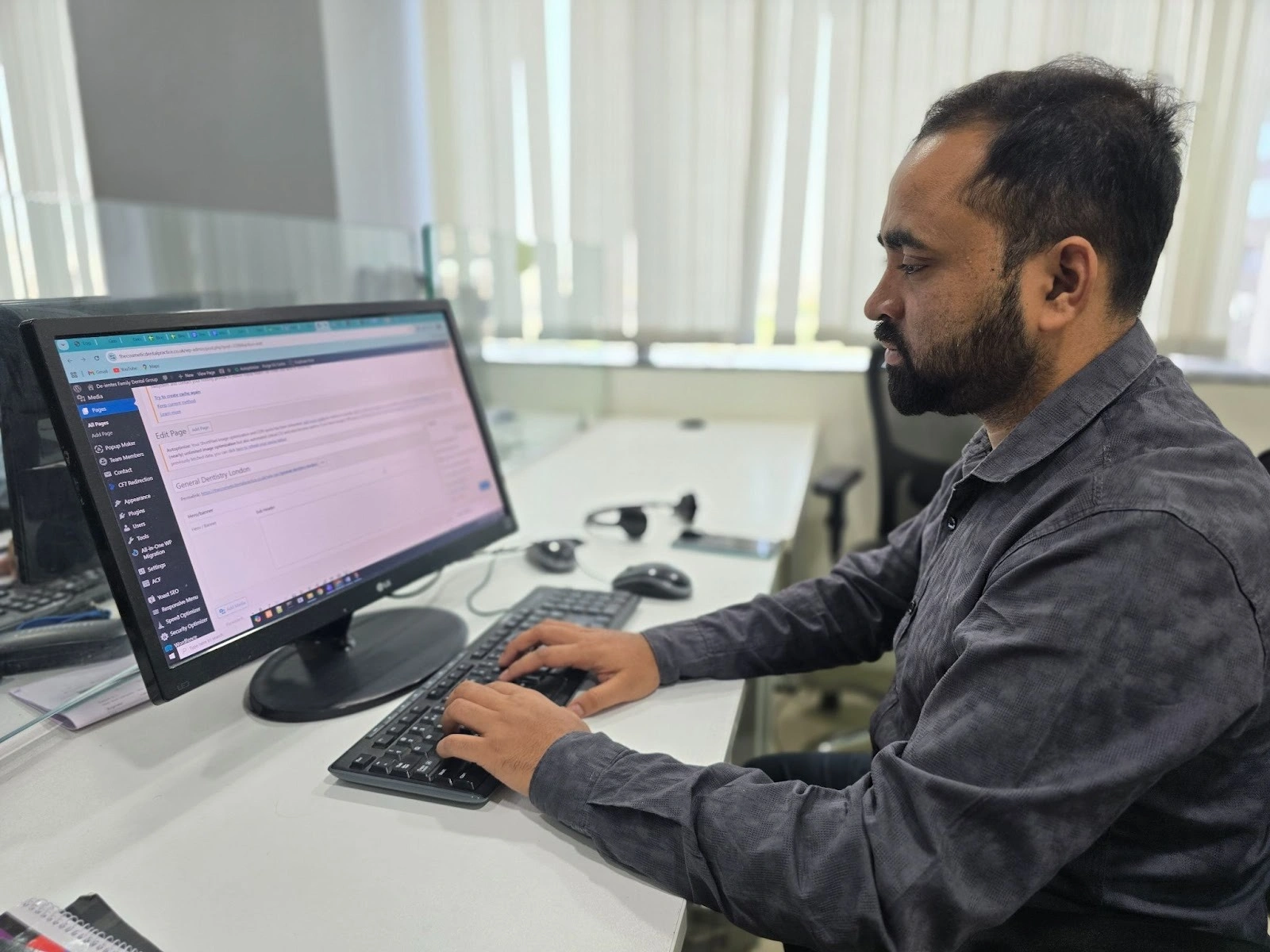
Which Process I Follow to Create a Custom WordPress Website?
Whenever I start a new project, I usually follow these steps:
- Understand client requirements.
- Plan the website layout structure.
- Design the UI/UX before development.
- Set up WordPress and create a custom theme.
- Develop custom features using ACF and clean code.
- Optimize the website for speed, SEO, and security.
Let me explain this using a real example from one of my recent projects.
Need a Custom WordPress theme Built for Your Business?
How I Built a Custom WordPress Website Step by Step?
Before jumping into development, I always follow a structured process when building a custom WordPress website.
This helps avoid confusion later and ensures the website performs well.
You can follow the exact steps I follow, from understanding client needs to development, customization, and optimization.
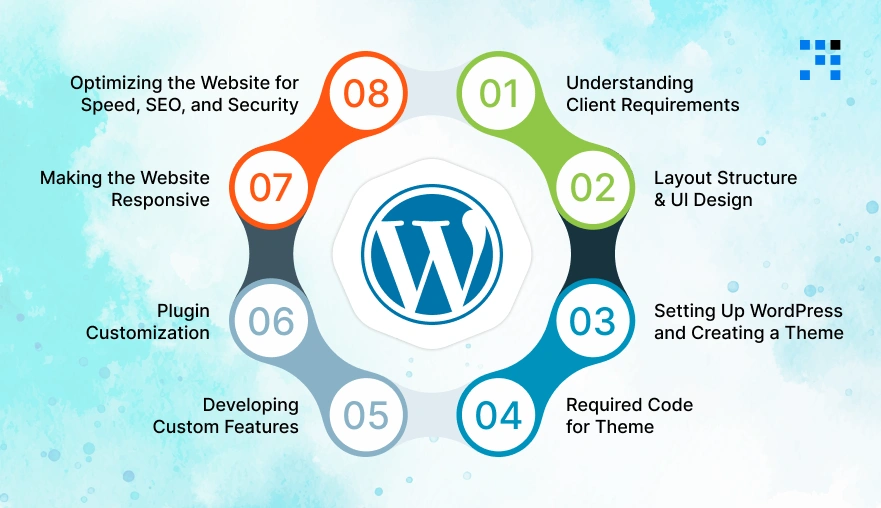
1. Understanding Client Requirements
The first thing I do is talk with the client. I try to understand:
- What does their business do?
- What goals do they want to achieve from the website?
- What kind of features do they need?
This step is very important because it helps me decide the structure, functionality, and technology approach for the website.
2. Planning the Layout Structure & UI Design
After understanding the requirements, I start planning the website structure.
I usually define:
- Page hierarchy.
- Content sections.
- Navigation flow.
The goal is to keep the website simple, organized, and easy for users to explore.
Once the structure is ready, the design team creates the UI design so the website looks visually attractive and aligns with the client’s brand.
3. Setting Up WordPress and Creating a Custom Theme
After the design is approved, I start the development process.
First, I install WordPress on the hosting server and configure the basic settings such as:
- Website name.
- Permalinks.
- Security settings.
Then I create a custom theme instead of using a ready-made theme.
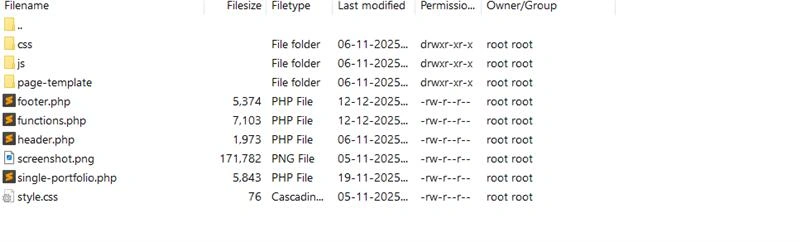
Inside the /wp-content/themes directory, I create a new folder for the theme and add the essential files:
- style.css
- index.php
- functions.php
- screenshot.png
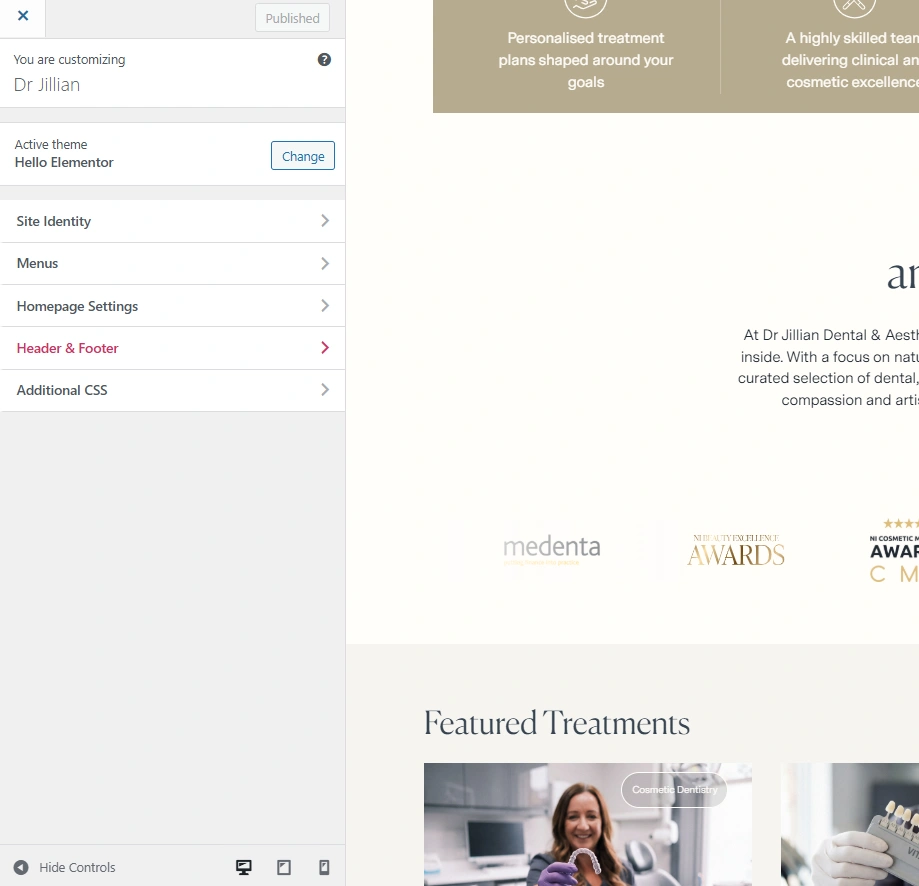
These files allow WordPress to recognize the theme.
4. Required Code for Theme Creation
The following code is added to the style.css file so that WordPress can detect the theme:
               /*
                Theme Name: My Custom Theme
                Theme URI: https://example.com/my-custom-theme
                Author: Your Name
                Author URI: https://example.com
                Description: A custom WordPress theme created from scratch.
                Version: 1.0
                License: GNU General Public License v2 or later
                License URI: https://www.gnu.org/licenses/gpl-2.0.html
                Text Domain: my-custom-theme
                */
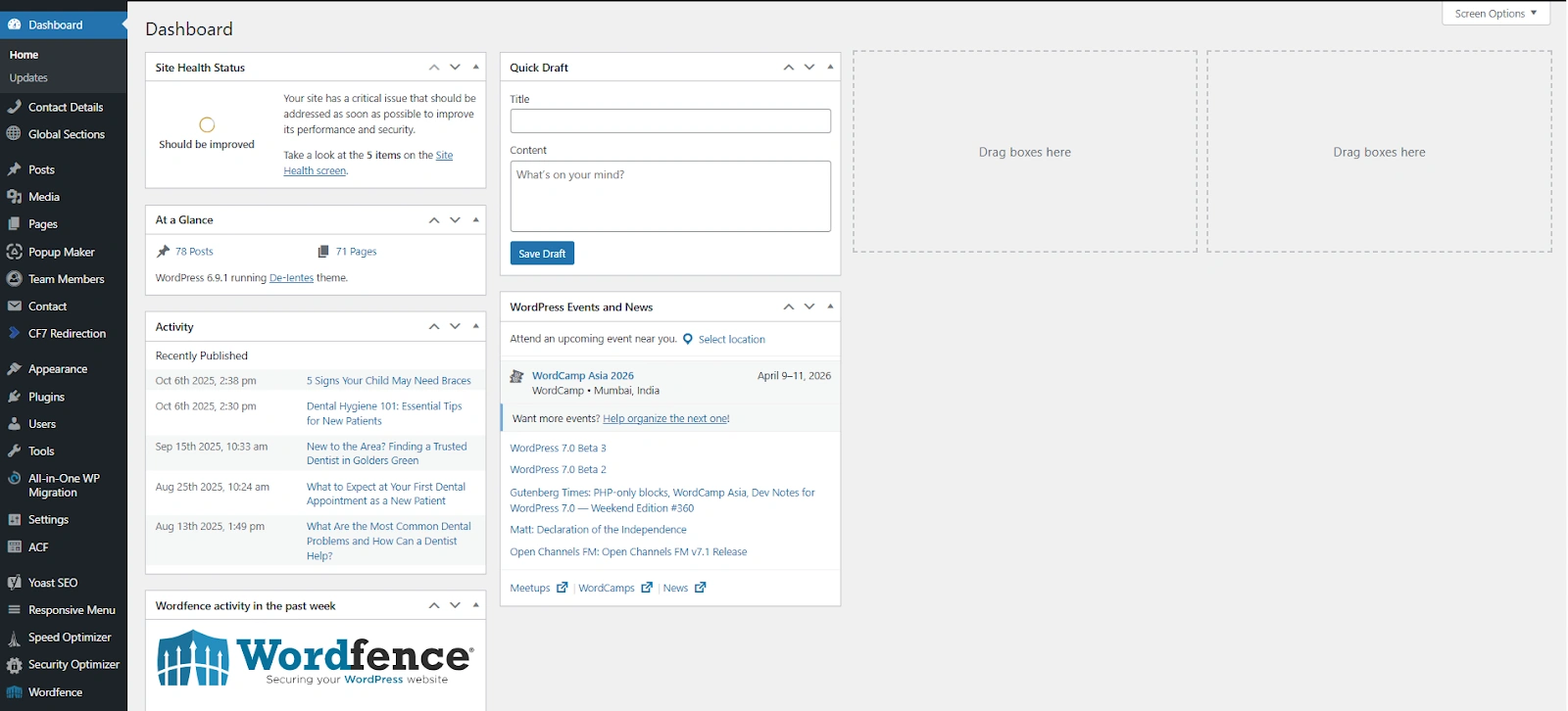
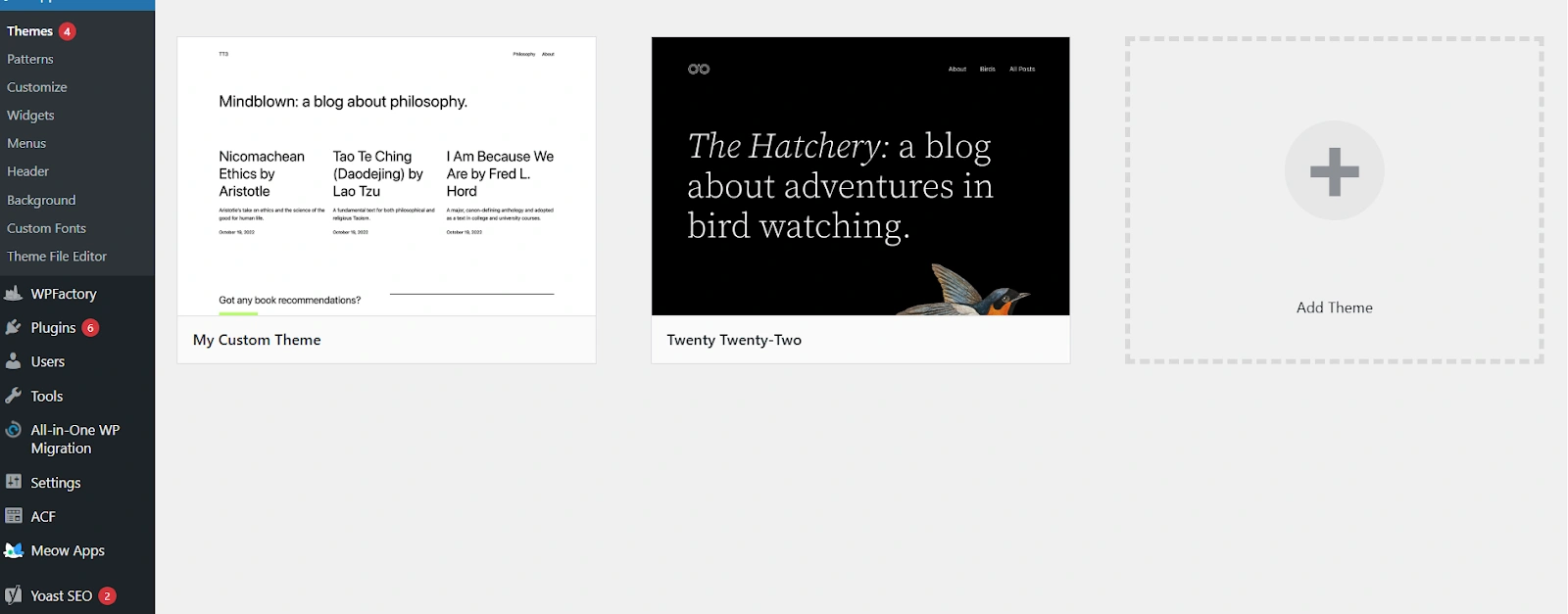
After this, the theme appears inside the WordPress admin panel, and I can activate it.
5. Developing Custom Features Using ACF
To build flexible content sections, I use the Advanced Custom Fields (ACF) plugin.
This plugin helps clients manage content easily from the admin panel without touching code.
Here is the process I usually follow:
- I create a new field group in ACF and add fields such as text, image, or textarea depending on the page requirements.
- Then I assign the field group to a specific page, post type, or custom template.
- Inside the theme folder, I create a custom page template file such as home-page.php.
- In this template file, I add the code to structure the page.
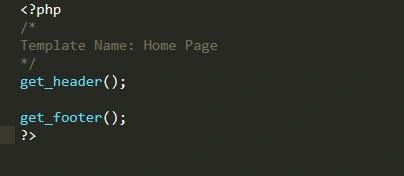
After creating the template, I write the HTML structure and style it with CSS based on the approved design.
- Next, I connect the ACF fields with the template so dynamic content appears automatically.
- Now the client can easily update text, images, and sections from the WordPress dashboard.
This approach makes the website much easier for non-technical users to manage.
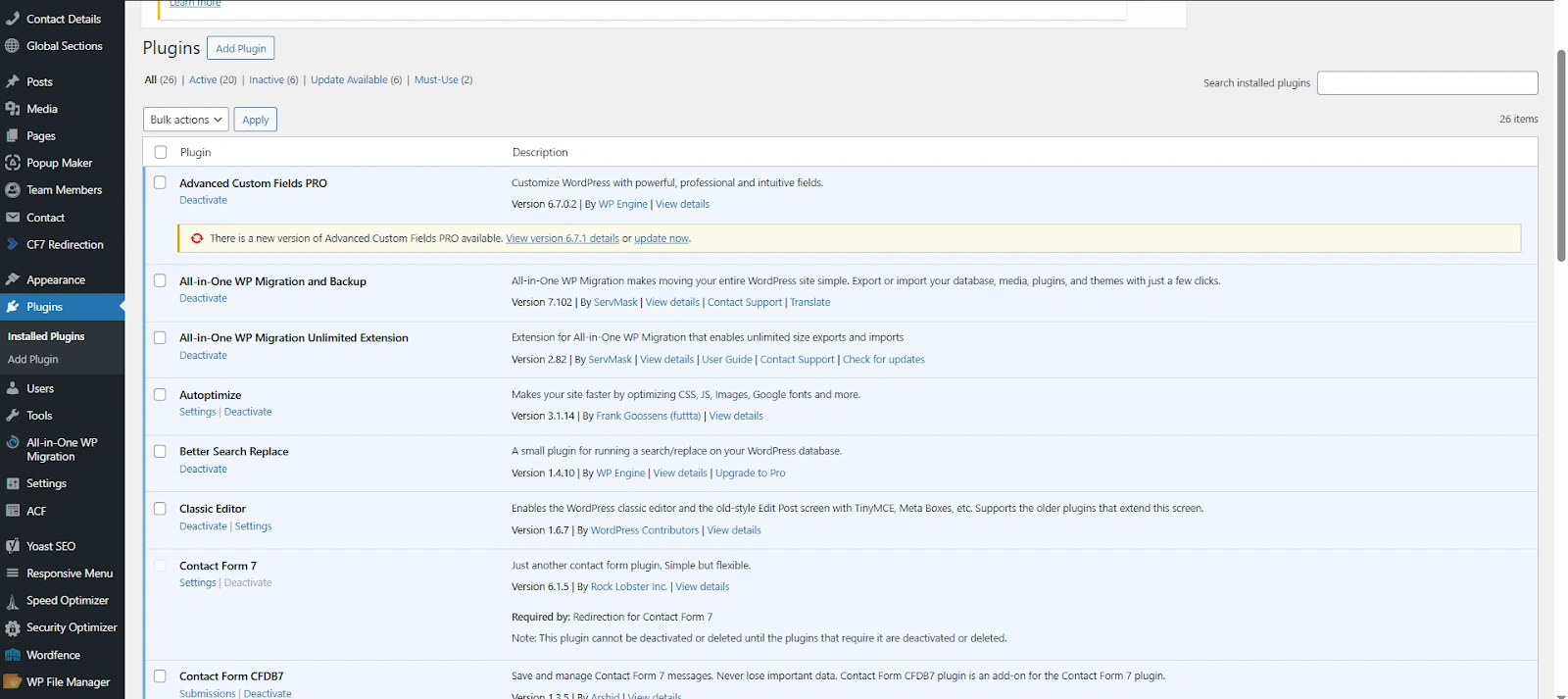
6. Plugin Customization
Sometimes the default functionality of a plugin is not enough. In those cases, I customize or extend plugins using:
- WordPress hooks.
- Template overrides.
- Custom PHP code.
Instead of installing many plugins, I try to extend existing plugins safely. This helps keep the website lightweight and faster.
7. Making the Website Responsive
Today most users visit websites from mobile devices. So I always make sure the website works smoothly on:
- Mobile phones.
- Tablets.
- Desktop screens.
I adjust layouts, images, and typography so the design looks clean on every screen size.
8. Optimizing the Website for Speed, SEO, and Security
Optimization is an important step before launching the website.
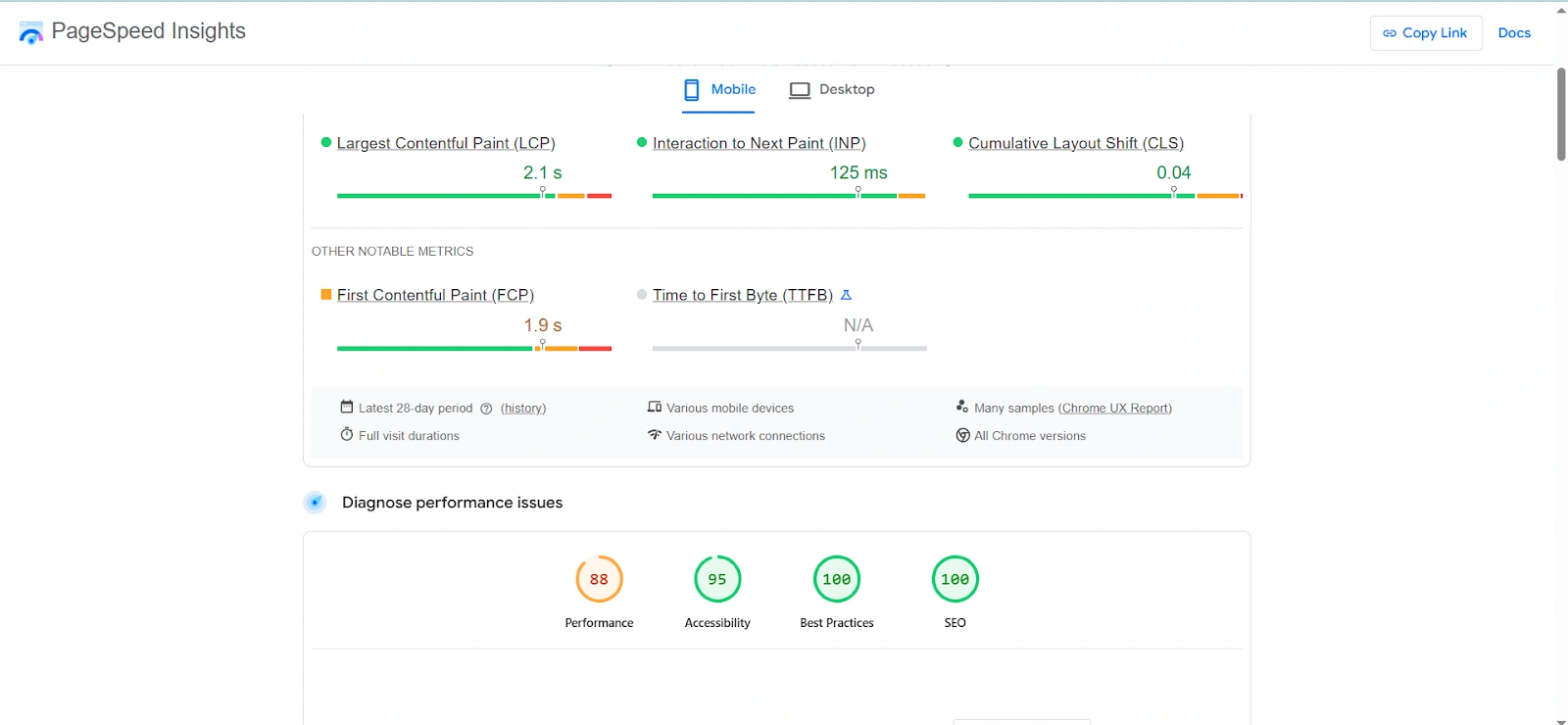
Speed Optimization
To improve performance,
- Compress images.
- Minify CSS and JavaScript files.
- Remove unnecessary plugins.
I also use the WP Rocket plugin to enable caching and improve loading speed.
SEO Optimization
For SEO, I use the Yoast SEO plugin. It helps me:
- Set meta titles and descriptions.
- Improve content readability.
- Generate XML sitemaps.
- Optimize pages for search engines.
Website Security
Security is also important for WordPress websites. For this, I use the Wordfence plugin. It helps protect the website by:
- Adding firewall protection.
- Blocking suspicious login attempts.
- Scanning for malware.
Looking for a WordPress Developer to Build a Custom Website?
Final Thoughts from My Development Process

For me, creating a custom WordPress website is not just about building something that looks good.
It’s about building the right solution for the client’s business.
By following a structured approach and using a custom theme with only necessary plugins, the website stays:
- Fast.
- Scalable.
- Easy for clients to manage.
Also, writing clean and well-organized code makes future updates and new features much easier.
And honestly, writing this blog was a new experience for me. I usually write code every day, but sharing my workflow like this was interesting. Hopefully, this gives you a clear idea of how a WordPress developer actually builds a custom website from scratch.
FAQs
- A custom WordPress website is built from scratch using a custom theme & functionality instead of using ready-made templates.
- This approach allows developers to design the layout, features, and structure based on the client’s exact business needs.
- A custom website gives businesses better performance, flexibility, and scalability.
- It allows developers to create only the required features, which keeps the website faster, easier to manage, & more adaptable for future updates.
- In most professional projects, developers prefer creating a custom theme.
- It gives full control over design, performance, and code quality, while pre-built themes sometimes include unnecessary features that slow down the website.
- Speed optimization usually involves compressing images, minimizing CSS and JavaScript files, reducing unnecessary plugins, and enabling caching using tools like WP Rocket to improve loading performance.