iOS 27 brings Siri AI, Apple Intelligence, and changes to search, design, and speed. iOS app owners now have to consider how well their app fits into this, as users now expect apps to feel as fast, smart, and connected as the operating system itself.
Is your app already losing ground under iOS 27?

Most app owners won’t notice right away.
A user opens your app the way they always do.
This time, they ask Siri to do it instead.
Siri can’t find the action inside your app.
It completes the task somewhere else entirely.
Later, they search for something in Spotlight.
Your app’s content doesn’t show up.
They find it inside a competitor’s app instead.
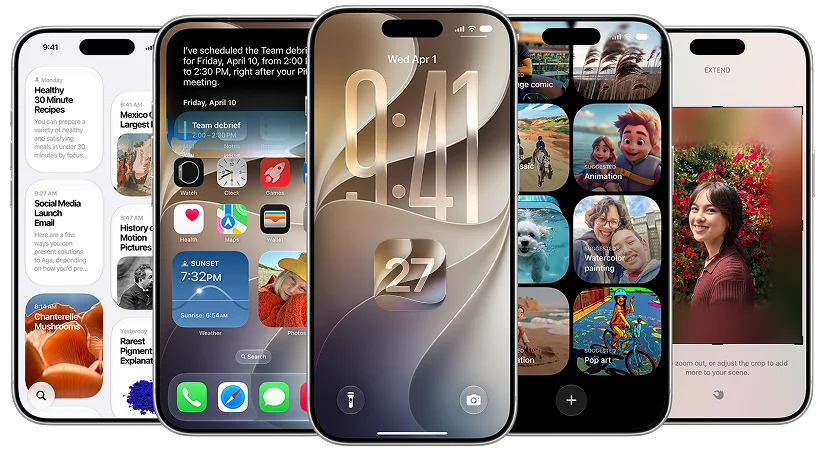
Apple didn’t just update the design this time.
Siri AI now reads screens, takes actions, and answers questions.
Apps that don’t plug into this feel left behind fast.
This isn’t a future problem. iOS 27 is live now.
The apps adjusting early are the ones getting noticed.
Why iOS 27 Is Slowing Down App Discovery
1. Search Left Behind
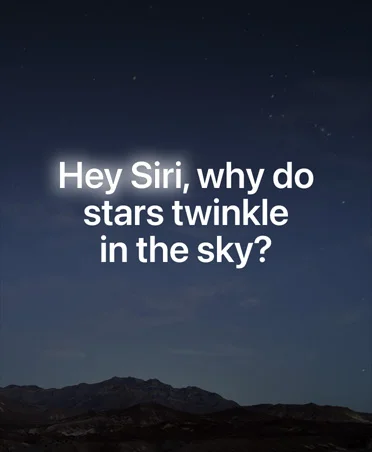
Spotlight, Photos, and Mail search got a full revamp.
Apple calls it more stable, efficient, and comprehensive.
If your app isn’t indexed well, users simply won’t find it.
This is exactly why iOS app development can’t treat search as an afterthought.
2. Invisible to Siri
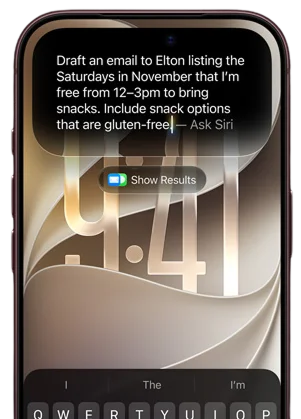
Siri AI now has onscreen awareness across every app.
It reads what’s on the screen and answers questions live.
Apps with messy or unlabeled screens confuse this feature entirely.
A screen Siri can’t read is a screen users can’t get help with.
3. Visual Search Gap
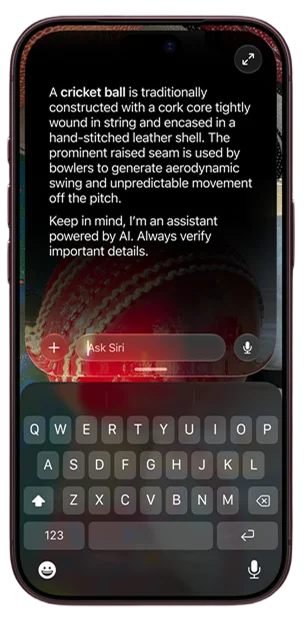
Visual Intelligence now works across iPhone, iPad, Mac, and Vision Pro.
Users can point a camera and get instant answers.
Apps built around search or lookup features feel this pressure directly.
The system is doing what these apps were built to do.
Where Apps Are Losing Daily Engagement Under iOS 27
1. System Shortcuts
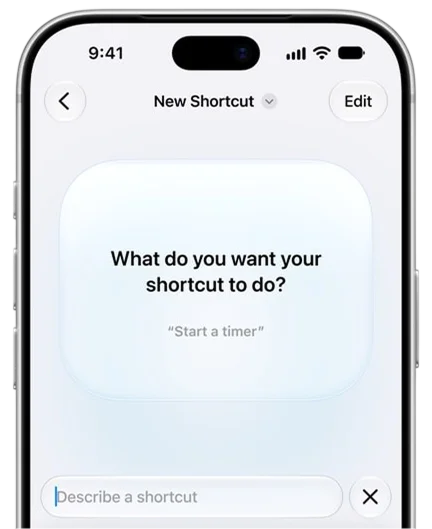
Siri AI can now take actions inside apps like Messages and Music.
It edits, adds, and completes tasks without opening the app.
If your app can’t do this, Siri simply skips it.
Every skipped action is one less reason for a user to open your app.
2. In-App Actions
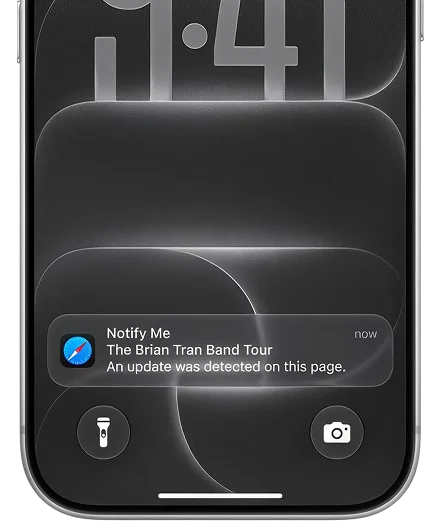
Call Context now pulls details like confirmation codes automatically.
It surfaces this the moment a user calls a business.
Users no longer need to open the app to check.
The app still exists, but the reason to open it just disappeared.
3. Suggestions Feature

Suggestions in Messages and Mail now offer quick actions directly.
Add an event or search a photo without switching apps.
Every quick action Apple builds in is one less reason to open yours.
Small utility features get absorbed into the system, one at a time.
Don’t let Siri replace your app’s best feature.
What iOS 27 Exposes About App Quality
1. New Speed Bar
Apple says app launches are now up to 30 percent faster.
Photos load up to 70 percent faster than before.
Users feel this shift, even if they can’t explain it.
An app that hasn’t kept pace suddenly feels noticeably slower by comparison.
2. Missing Liquid Glass
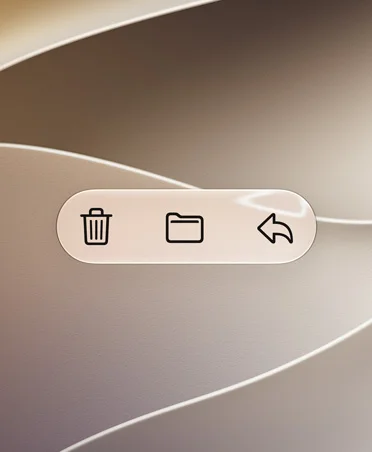
Liquid Glass has been refined for better contrast and clarity.
A new slider even lets users adjust how it looks.
Apps with old visual styles will look dated by comparison.
Users won’t say what’s wrong, they’ll just feel it’s off.
3. Outdated Icons

App icons across the system are now sharper and more defined.
An icon designed for the old look stands out immediately.
It’s a small detail that quietly signals an outdated app.
First impressions start on the home screen, before the app even opens.
How iOS 27 Is Limiting Your iOS Apps’ Reach
1. Screen Time Limits
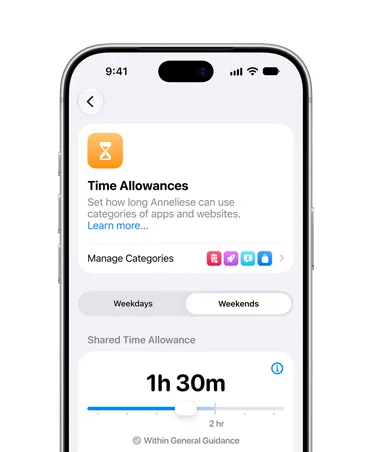
Parents can now set daily time limits by app category.
Entertainment, Games, and Social Media all get separate allowances.
Apps in these categories may see reduced daily access for kids.
A limit set once can quietly cap usage for months.
2. Accessibility Gaps
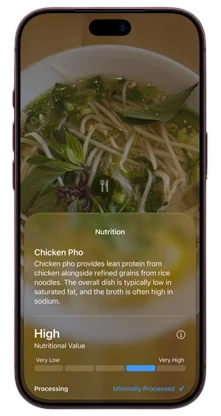
VoiceOver now offers richer, more automatic image descriptions.
Apps without proper accessibility labels get left out of this.
That means a real segment of users simply can’t use them well.
This isn’t a minor gap, it’s a growing part of the App Store’s own standard.
3. Missing on iPad

iPad gets major multitasking and file transfer improvements this release.
Apps built only for iPhone miss this entire audience shift.
iPad is clearly getting real investment as its own platform.
Treating it as an afterthought means missing a genuinely growing audience.
4. Left Off Watch
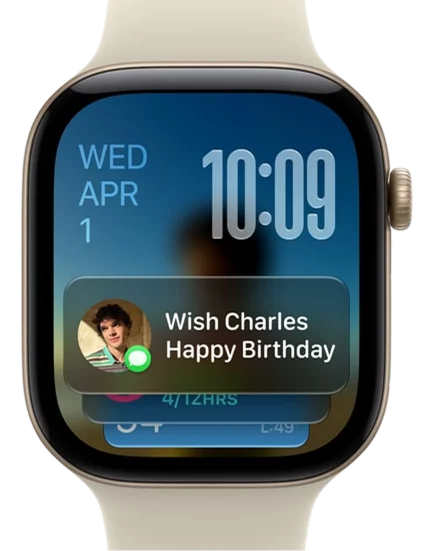
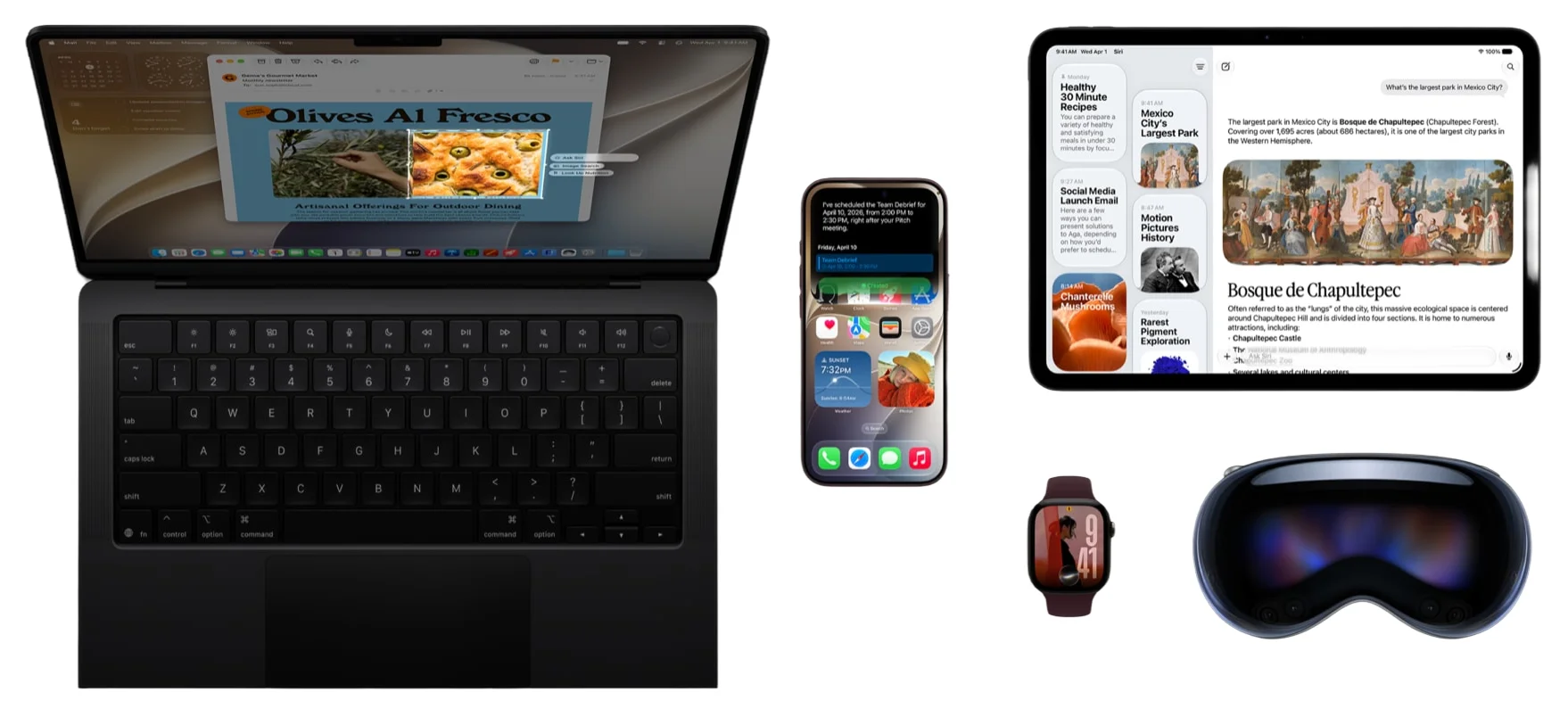
This update rolled out together across iPhone, iPad, Mac, and Watch.
Apps that only exist on iPhone feel narrower by comparison.
Users increasingly expect the same app to follow them everywhere.
An app confined to one device starts to feel incomplete.
Our breakdown on iPhone Duo app upgrade checklist covers exactly what changes there.
Why Early iOS 27 Adoption Gets Apps Noticed
1. Apple Rewards Speed
Apple has a track record of featuring apps that adopt new tools first.
Early adopters of App Intents and Siri actions stand out fast.
This isn’t a guess. It’s a pattern from past updates.
Being early has consistently meant being seen first.
2. First-Mover Visibility
Fewer apps support new frameworks in the first few months.
That gap means less competition for featured placement right now.
The window to stand out is open, but it won’t stay open.
Once most apps catch up, that advantage disappears completely.
3. Store Rankings Shift
Apps that feel fast and current tend to earn better reviews.
Better reviews directly influence how the App Store ranks an app.
Small technical fixes can lead to real ranking movement.
A handful of one-star reviews avoided can shift a ranking meaningfully.
4. Slow Movers Fade
Apps that wait too long start feeling behind to their own users.
By the time they update, competitors have already earned the attention.
Waiting rarely means catching up. It usually means falling further behind.
Momentum lost this way is hard to win back later.
How Seven Square Builds Apps Ready for iOS 27
1. Audit First
Every screen gets checked against what iOS 27 actually changed.
An honest audit shows exactly where an app is falling behind and why.
Nothing gets flagged without a clear reason tied to a real change.
The process alone often reveals more than teams expect going in.
2. Fix Core Actions
Key in-app actions get connected to Siri using App Intents.
That keeps your app relevant, even when users ask Siri directly.
Without it, Siri simply skips your app and completes the task elsewhere.
Getting this right protects the daily habits users already have.
3. Match New Design
Visual elements get updated to align with the refined Liquid Glass look.
Icons, contrast, and layout all get brought up to the new standard.
The goal isn’t just a new look, it’s matching what users now expect.
An app that looks behind loses trust before a user even taps it.
4. Grow Platform Reach
Where it makes sense, the app gets extended to iPad and beyond.
That helps apps reach users wherever they now expect to find them.
Apple is clearly investing across devices, not just the iPhone anymore.
Apps that follow this shift early reach audiences competitors still miss.
Ready to Make Your App iOS 27 Compliant?
FAQs
Nothing needs to be broken for this to matter. iOS 27 changes what Siri can do inside apps and how search surfaces them. An app can run perfectly and still lose visibility because it wasn’t built to work with these system-level changes.
It depends on what your app does daily. If a task inside your app can now be completed through Siri without opening it, that’s one less reason for users to come back. We check this against your specific app’s core actions, not a generic checklist.
There’s no fixed deadline, but the advantage is real only while fewer apps have adapted. Once most competitors catch up, the visibility edge disappears. We can scope a fix based on how much of that window is still open for your app specifically.
Possibly not everything, but likely something. The refined contrast and icon sharpness in iOS 27 are subtle, but they shift what feels current. We audit specific screens and icons rather than recommending a full redesign upfront.
It depends on your audience and growth goals. Apple is investing more in iPad this cycle, and apps missing there stand out more than before. We can assess whether this is worth prioritizing based on your actual user base.