We see one clear trend: Businesses that use data win. With growing competition and rapidly changing markets, companies can no longer depend on guesswork.
They need business analysis tools that help them make fast, accurate, and data-driven decisions.
Modern businesses are asking for real-time insights, interactive dashboards, automated reports, and AI-powered predictions.
With the right business analysis tools, it boosts accuracy, identifies problems early, saves operational costs, & drives smarter decision-making every single day.
That’s why choosing the right BA tool matters more. Here in this blog, we have tried to explain the top business analysis tools that you can use to make better decisions.
What Are Business Analysis Tools? & Why Are They Important?
Business analysis tools are platforms or software that help companies understand their data, track performance, and make smarter decisions.
These tools bring everything together, from sales numbers to customer behavior, so businesses can see what’s happening and what needs to improve.
The demand for business analysis software and business intelligence tools is higher than ever because:
- They make KPI tracking easy.
- They simplify reporting and dashboards.
- They help analyze business processes.
- They turn raw data into actionable insights.
Whether you’re tracking marketing performance, forecasting growth, or analyzing daily operations, the right BA tool becomes your decision-making engine.
What to Look for When Choosing the Best Business Analysis Tool?
Choosing the best tool can be confusing, so here’s a simple guide on how to choose the right business analysis tool based on what actually matters:
- Real-Time Dashboards & Data Visualization: Your tool should give you live dashboards and easy-to-read charts that help you act quickly.
- Smooth Integrations (ERP, CRM, Salesforce, Databases): A good business analysis tool must connect with the systems you already use, especially CRM, ERP, and Salesforce.
- Predictive Analytics & Automation Features: AI-based predictions help you solve problems before they become costly. Automation saves hours every week.
- Scalability, Pricing & Ease of Use: The tool should fit your team size, be budget-friendly, and easy for anyone to use.
We always help clients choose tools that fit their goals, team, data sources, and long-term growth plans.
Top 5 Business Analysis Tools for Smarter, Faster, Data-Driven Decisions
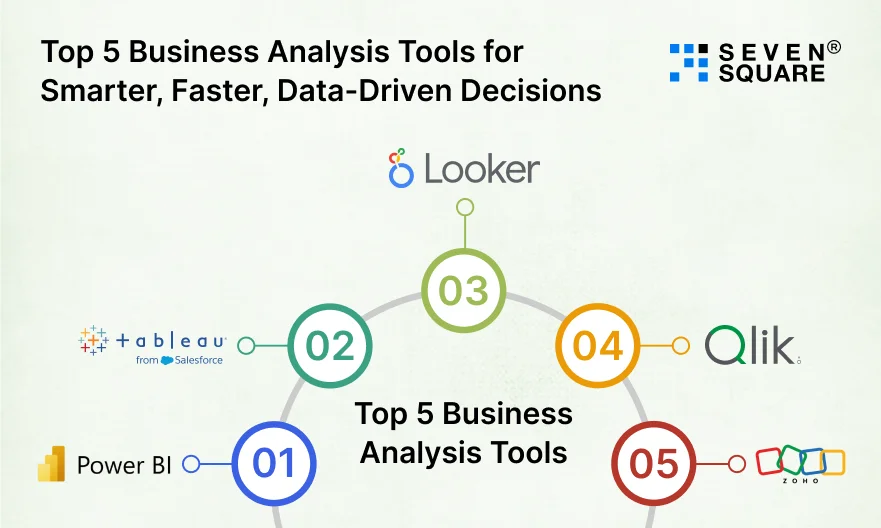
The right business analysis tool can completely change how a company works, makes decisions, and grows.
Here are the Top 5 Business Analysis Tools that deliver the strongest results in terms of speed, accuracy, ease of use, and ROI.
1. Microsoft Power BI: Best for Real-Time Dashboards & Enterprise Analytics

Microsoft Power BI remains the #1 Power BI business analysis tool because of its real-time dashboards, powerful AI insights, automation features, & deep enterprise integrations.
Most of our enterprise clients prefer Power BI for its scalability and strong Microsoft ecosystem support.
Why is it a Top Choice?
- Real-time dashboards and interactive KPI visuals.
- AI-driven insights, predictive analytics models, and automated reporting.
- Best-in-class data modeling and large-scale analytics.
- Works smoothly for enterprise-level data analysis.
Key Features
- AI-based insights (Copilot for BI).
- Natural language Q&A for faster analysis.
- Row-level security for enterprise data governance.
- Highly customizable dashboards.
Integrations: Excel, SQL Server, Azure, ERP systems (SAP), CRM platforms (Dynamics 365, Salesforce).
Pros:
- Affordable pricing.
- Deep integration with the Microsoft ecosystem.
- Great for real-time reporting.
Best For: Enterprises, finance teams, operations, and companies needing real-time analytics.
2. Tableau: Best for Deep Data Visualization & Complex Analytics
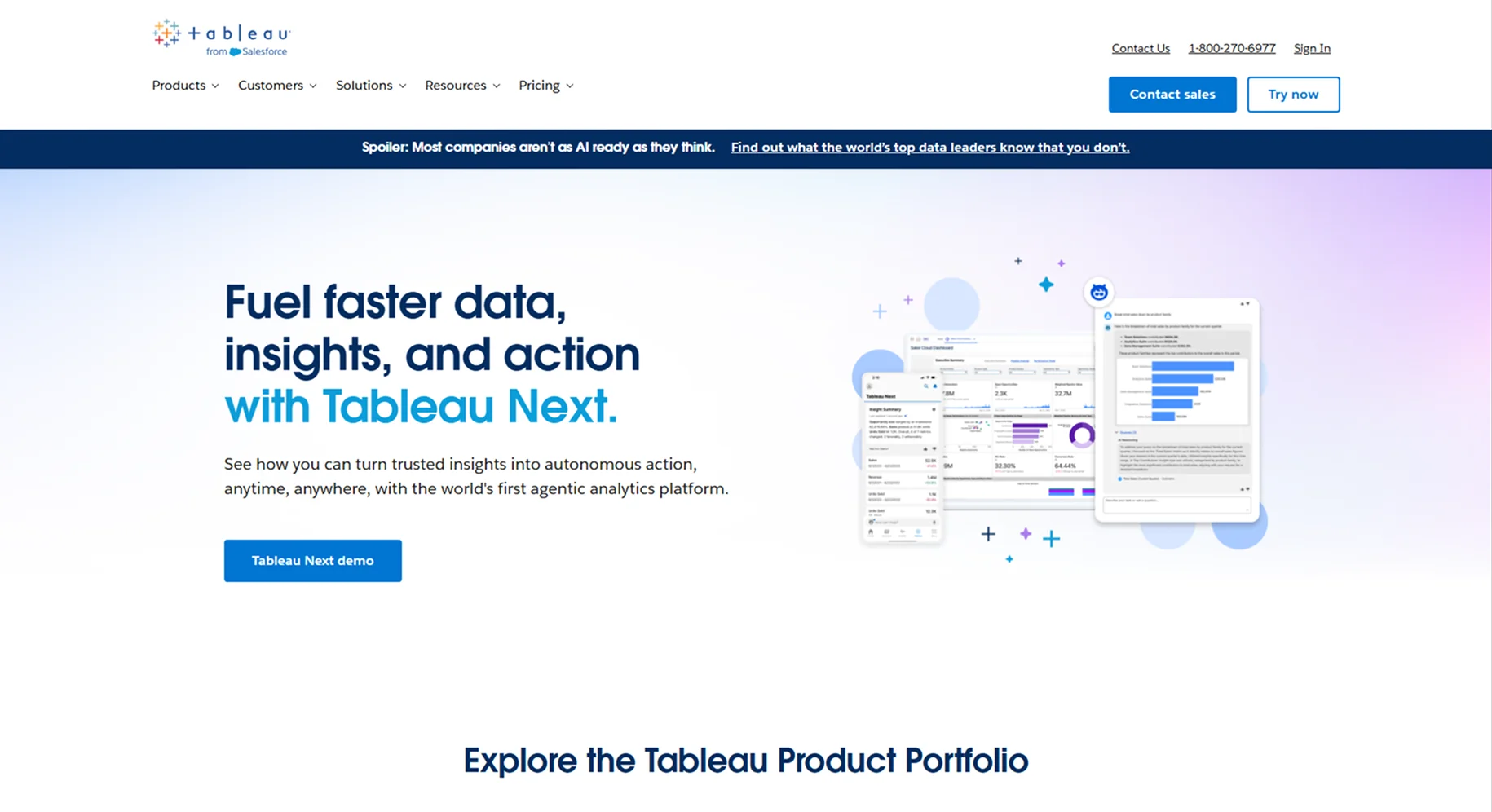
When businesses need beautiful dashboards and deeper exploration of complex datasets, Tableau is their first choice.
We often suggest Tableau to companies that prioritize design, storytelling, and advanced visualization.
Why Does It Stand Out?
- Best-in-class visuals and interactive dashboards.
- Great for data analysts and BI experts.
- Excellent for large datasets and exploratory analysis.
Key Features
- Drag-and-drop dashboard creation.
- AI-based “Explain Data” insights.
- Advanced analytics with Python/R integrations.
Integrations: Salesforce, Google Analytics, BigQuery, Snowflake, Excel, and more.
Pros:
- Stunning, clean data visuals.
- Highly flexible analytics features.
- Large community and enterprise support.
Best For: Enterprises, marketing teams, analysts, and companies comparing Tableau vs Power BI for complex analytics.
3. Looker (Google Cloud): Best for Cloud-Based Business Intelligence

Looker is one of the best cloud-based business analysis tools available today.
Built for the modern data stack, it is highly flexible, scalable, and perfect for SaaS companies and businesses operating fully in the cloud.
Why Looker Leads?
- Amazing semantic modeling layer (LookML).
- Real-time analytics powered by BigQuery.
- Cloud-native, fast, scalable, and ideal for global teams.
Key Features
- Embedded analytics for SaaS products.
- Consistent data definitions using LookML.
- Reusable data blocks for faster BI development.
Integrations: Google BigQuery, Snowflake, Redshift, Cloud SQL, HubSpot, and more.
Pros:
- Cloud-first architecture.
- Strong modeling layer.
- Ideal for fast-growing SaaS brands.
Best For: SaaS companies, tech startups, and teams building cloud-based analytics.
4. Qlik Sense: Best for Associative Analytics & Fast Decisions
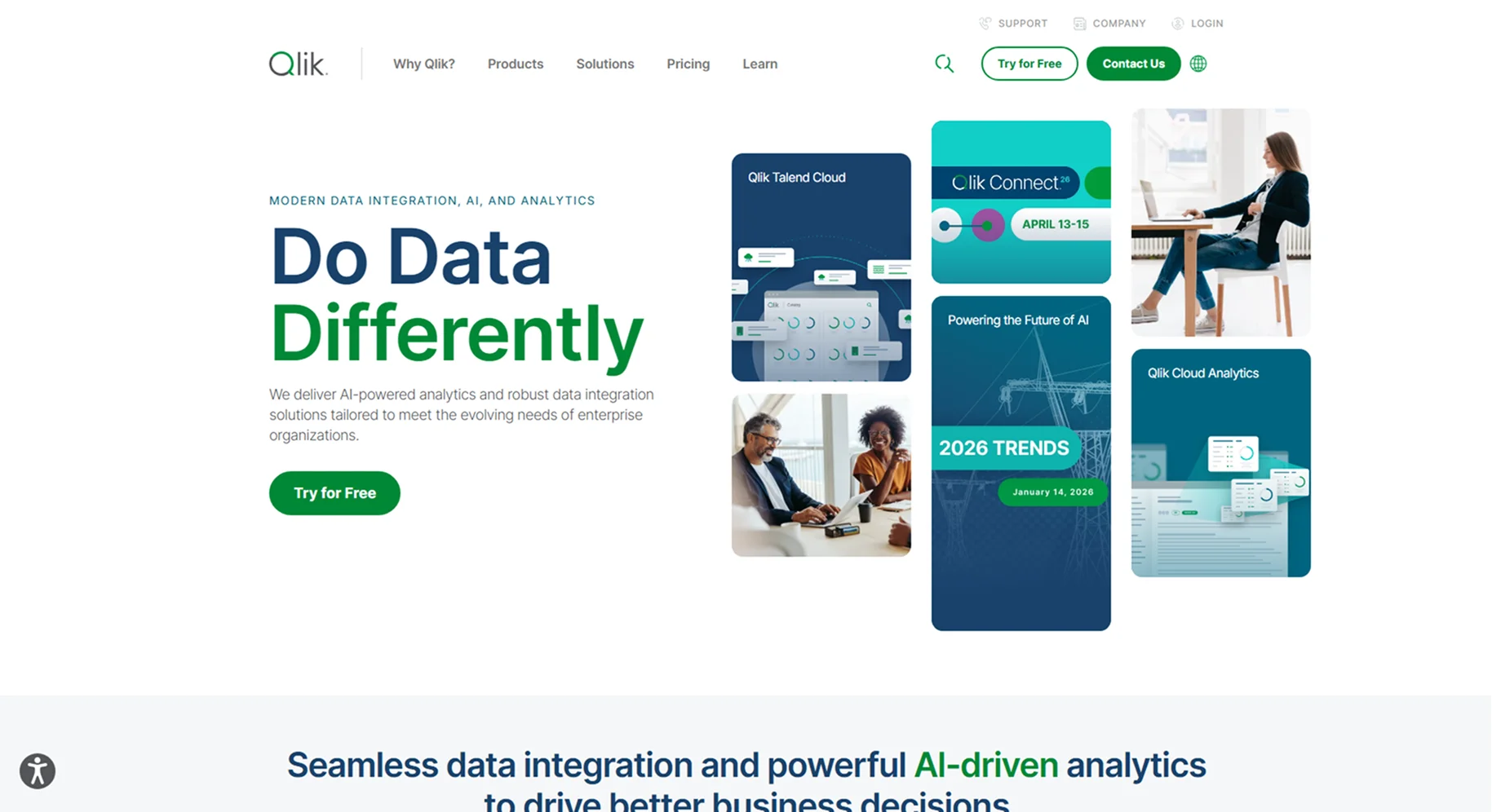
Qlik Sense is one of the best tools for business process analysis because of its powerful associative analytics engine.
Unlike Power BI or Tableau, Qlik lets users explore data in every direction.
Why is Qlik Sense Powerful?
- Fast analysis even with large datasets.
- A unique associative engine reveals hidden patterns.
- Great for enterprise operations and process optimization.
Key Features
- Smart Search for instant insights.
- Augmented intelligence for guided analytics.
- Memory-based processing for speed.
Integrations: SAP, Oracle, SQL databases, Salesforce, and major ERP/CRM platforms.
Pros:
- Super-fast performance.
- Advanced analytics engine.
- Works great for enterprise-wide analytics.
Best For: Enterprises, operations teams, and companies dealing with massive datasets.
5. Zoho Analytics: Best Affordable BI Tool for Startups & SMBs
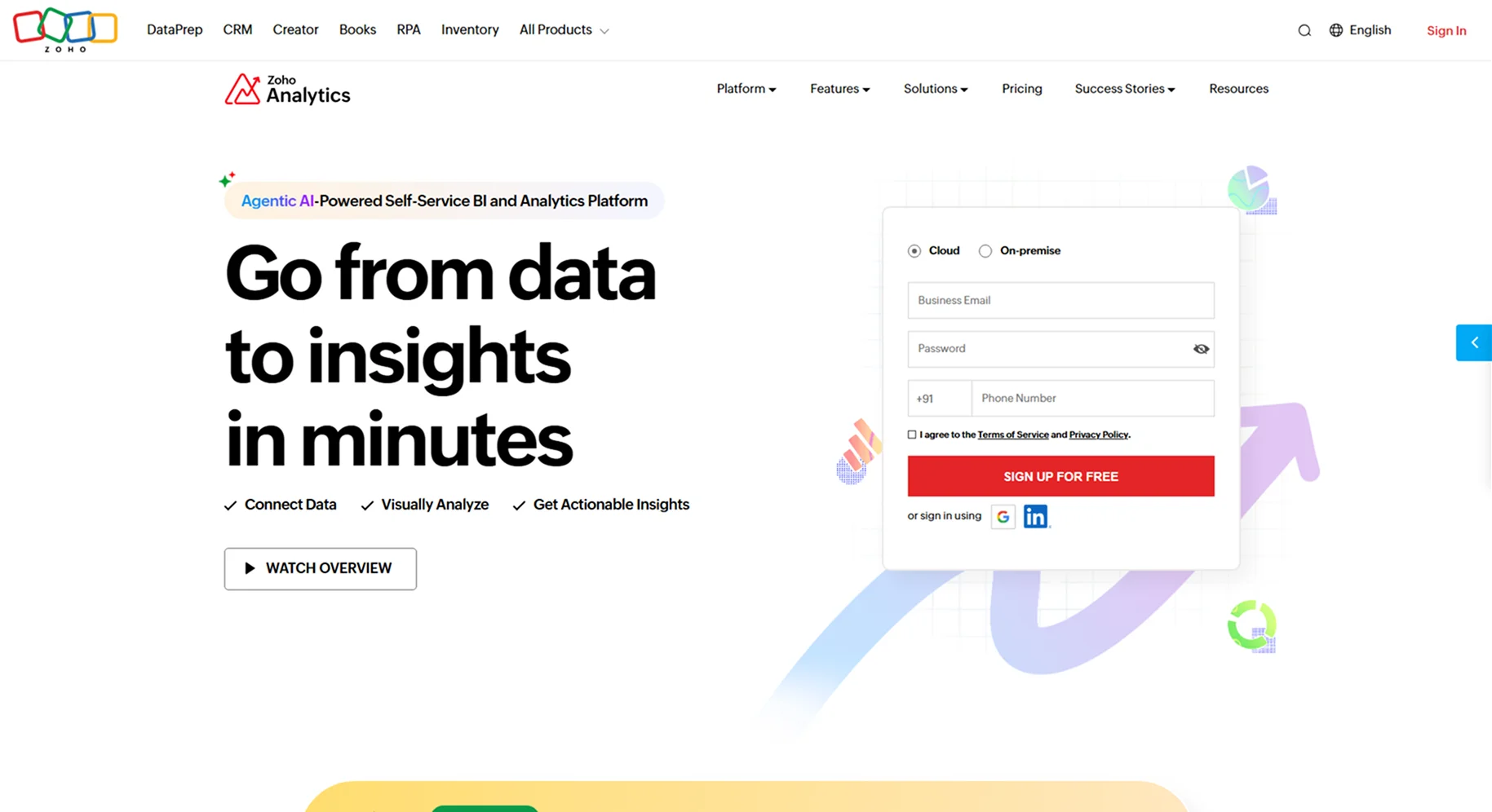
Zoho Analytics is the top pick for business analysis tools for small businesses because it’s affordable, easy to use, and offers strong automation features.
We often suggest it to startups, small teams, and SMBs that want BI without high costs.
Why Do Zoho Analytics Stand Out?
- Budget-friendly pricing.
- Clean, simple dashboard interface.
- AI-based insights via Zia.
- Perfect for beginners.
Key Features
- Drag-and-drop reports.
- Automated insights.
- Embedded analytics for small SaaS products.
Integrations: Zoho CRM, Google Sheets, MySQL, Shopify, Stripe, HubSpot, QuickBooks, and more.
Pros:
- Affordable and beginner-friendly.
- Fast setup.
- Strong insights for small teams.
Best For: Startups, SMBs, small teams, and businesses wanting an affordable, simple business analysis tool.
Comparison of Power BI vs Tableau vs Looker vs Qlik vs Zoho
Here’s our easy-to-read comparison table that ranks the top 5 business analysis tools based on what modern businesses actually need.
| Feature | Power BI | Tableau | Looker (Google Cloud) | Qlik Sense | Zoho Analytics |
|---|---|---|---|---|---|
| Pricing | Affordable & flexible plans. | Expensive & enterprise-level. | Pay-as-you-go (Google Cloud) | Mid-range | Most affordable for SMBs |
| Ease of Use | Very easy; Excel-like | Medium; needs training | Easy for cloud users | Moderate | Extremely simple |
| Best Features | Real-time dashboards, AI insights, KPI automation | Stunning visualizations, deep analytics | Cloud BI, flexible data models | Associative analytics, smart search | Automated insights, drag-and-drop UI |
| AI Automation | Strong AI (KPI forecasting, insights) | Good AI but limited automation | Built-in AI with Google ecosystem | AI recommendations available | Auto-insights for beginners |
| Reporting & Dashboards | Excellent; enterprise-ready | Best in visualization; very interactive | Cloud-optimized dashboards | Fast dashboards for large datasets | Simple, customizable reports |
| Integrations | Excel, SQL, Dynamics, ERP, CRM | Salesforce, cloud DBs, enterprise tools | BigQuery, Google Workspace | SAP, Oracle, large DBs | Zoho Suite, Google, popular apps |
| Ideal Business Size | Startups to Enterprises | Medium to Large enterprises | SaaS startups to Cloud enterprises | Data-heavy mid/large companies | Small businesses & startups |
| Best For | Teams needing real-time data & AI | Organizations needing advanced visuals | Companies working on Google Cloud | Businesses analyzing huge datasets | Startups needing low-cost BI |
| Our Suggestion | Best all-round BA tool for most clients. | Best for analytics-focused teams. | Best for cloud-native companies. | Best for complex decision-making. | Best budget BI for small teams. |
Which Business Analysis Tool Is Right for Your Business?
If you’re wondering how to choose a business analysis tool for my company, here is a simple decision framework we use:
For Enterprises: Power BI, Tableau, Qlik
- Best for large-scale analytics, enterprise dashboards, KPI tracking, automation, and AI insights.
For SaaS Companies: Looker (Google Cloud)
- Perfect for cloud analytics, product metrics, customer behavior analysis, and subscription insights.
For Startups & SMBs: Zoho Analytics
- Affordable, simple to use, and powerful enough for growth-focused teams.
For Marketing Teams: Tableau / Power BI
- Great for marketing dashboards, funnel analysis, and campaign reporting.
For Finance Teams: Power BI / Qlik
- Best for financial modeling, forecasting, and structured data analysis.
We match tools based on your team size, data complexity, goals, and budget.
What Are the Free Business Analysis Tools for Beginners?
If you’re just getting started, here are powerful free business analysis tools you can use:
- Google Looker Studio: Great for free dashboards and simple performance reporting.
- Microsoft Excel Advanced Dashboards: Ideal for beginners who want KPI tracking and visual reports.
- Airtable (Basic Analytics): Perfect for small teams needing simple database + analytics features.
We help businesses upgrade from these tools to advanced BI platforms when they scale.
How We Help You Pick & Implement the Right Business Analysis Tool?
We build complete solutions using our end-to-end expertise in business analysis implementation and data analytics services.
- Custom BI Dashboard Development: We design dashboards that fit your workflows, KPIs, and business goals.
- Data Pipeline Setup & Integration: We connect your CRM, ERP, databases, marketing tools, and apps into a single source of truth.
- Predictive Analytics Model Building: We use AI to forecast sales, demand, customer churn, and financial trends.
- Cloud-Based BI Solutions (AWS, Azure, & GCP): We build fast, scalable analytics systems for enterprises and startups.
- Ongoing Support & Optimization: We keep your BI tools updated, automated, and high-performing.
Want to Implement a Business Analysis Tool? Contact Us Now!
How Businesses Can Use These Business Analysis Tools to Make Smarter Decisions?
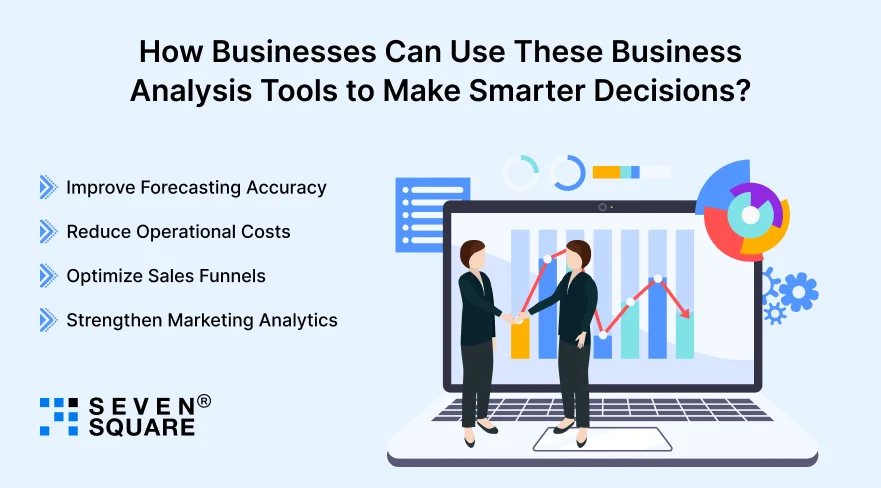
Here are real data-driven decision-making examples we often see:
- Improve Forecasting Accuracy: Power BI and Tableau help predict sales, inventory needs, and financial trends with high accuracy.
- Reduce Operational Costs: Dashboards highlight inefficiencies, delays, and high-cost areas so teams can fix problems fast.
- Optimize Sales Funnels: Tools like Looker and Zoho Analytics show where leads drop off, helping improve conversions.
- Strengthen Marketing Analytics: Businesses get deeper insights into campaigns, customer behavior, and ROI.
Every data insight directly improves decision-making speed and quality.
Smarter Tools = Smarter Decisions
The right business analysis tool helps you understand your data, predict future outcomes, improve performance, and make confident data-driven decisions.
Whether you’re a startup, SMB, SaaS brand, or enterprise, selecting the tool that fits your needs will drive growth and long-term success.
FAQs
- Power BI, Tableau, and Qlik are the top choices for enterprises needing advanced dashboards, automation, and large-scale analytics.
- Zoho Analytics, Excel dashboards, and Looker Studio are great beginner-friendly options.
- Power BI and Looker provide excellent real-time analytics and live data updates.
- They turn raw data into insights, help track KPIs, automate reports, and support fast, data-driven decisions.